Store screenshots, rendered from your code
A Claude Code skill. Claude reads your app, writes the captions in every language you ship, and renders App Store and Google Play images at exact store sizes. It also renders app preview videos and the product page header, search and In-App Event assets. Free, local and open source.
screenshots.config.json
{
  "locales": ["en-US", "vi", "de", "ar", "ja"],
  "targets": ["ios-6.9", "ipad-13", "android-phone", "play-feature-graphic"],
  "strings": "copy.json",
  "theme": {
    "font": {"family": "Plus Jakarta Sans"},
    "highlight": {"style": "color", "color": "#ffcf5c"},
    "device": {"style": "real", "color": "black-titanium"}
  },
  "slides": [
    {"id": "hero", "layout": "hero", "screen": "screens/home.html"},
    {"id": "track", "layout": "text-top", "screen": "screens/home.html"},
    {"id": "insights", "layout": "tilt-left", "screen": "screens/stats.html"},
    …
  ]
}
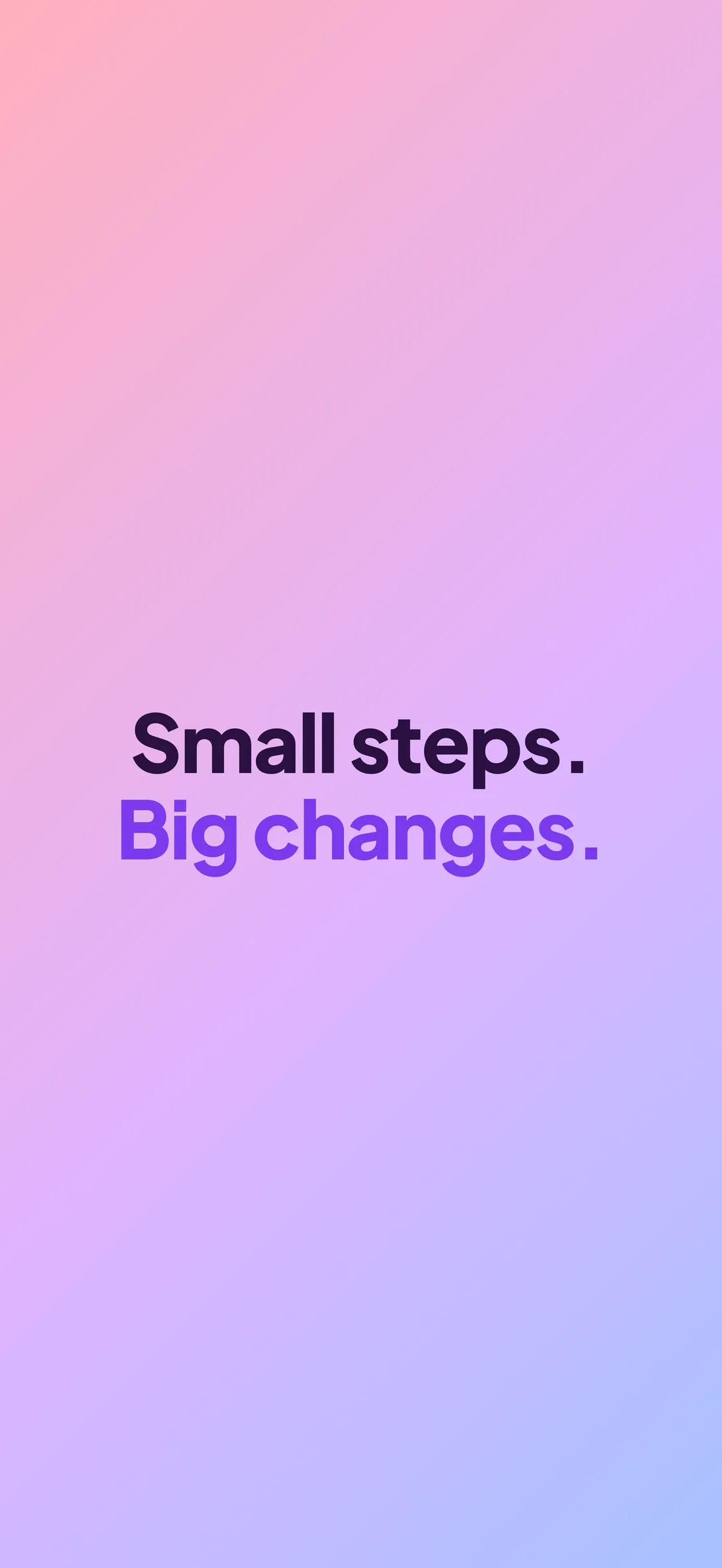
iPhone 6.9″, rendered from that config 1320 × 2868 px
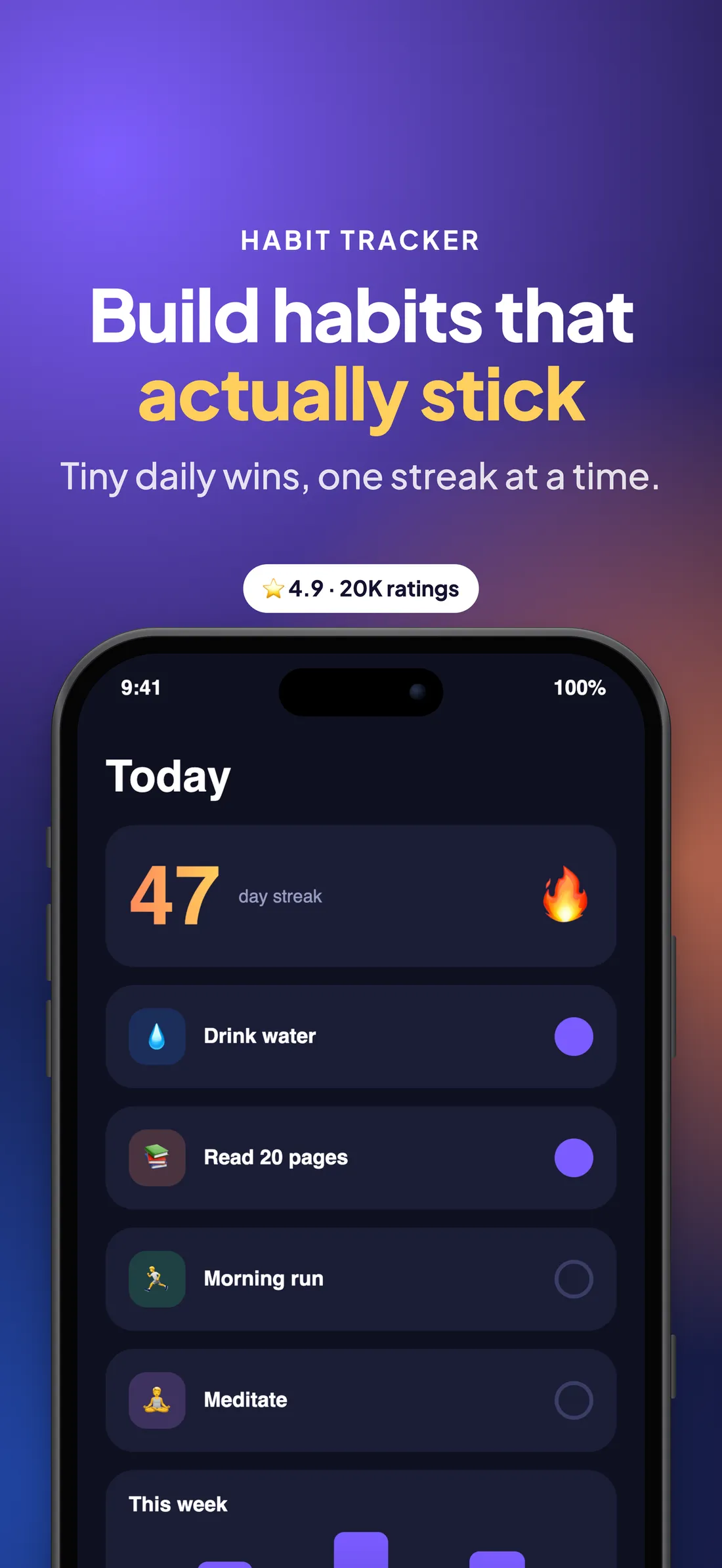
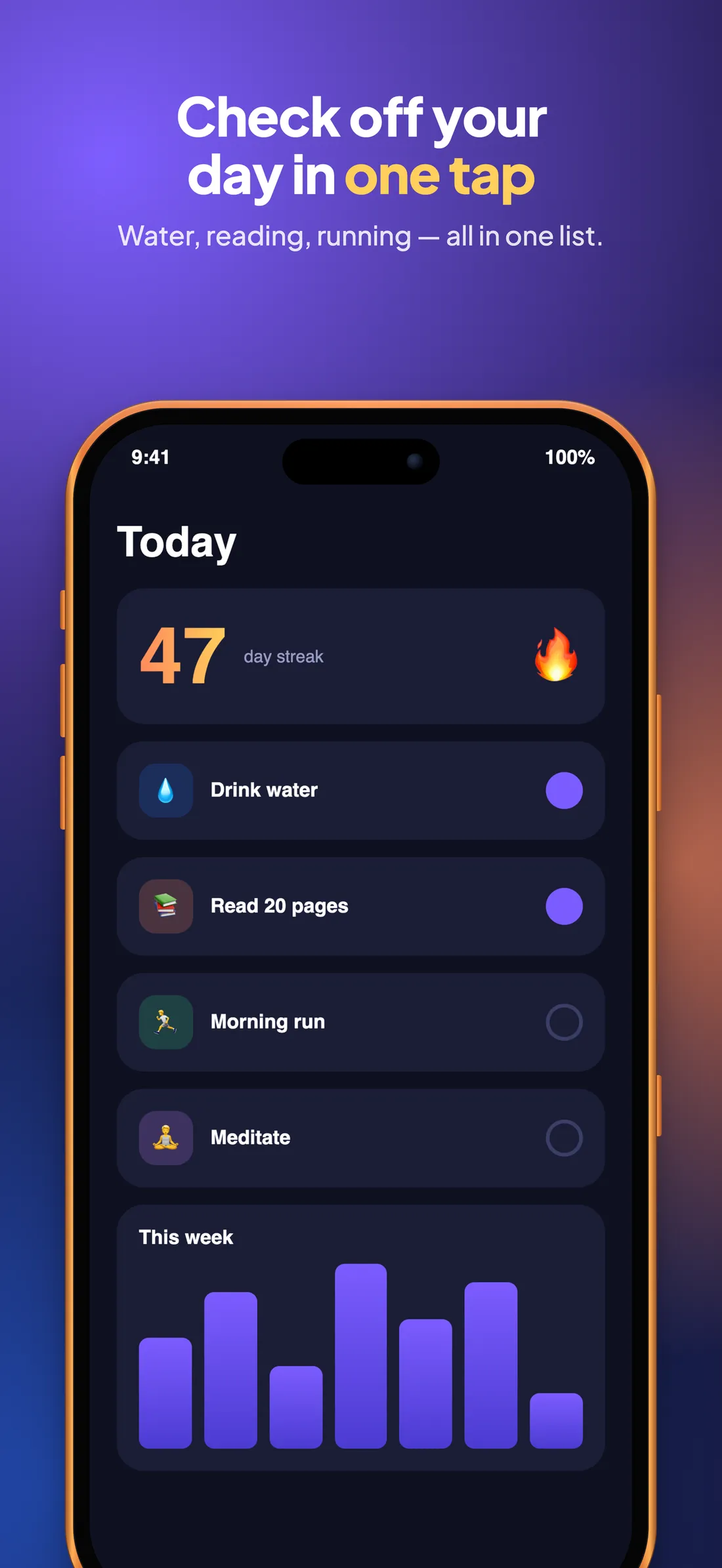
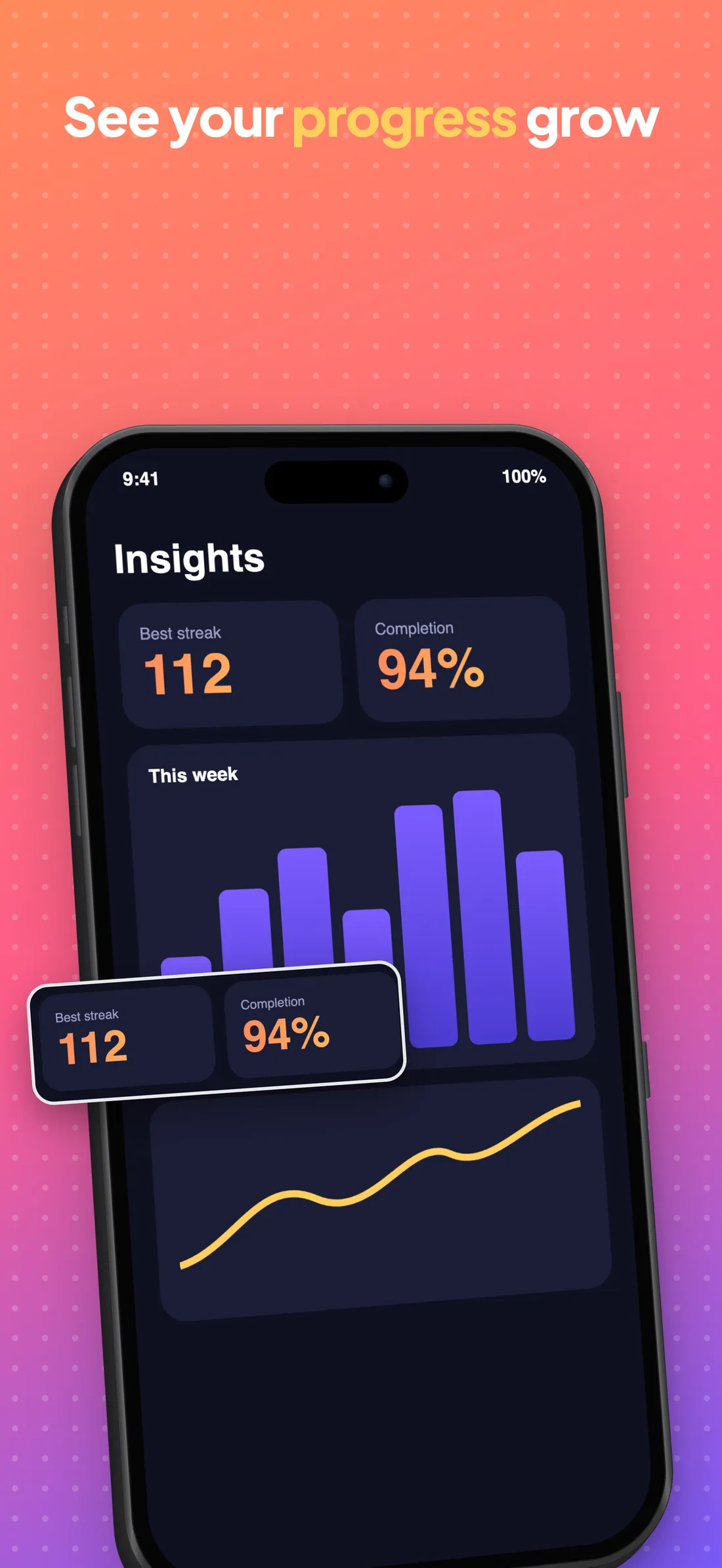
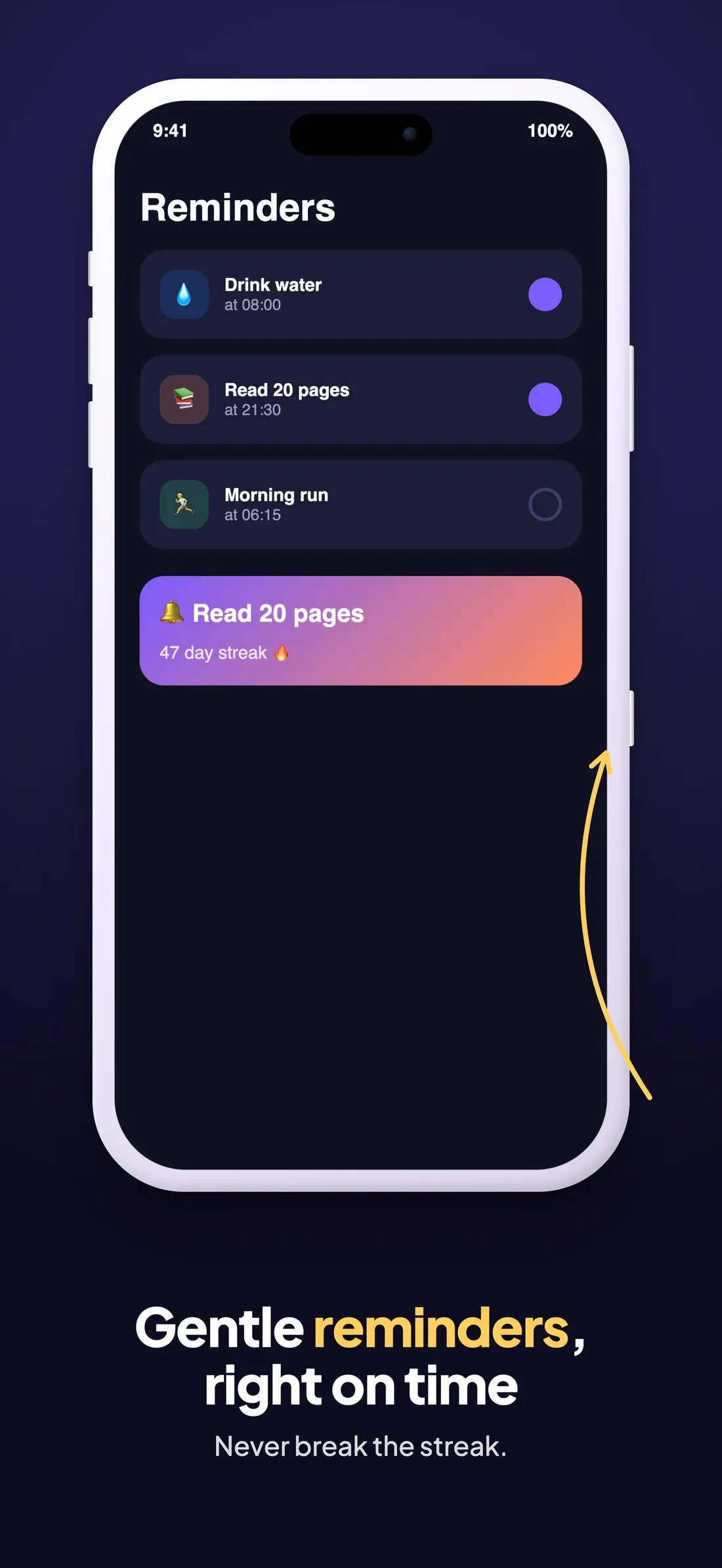
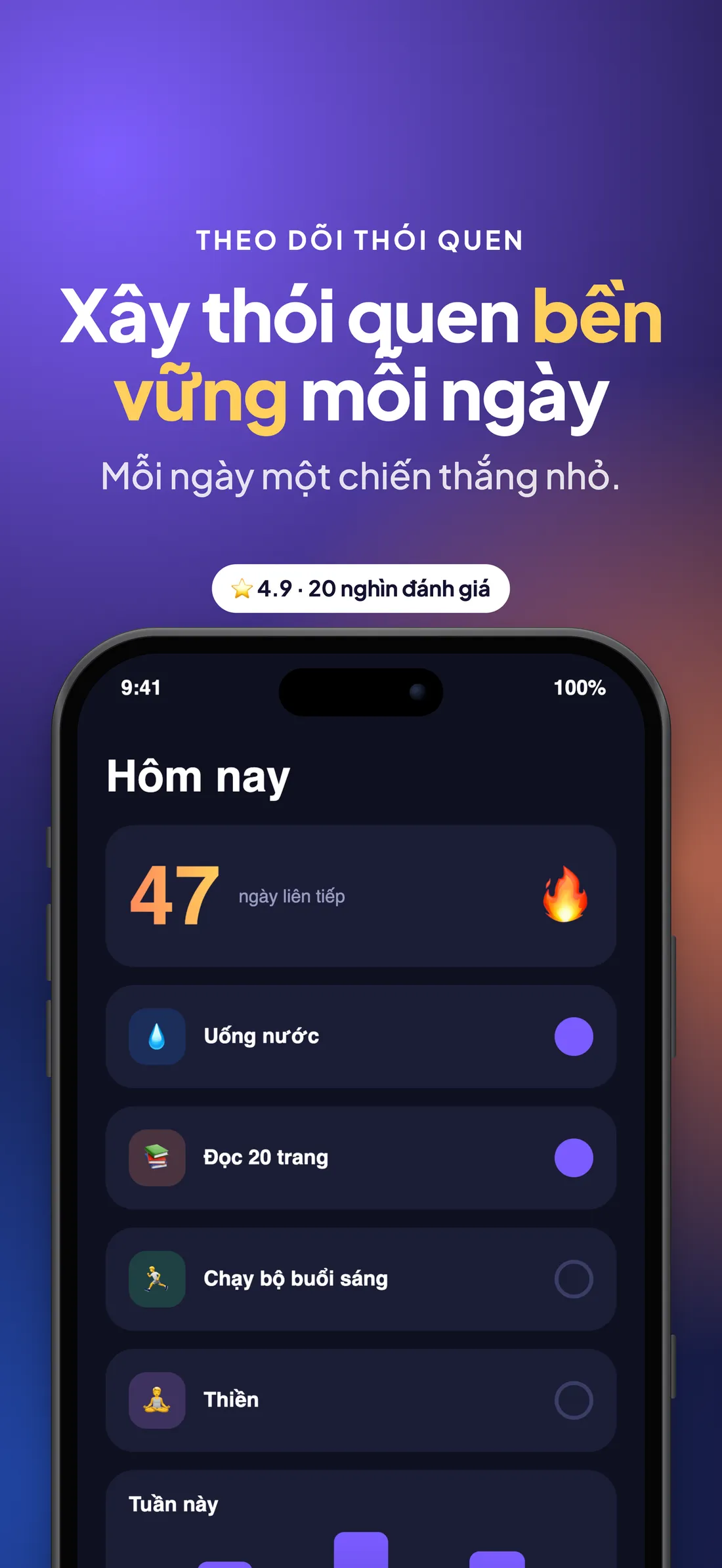
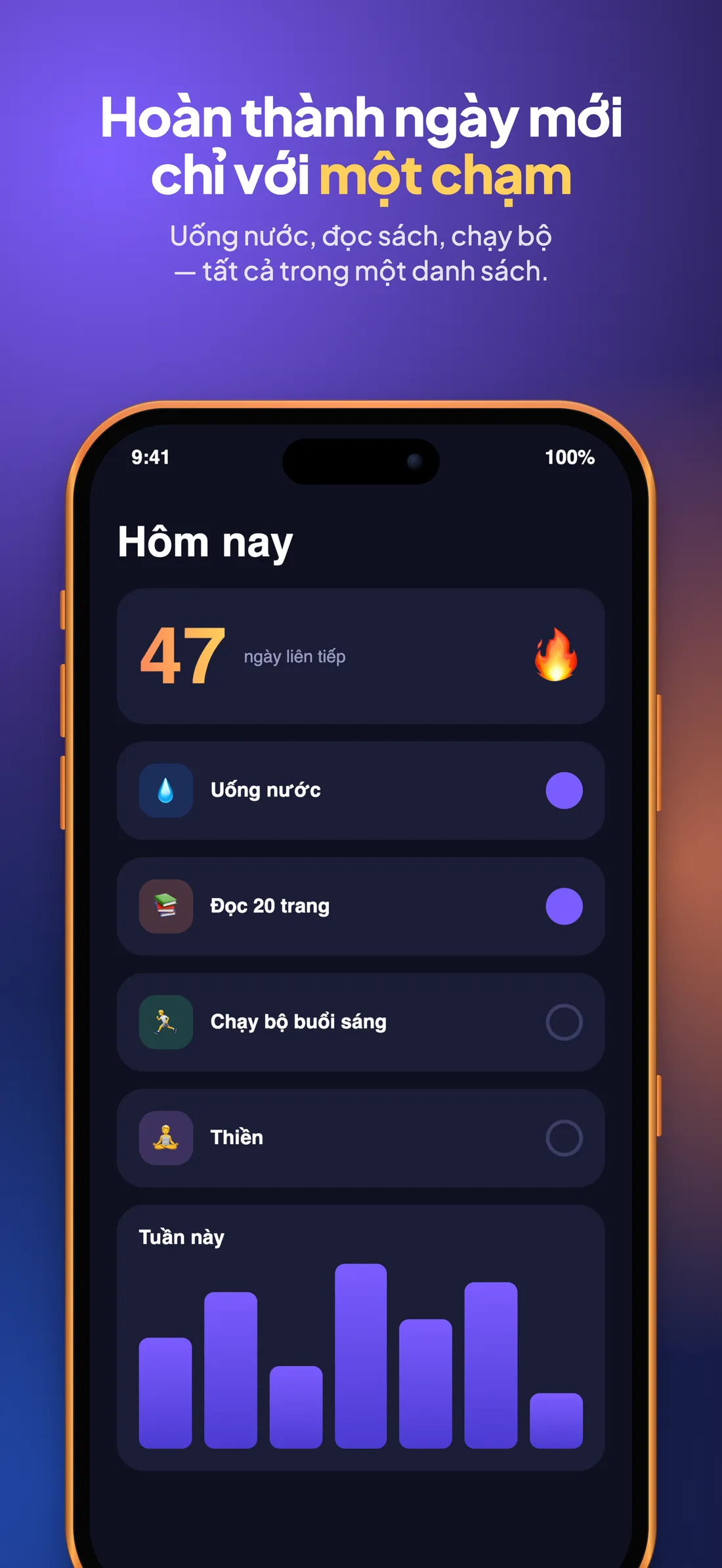
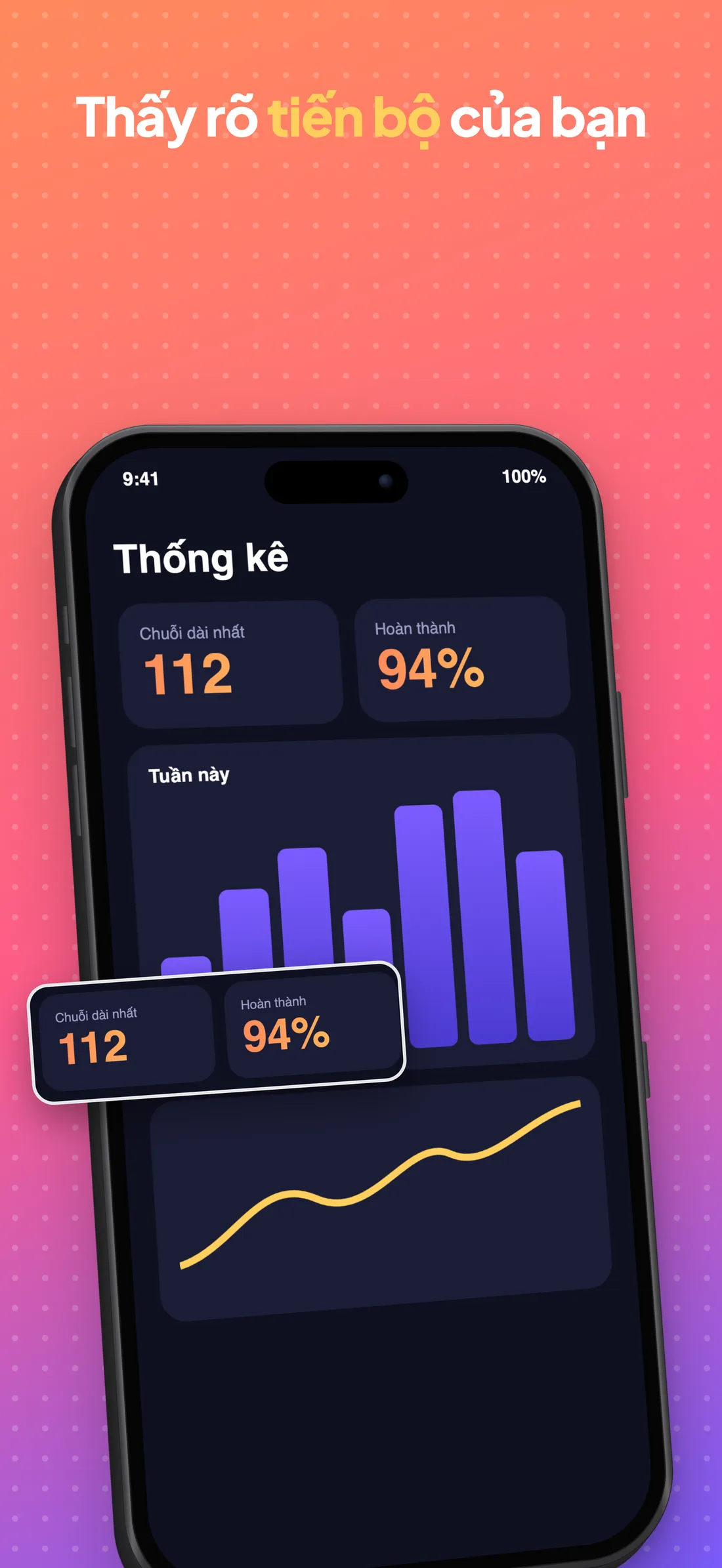
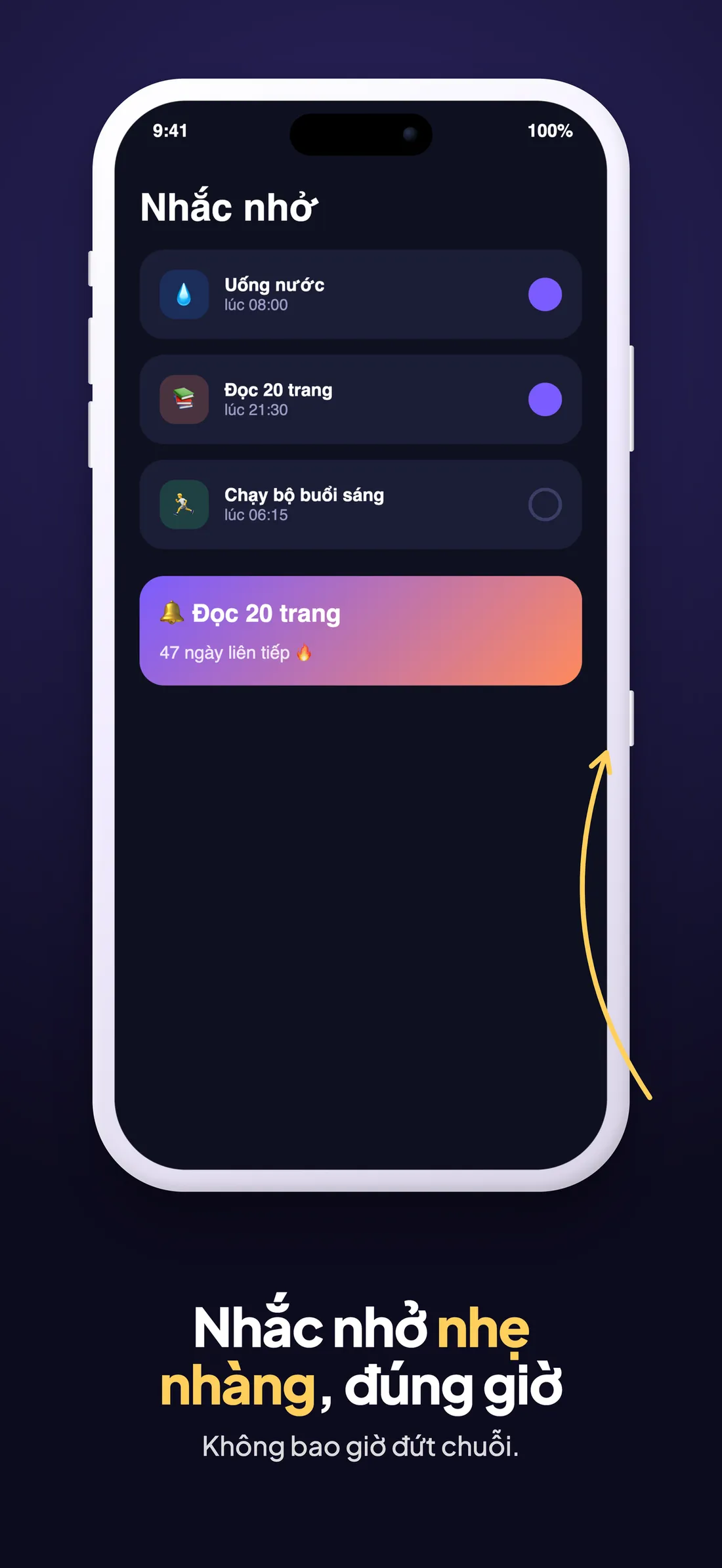
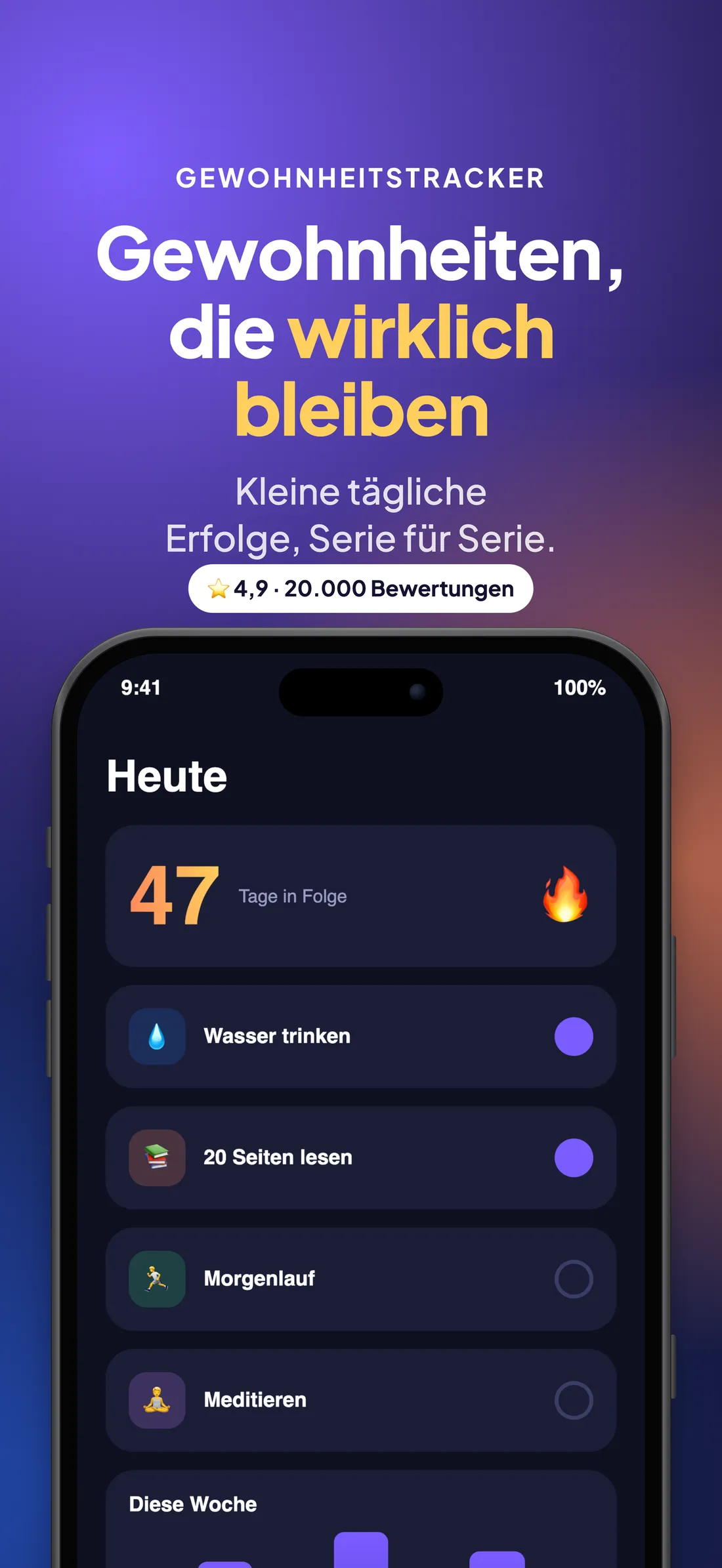
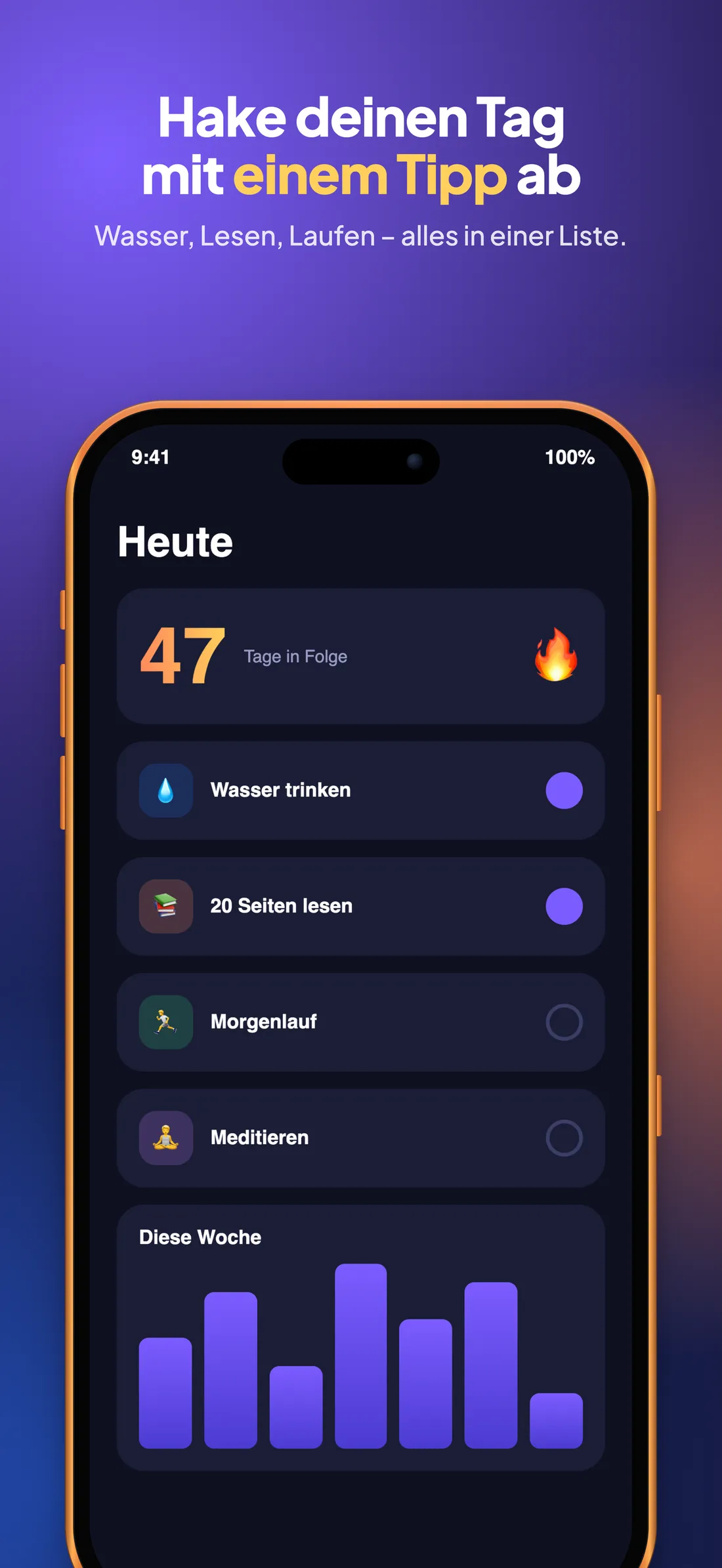
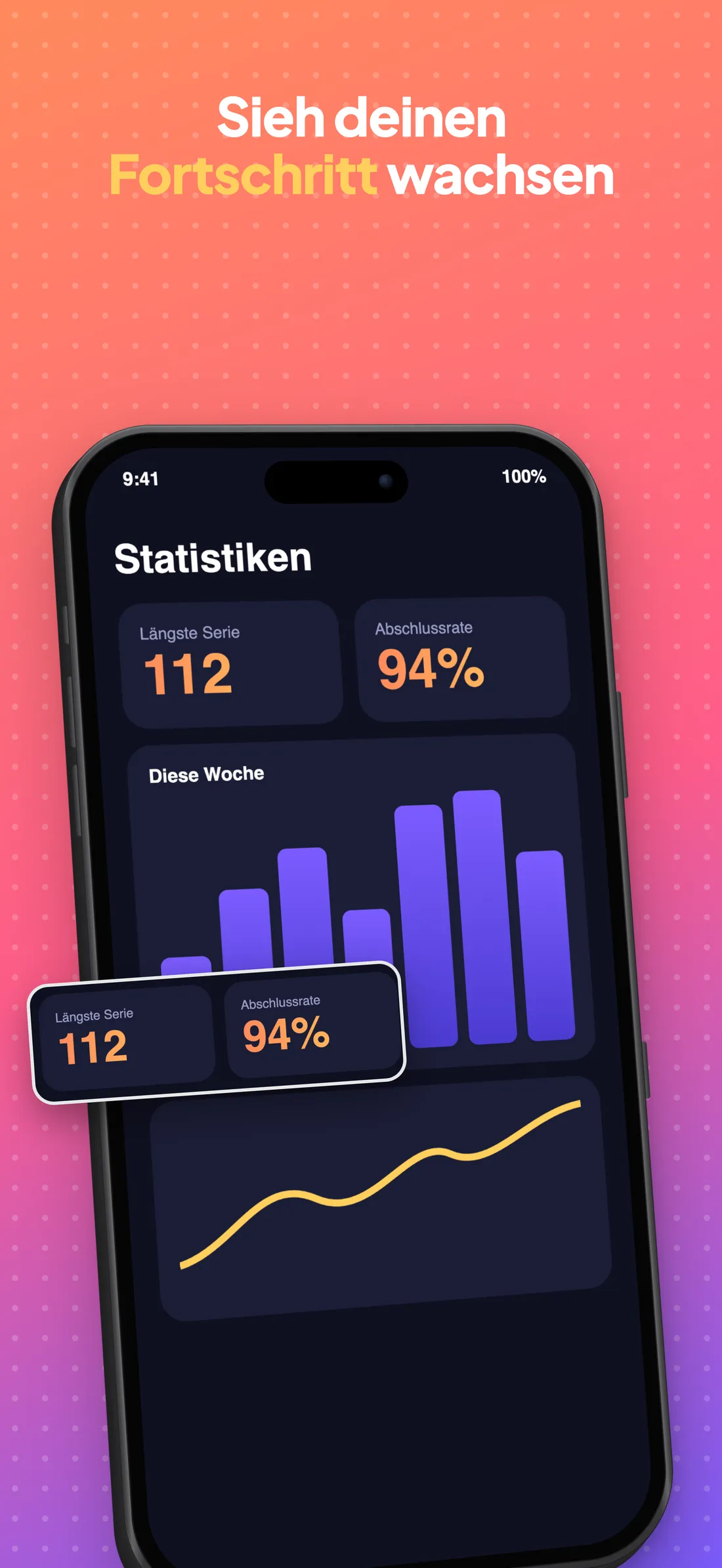
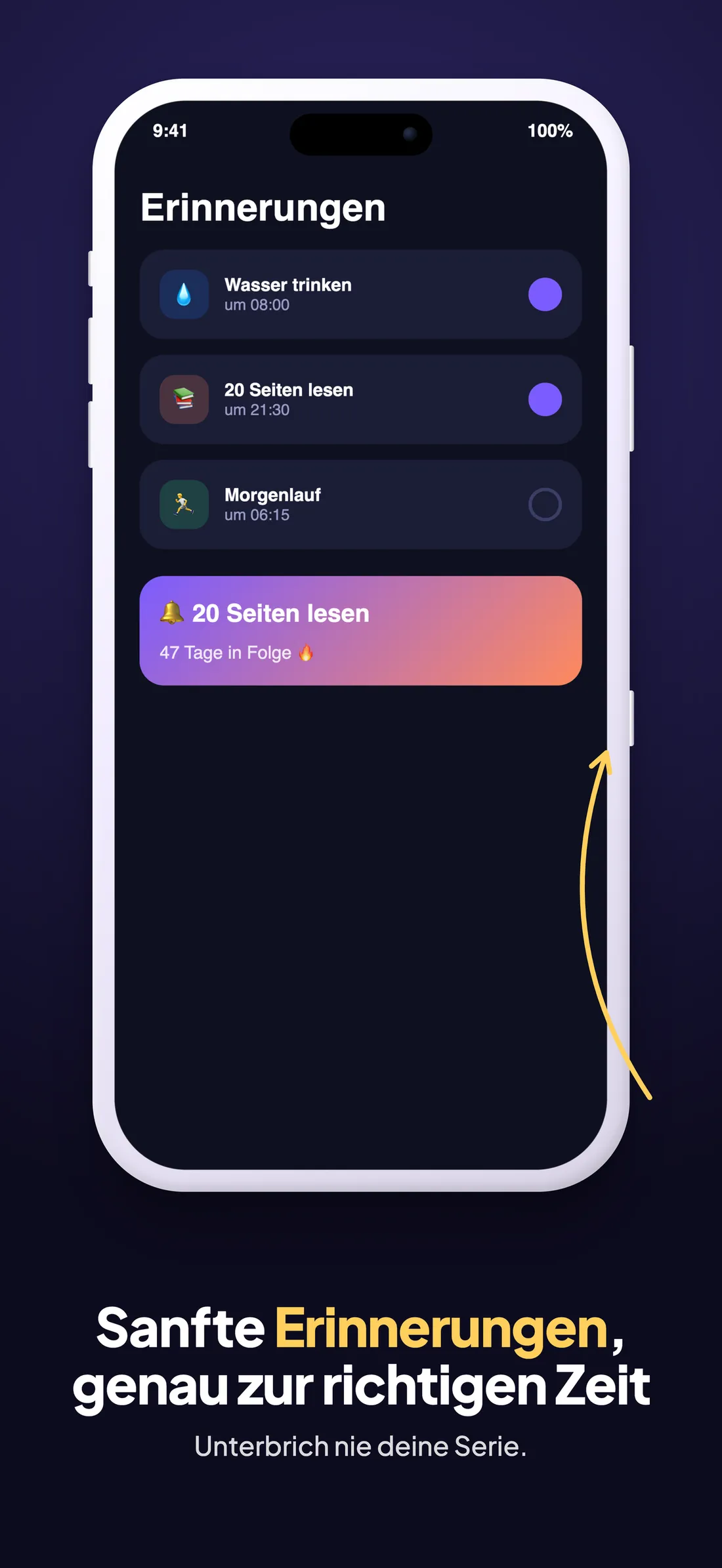
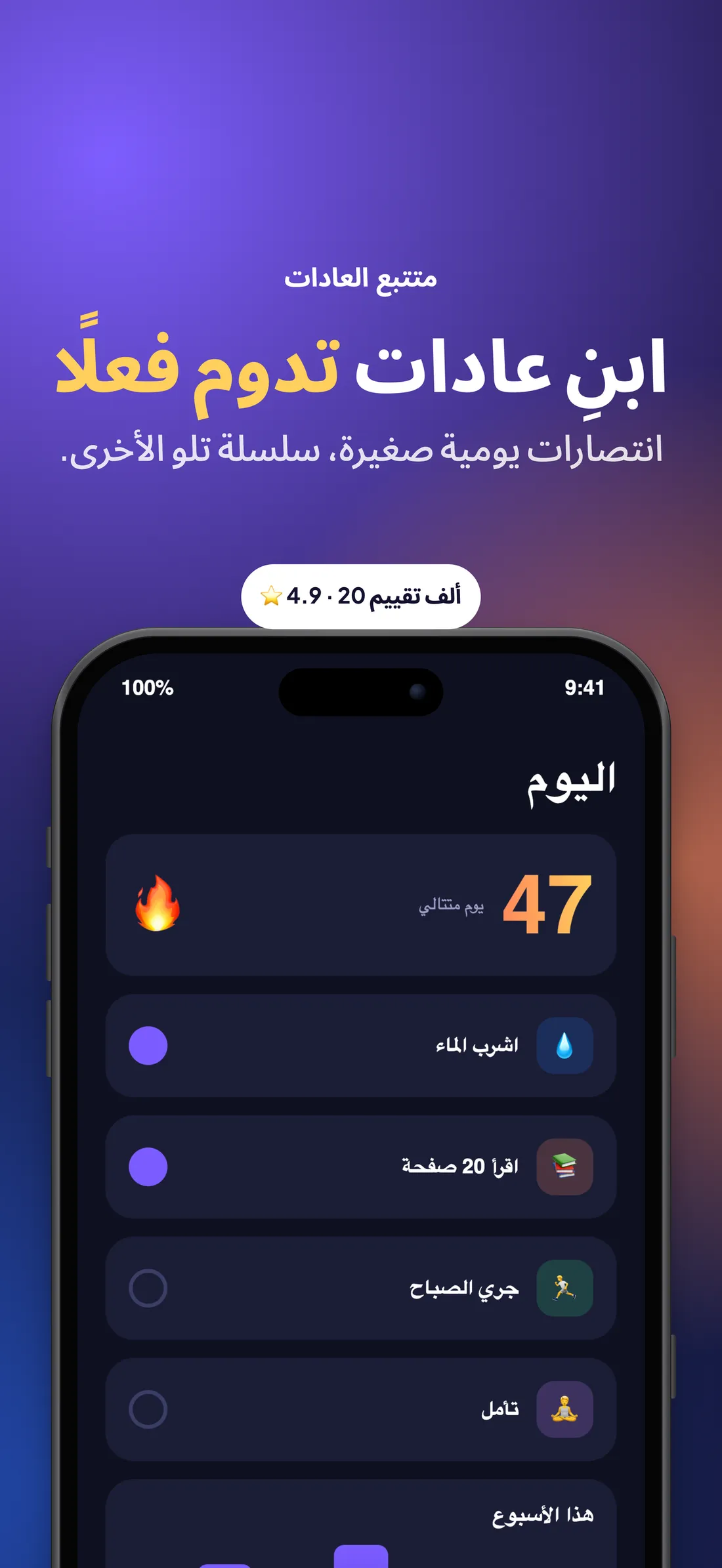
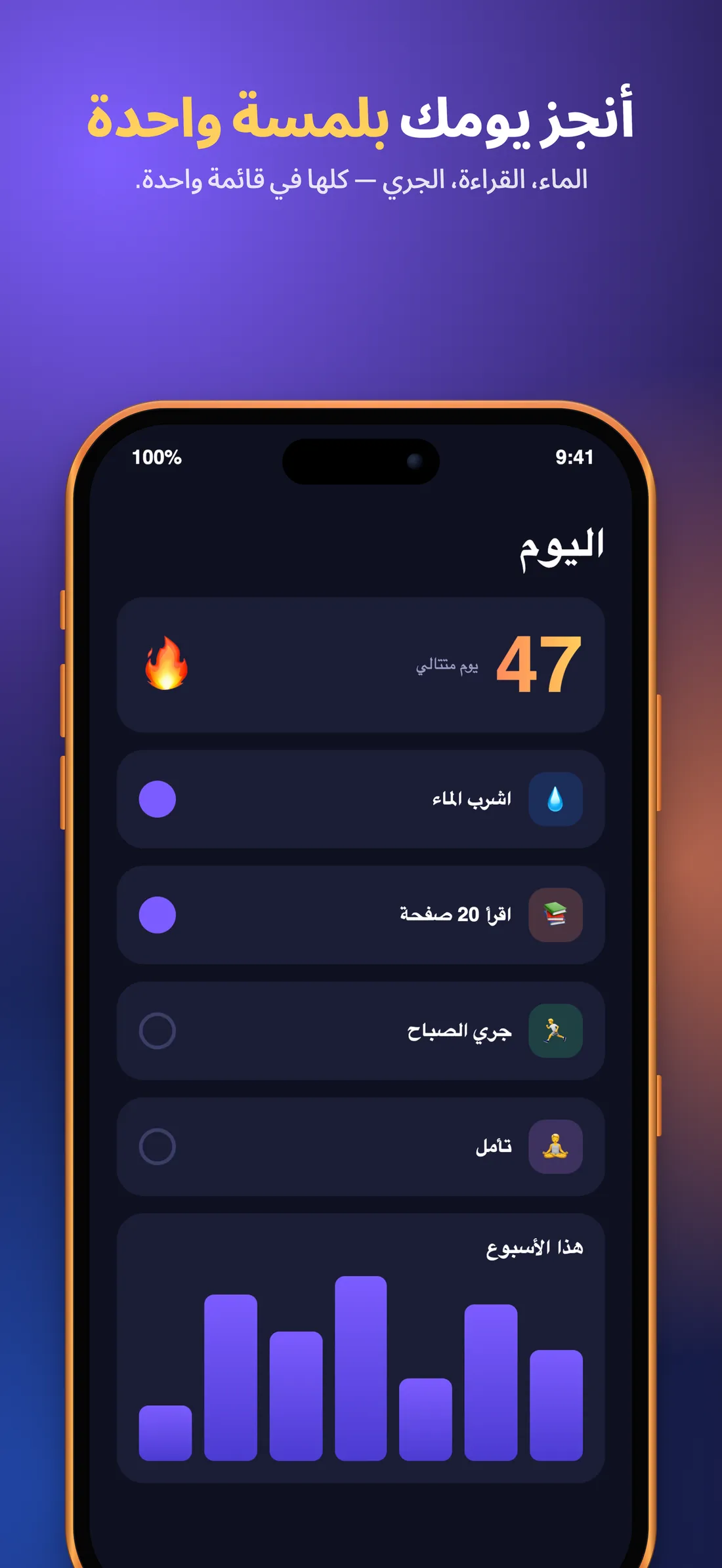
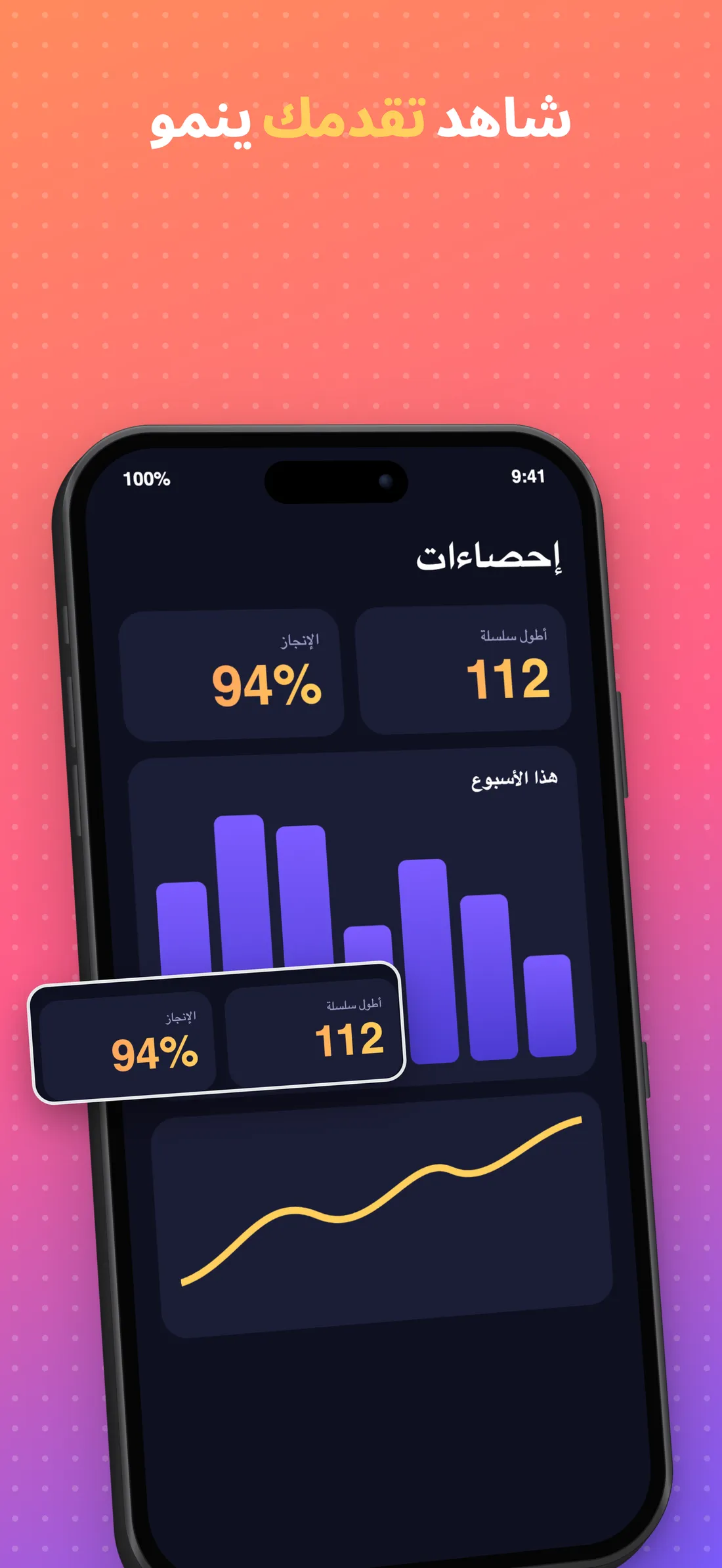
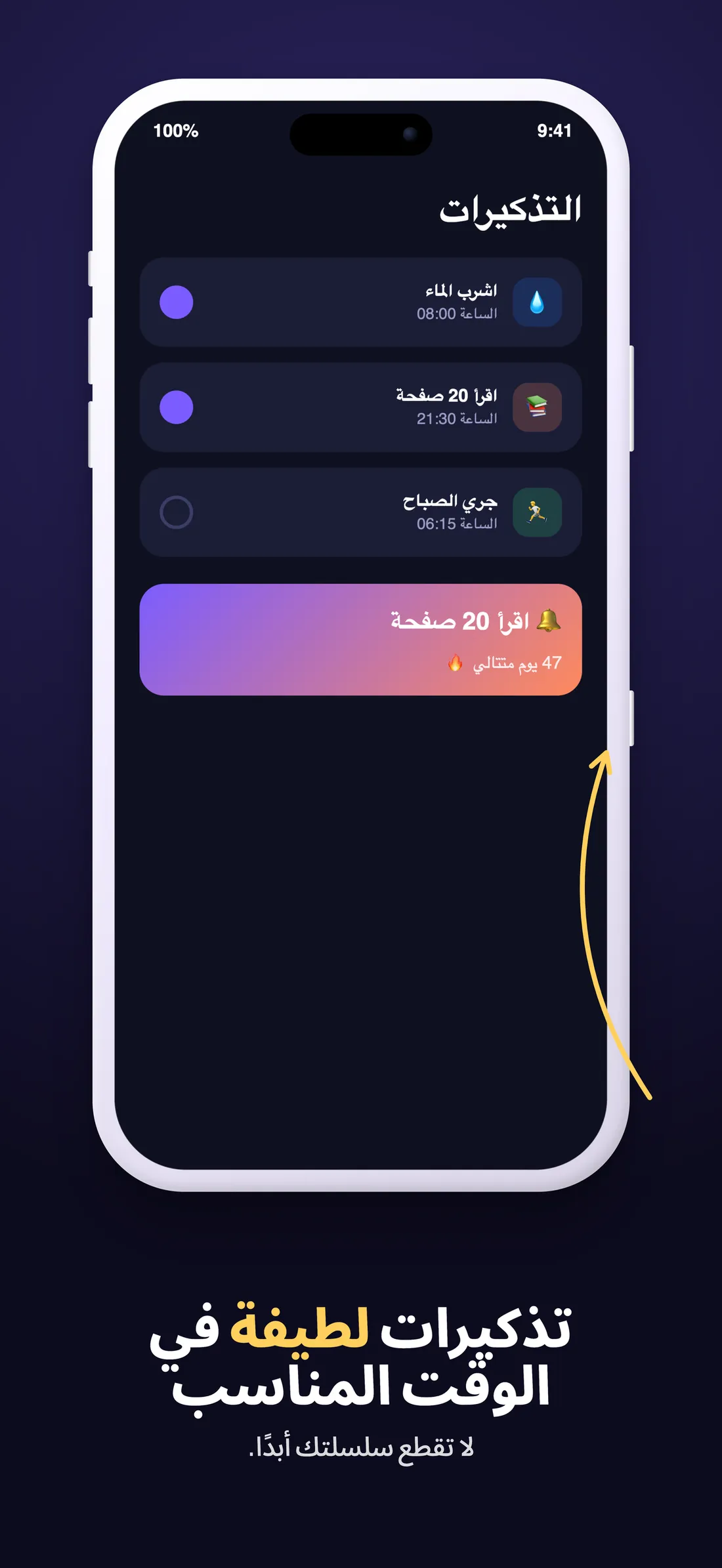
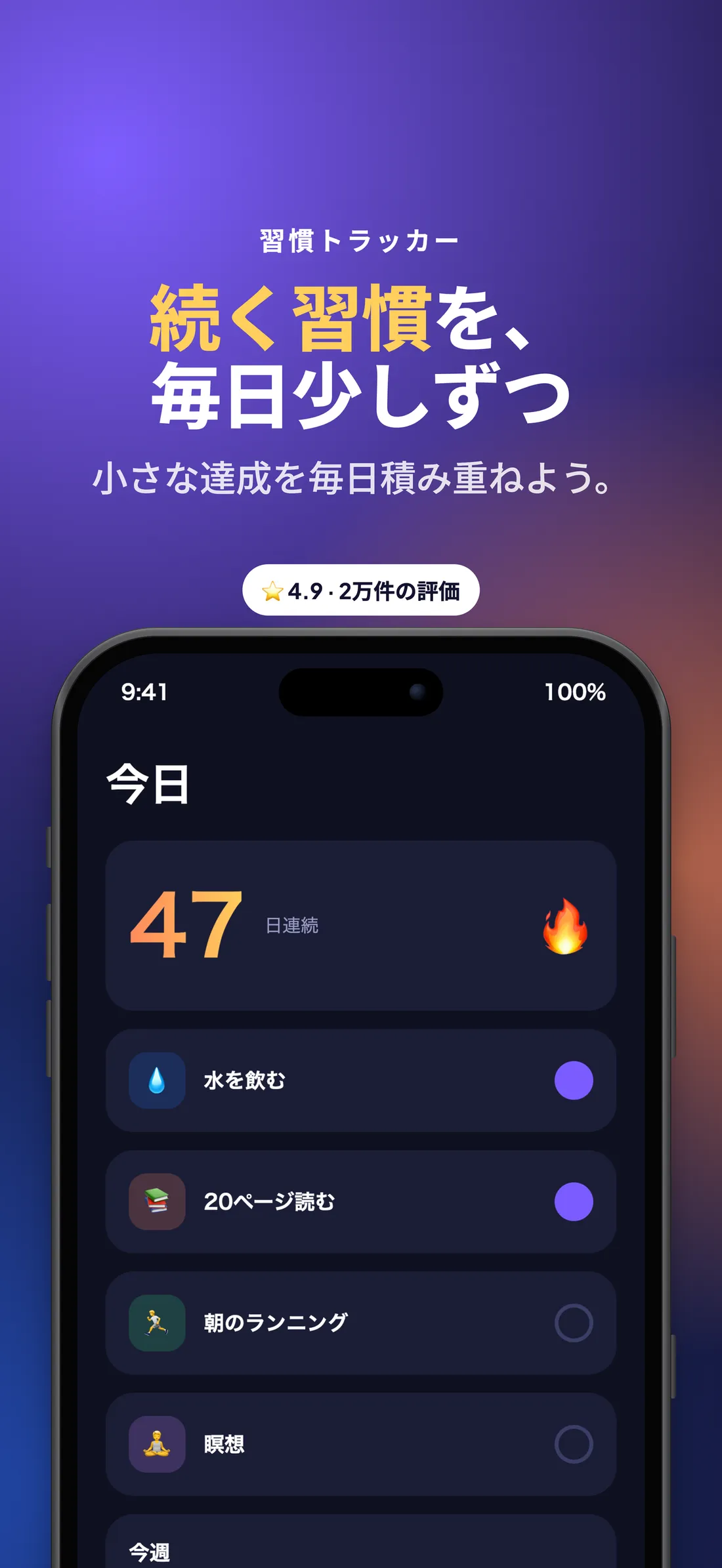
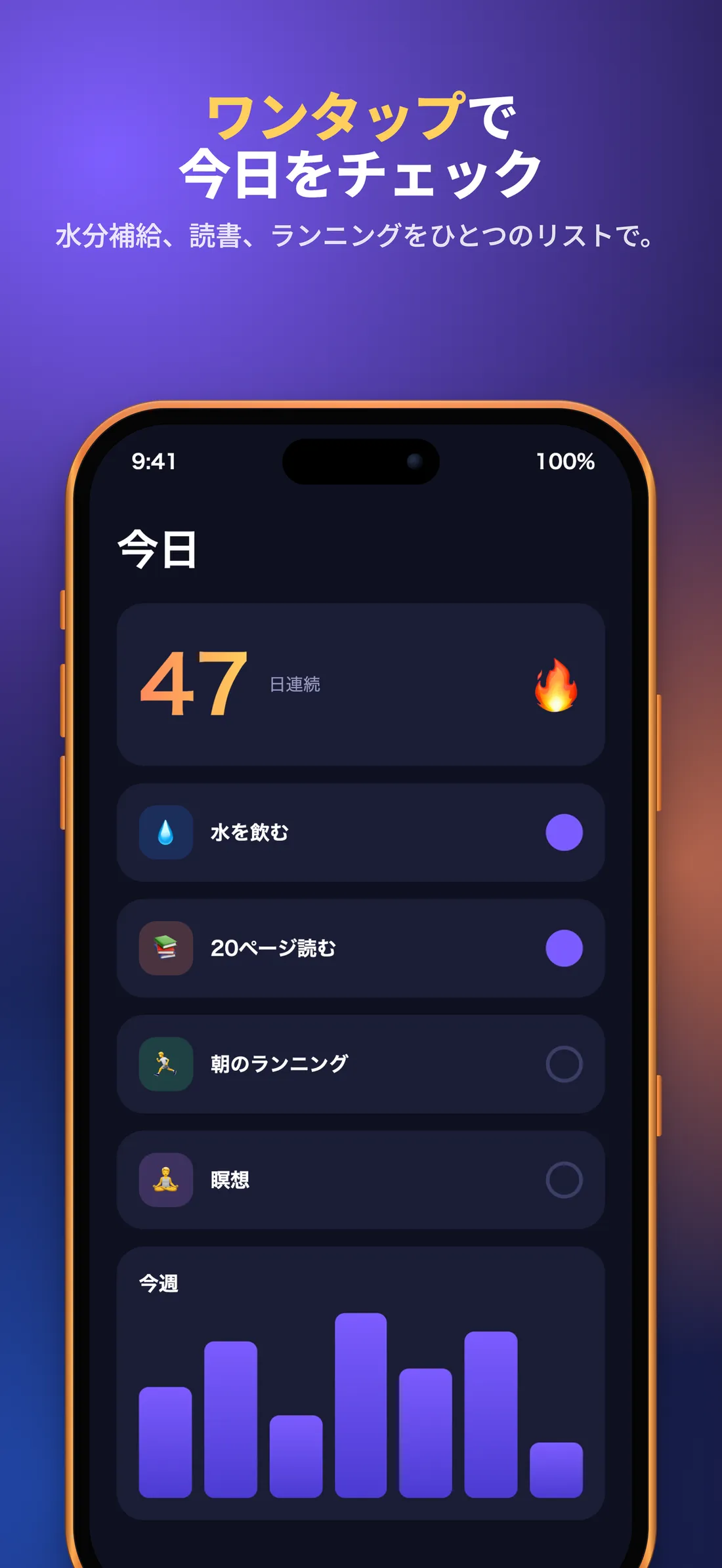
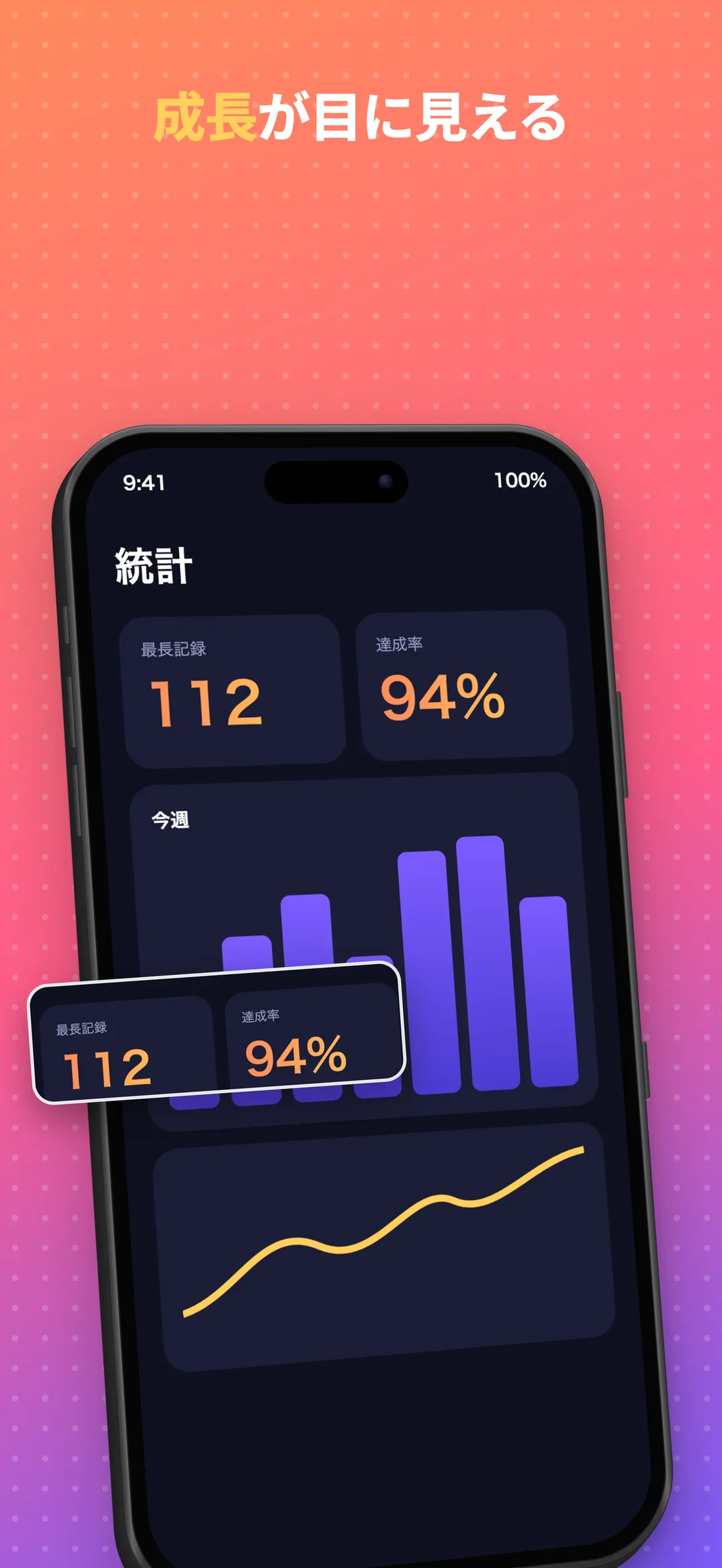
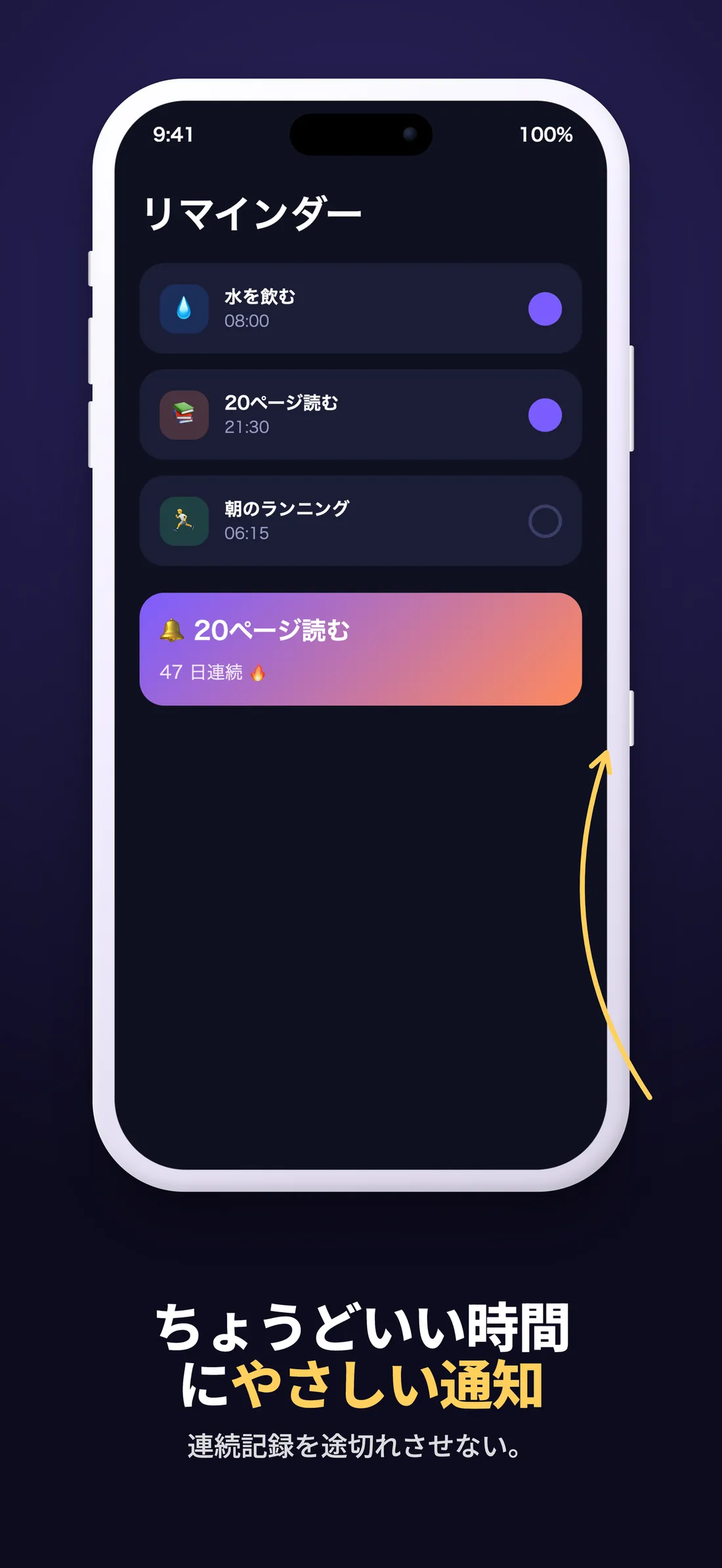
Same config, five languages. Captions are translated and fitted per locale: Arabic flips right to left, Japanese gets a matching font, and long German words shrink the caption instead of breaking it.
41 layouts
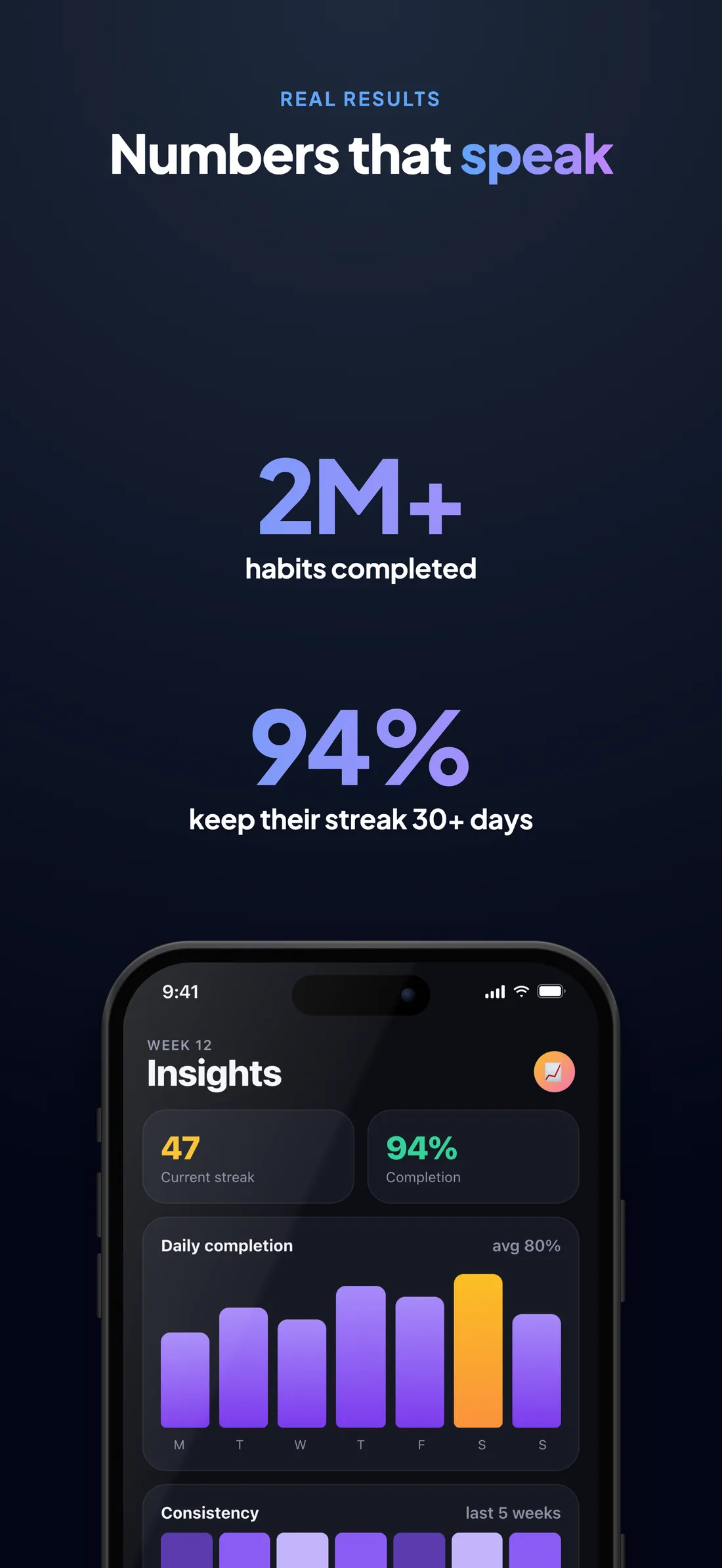
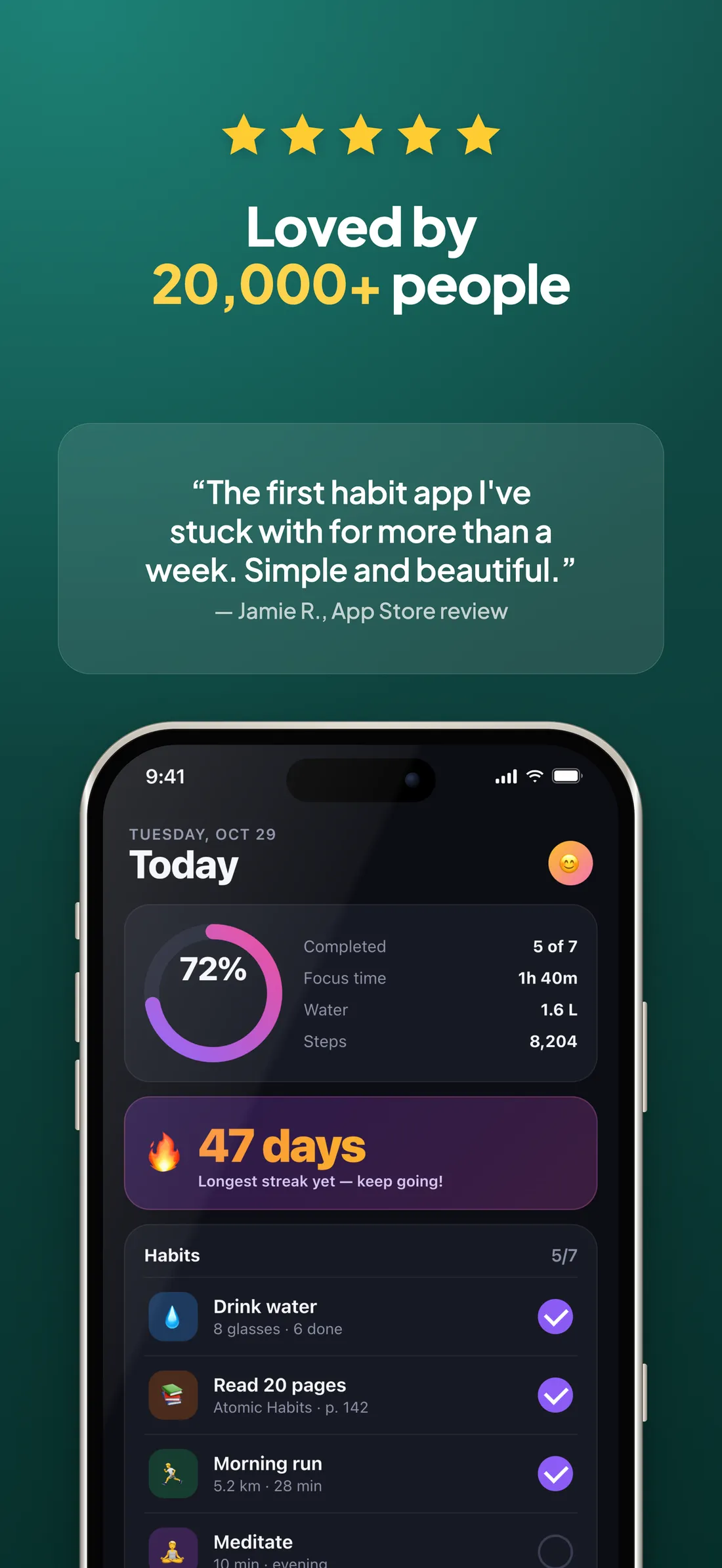
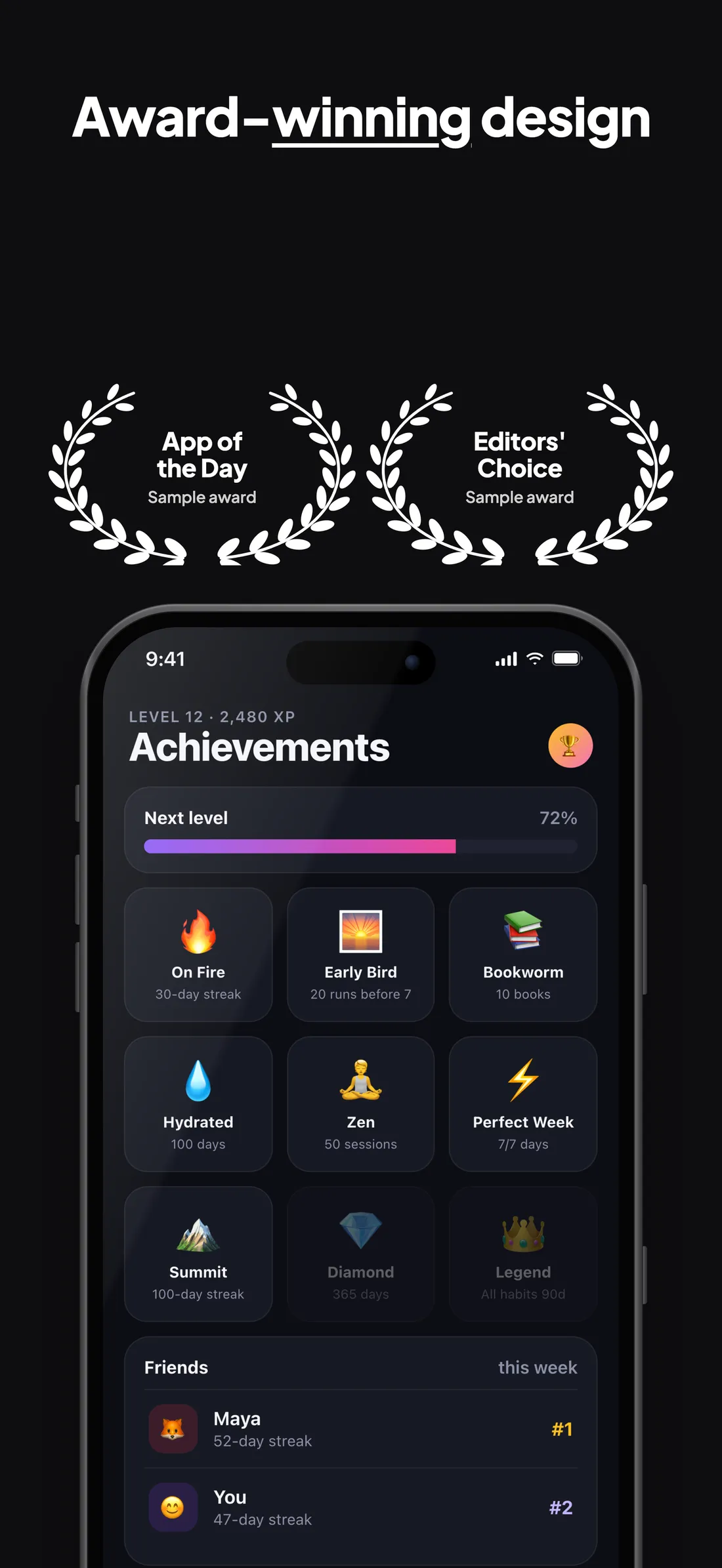
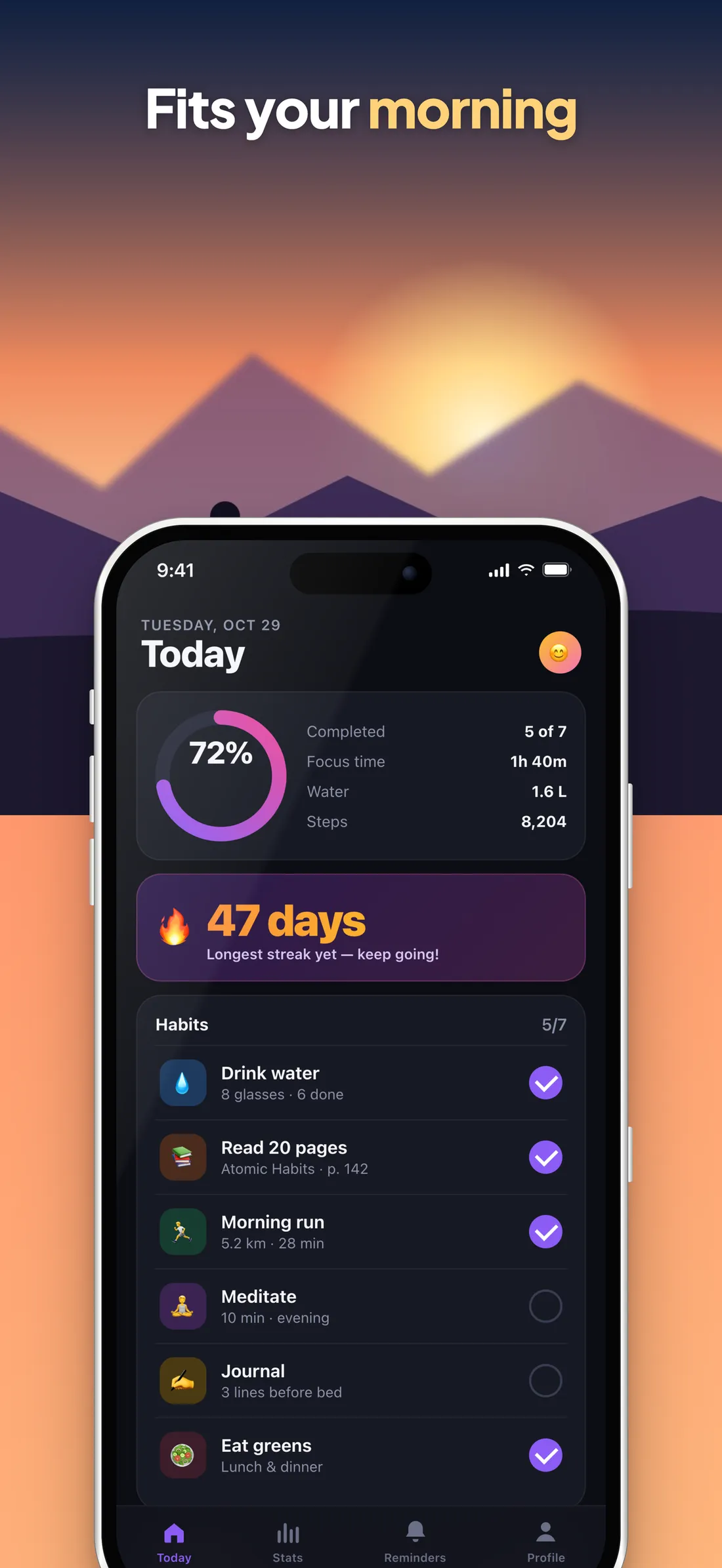
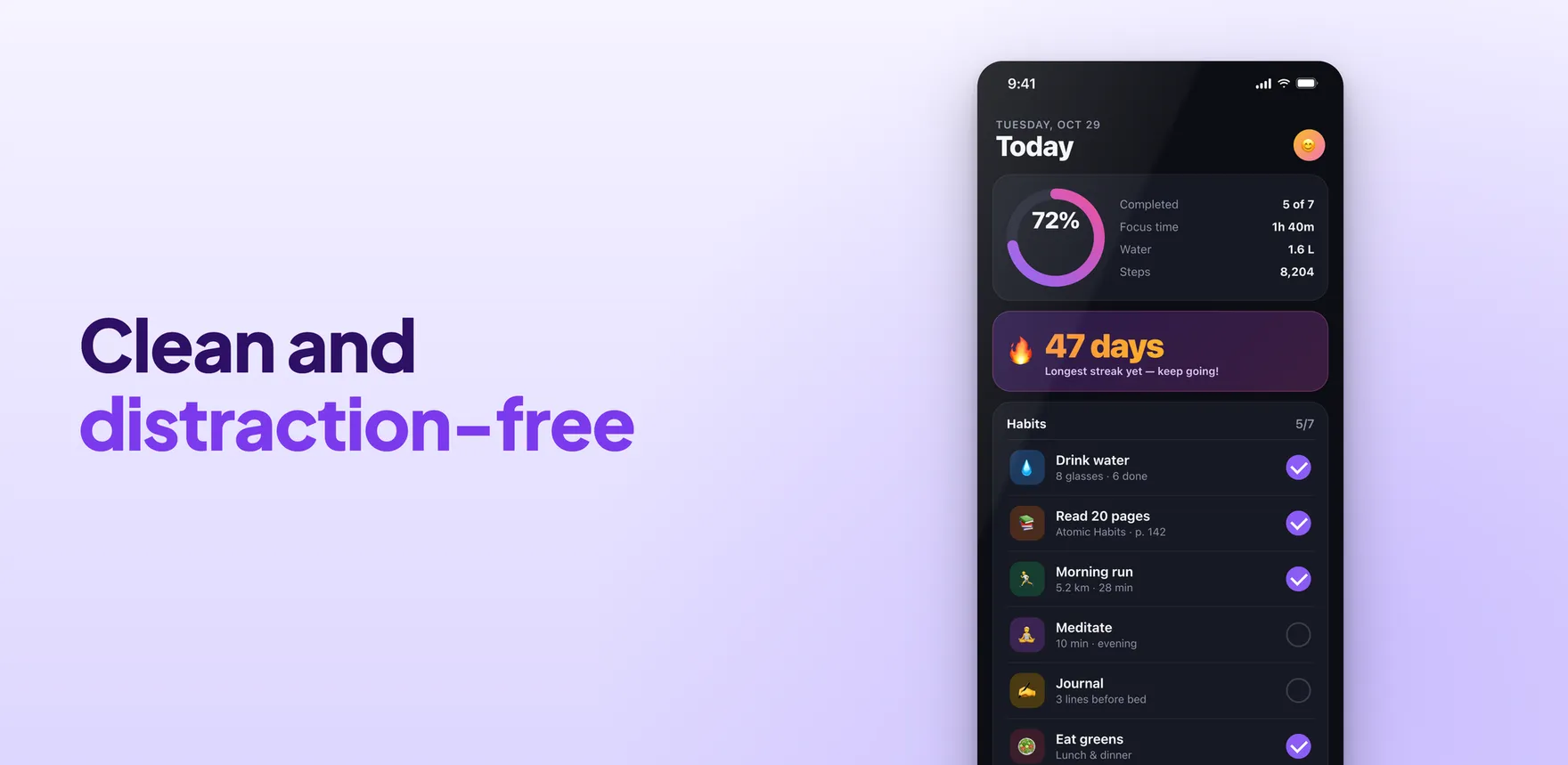
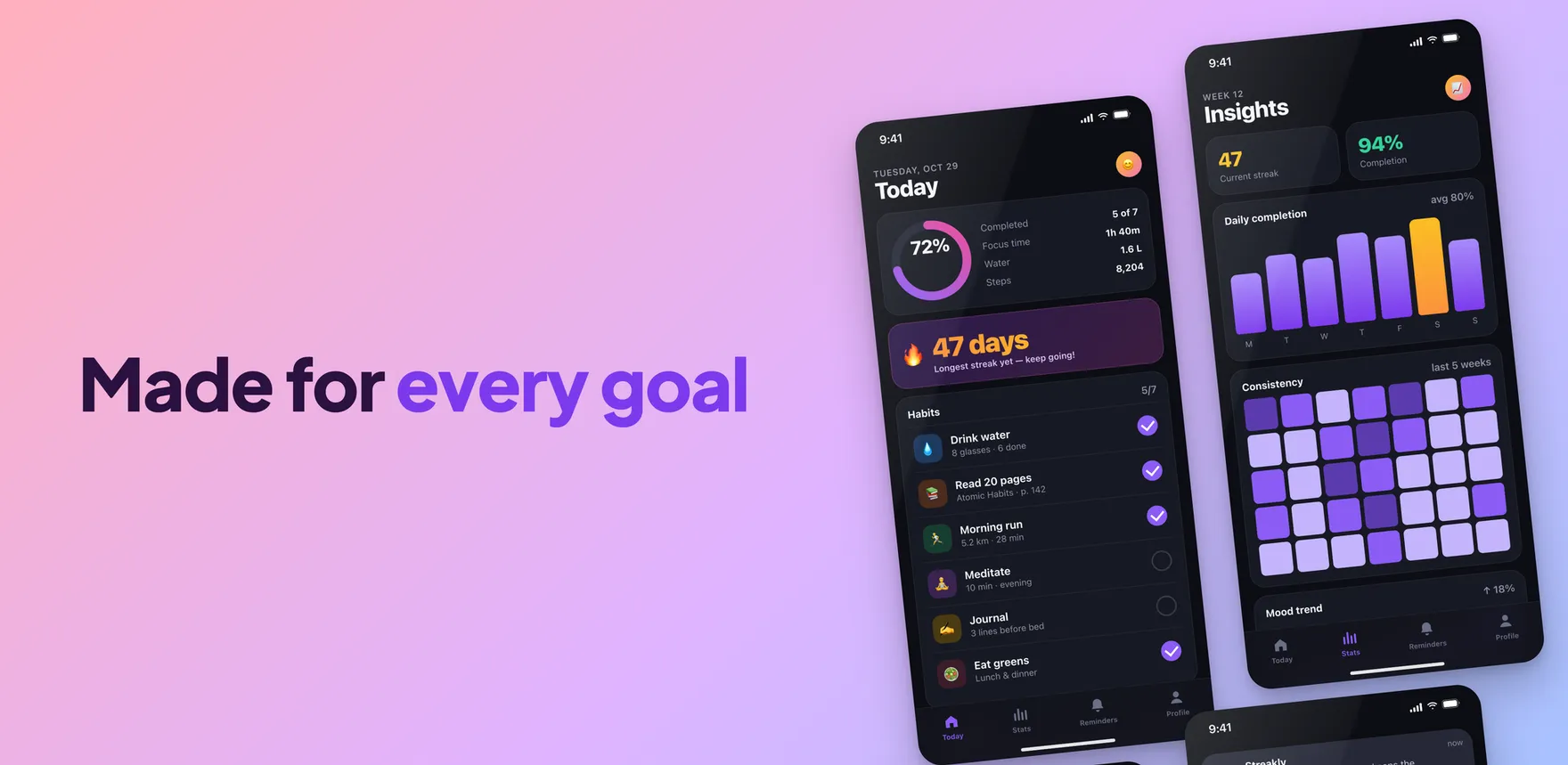
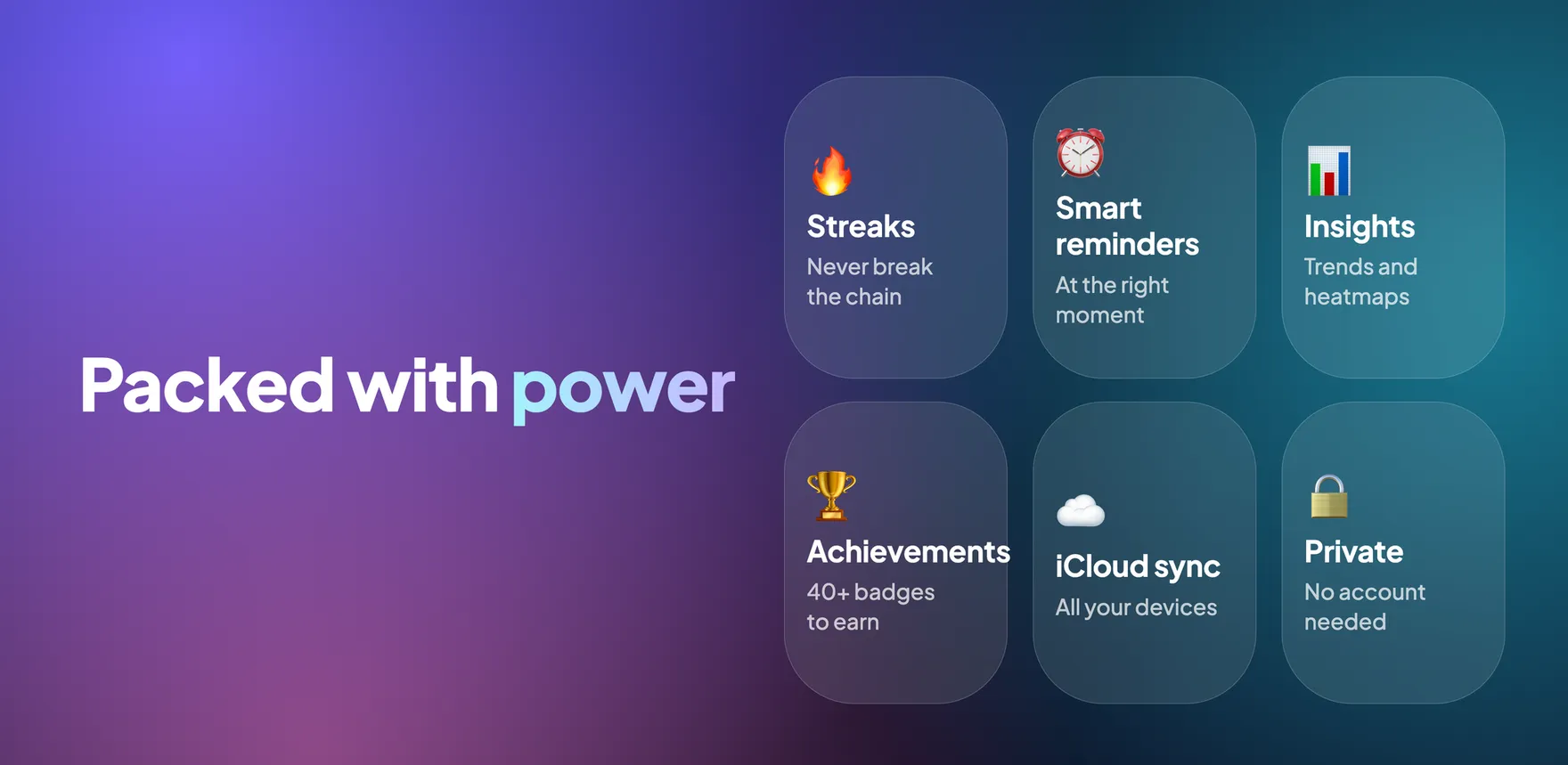
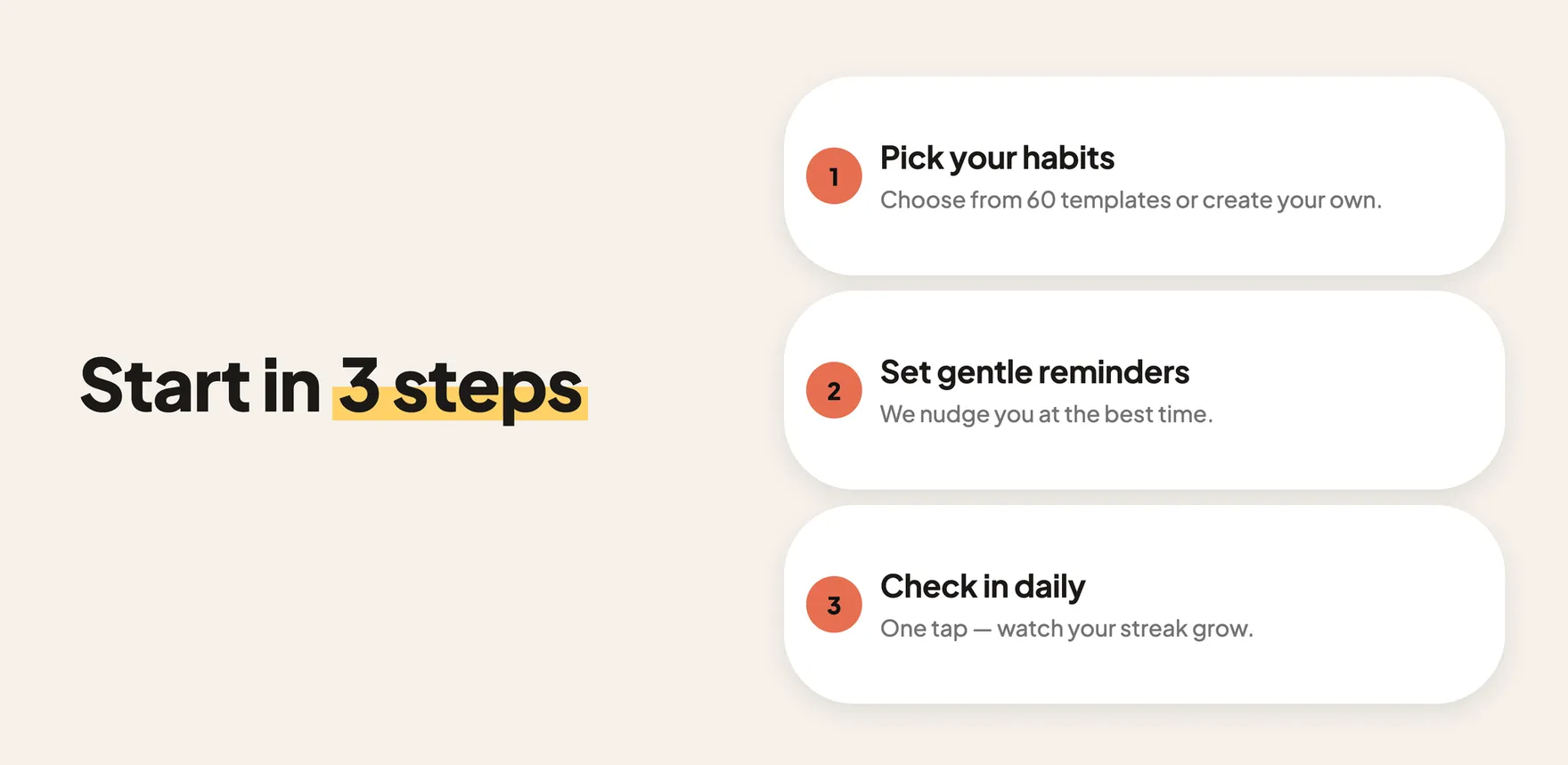
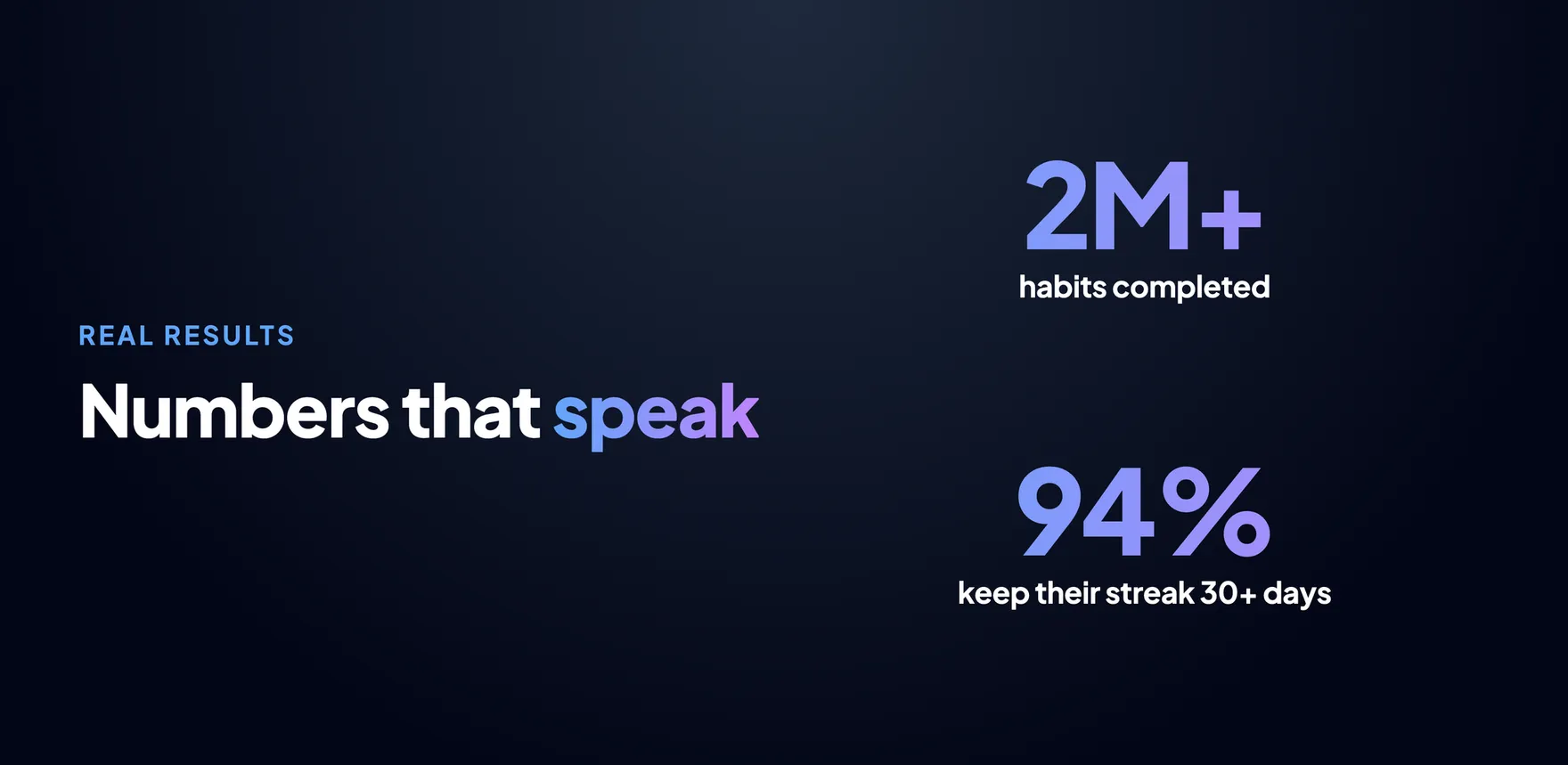
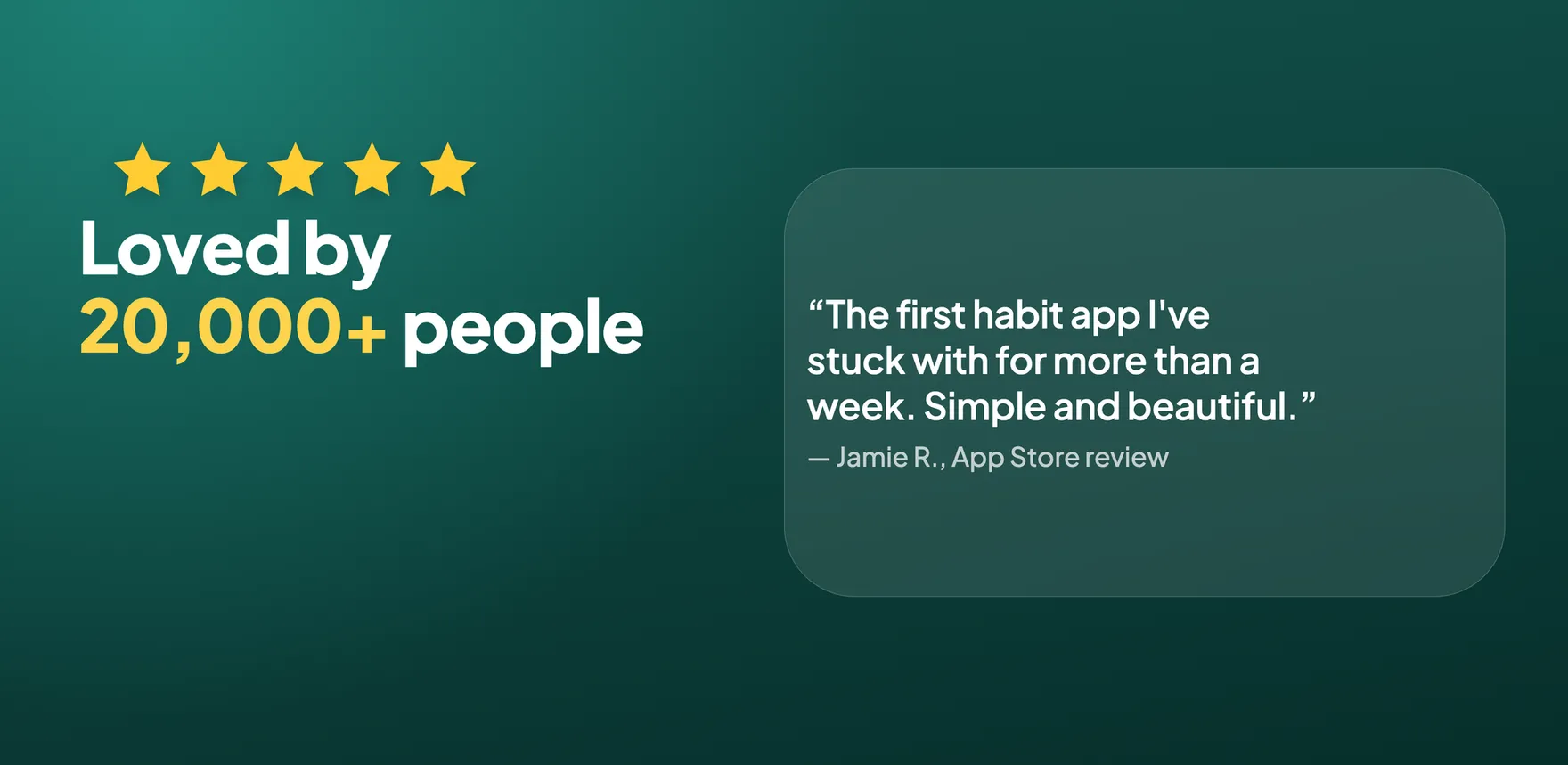
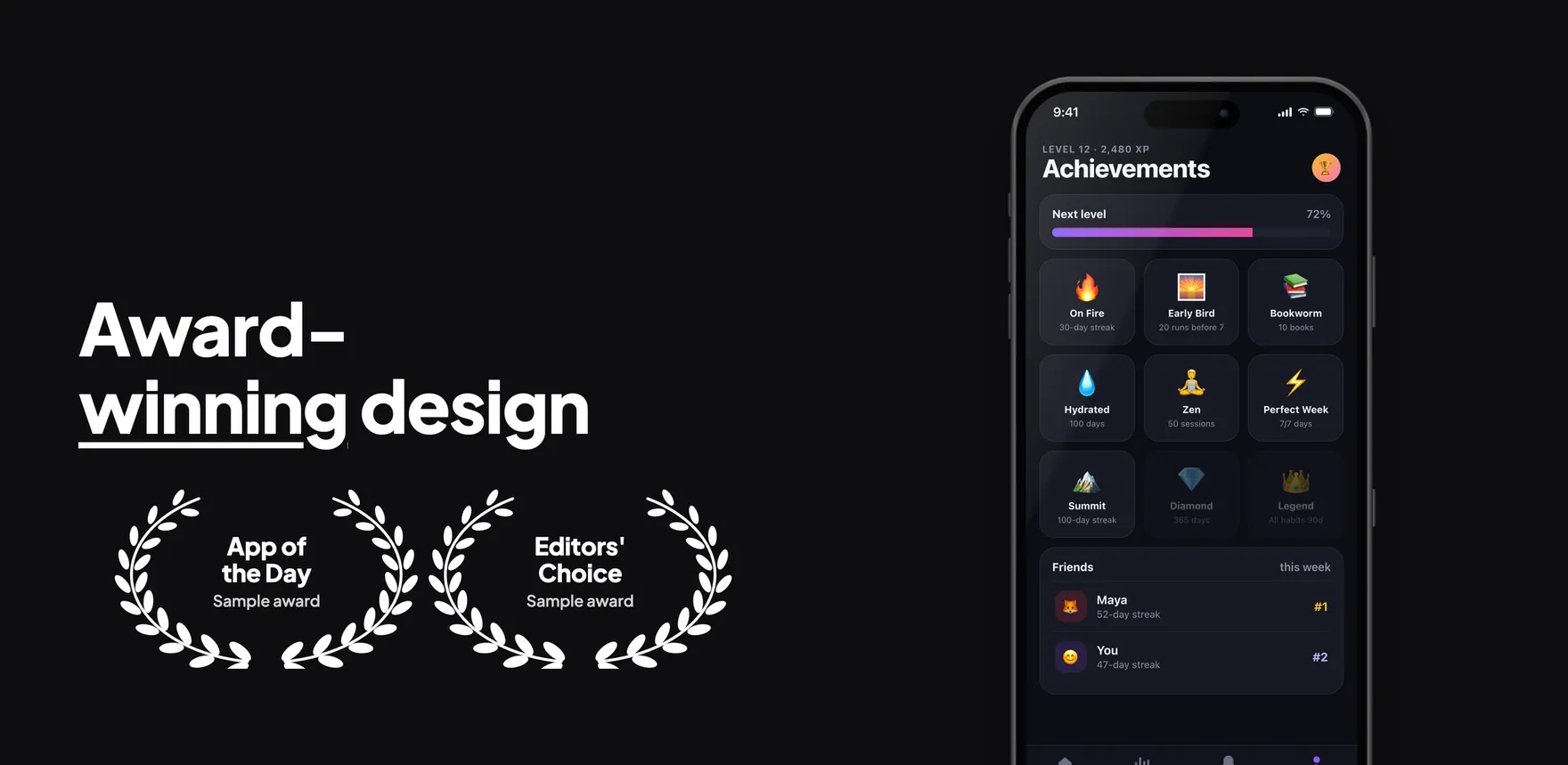
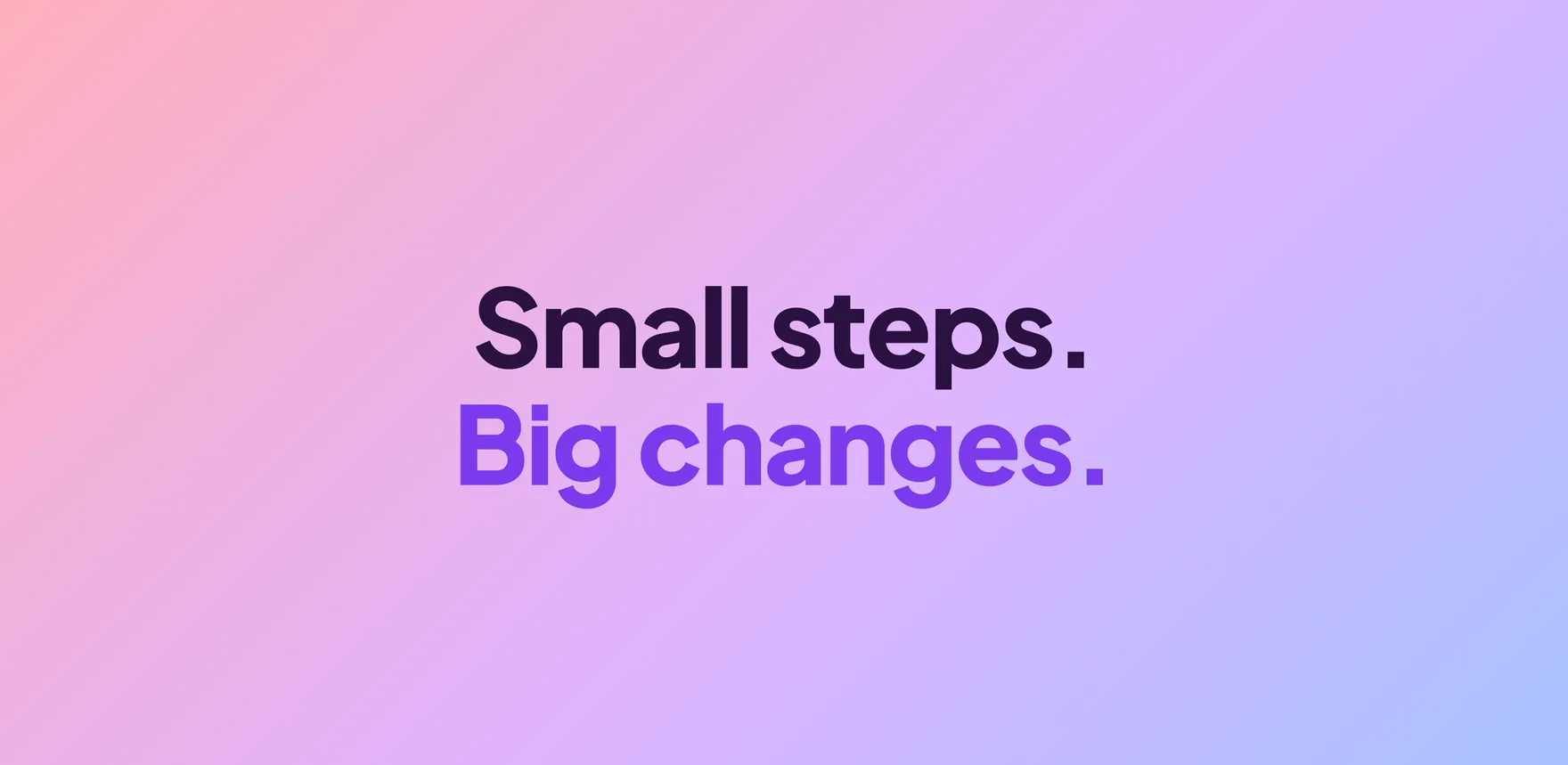
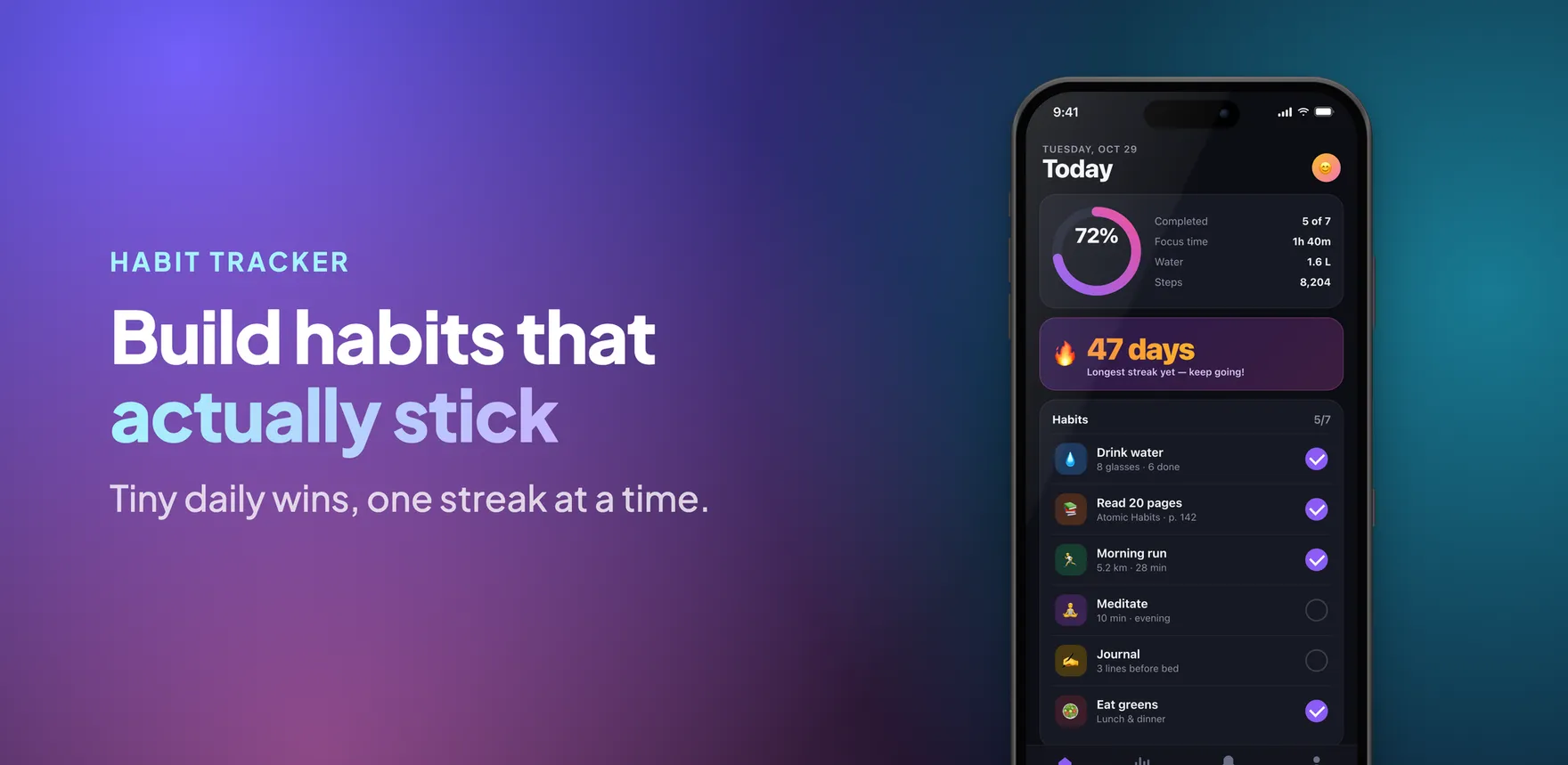
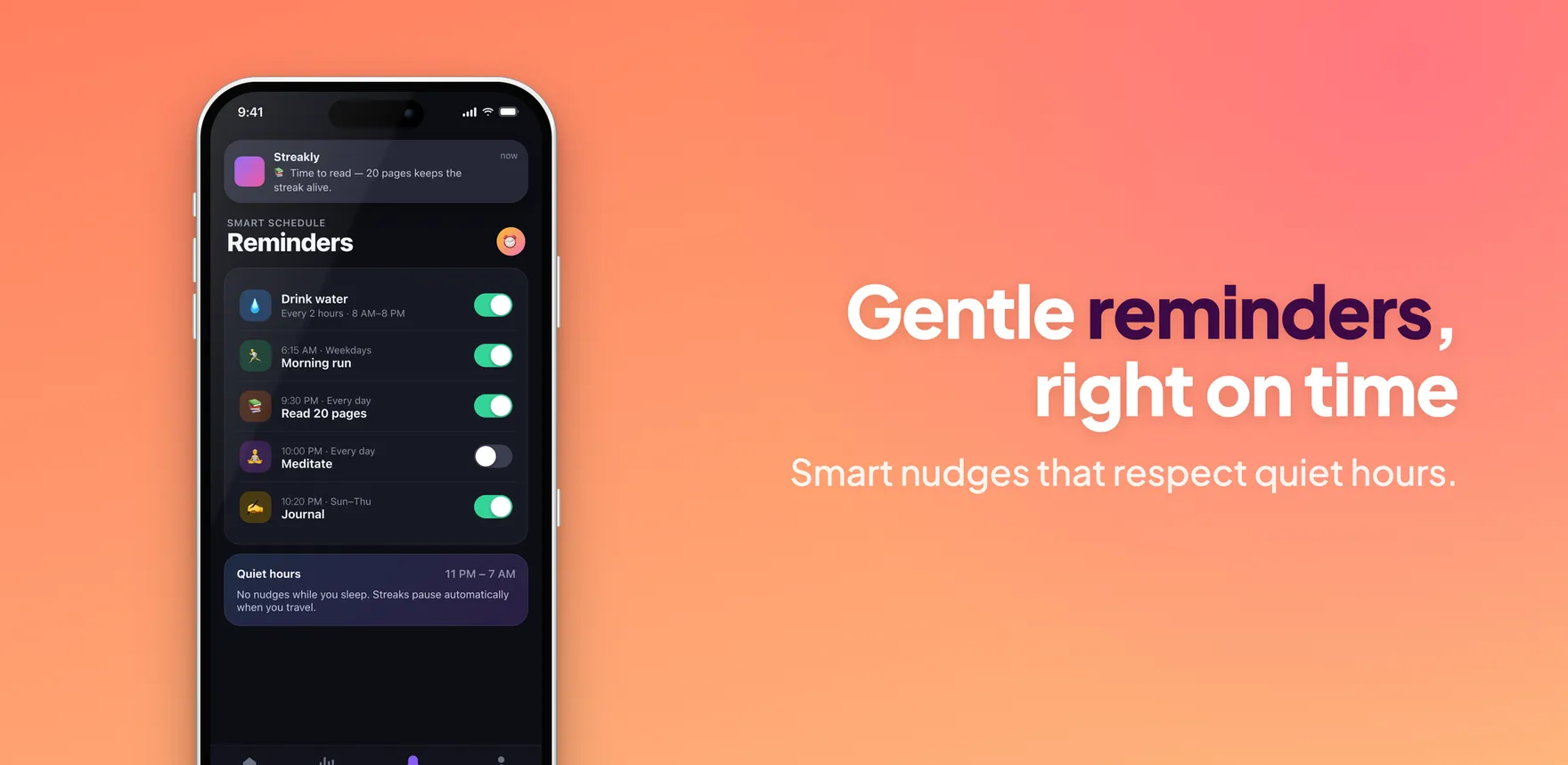
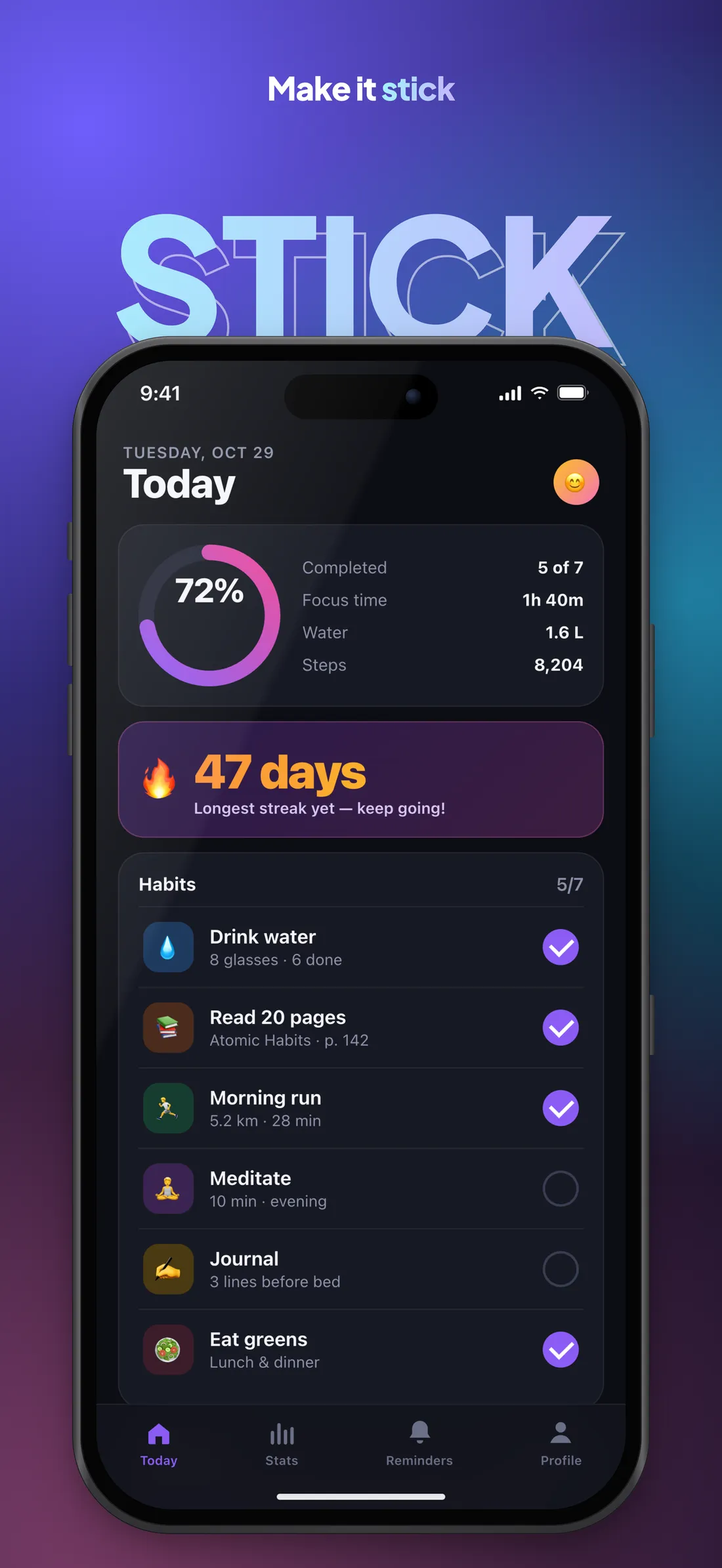
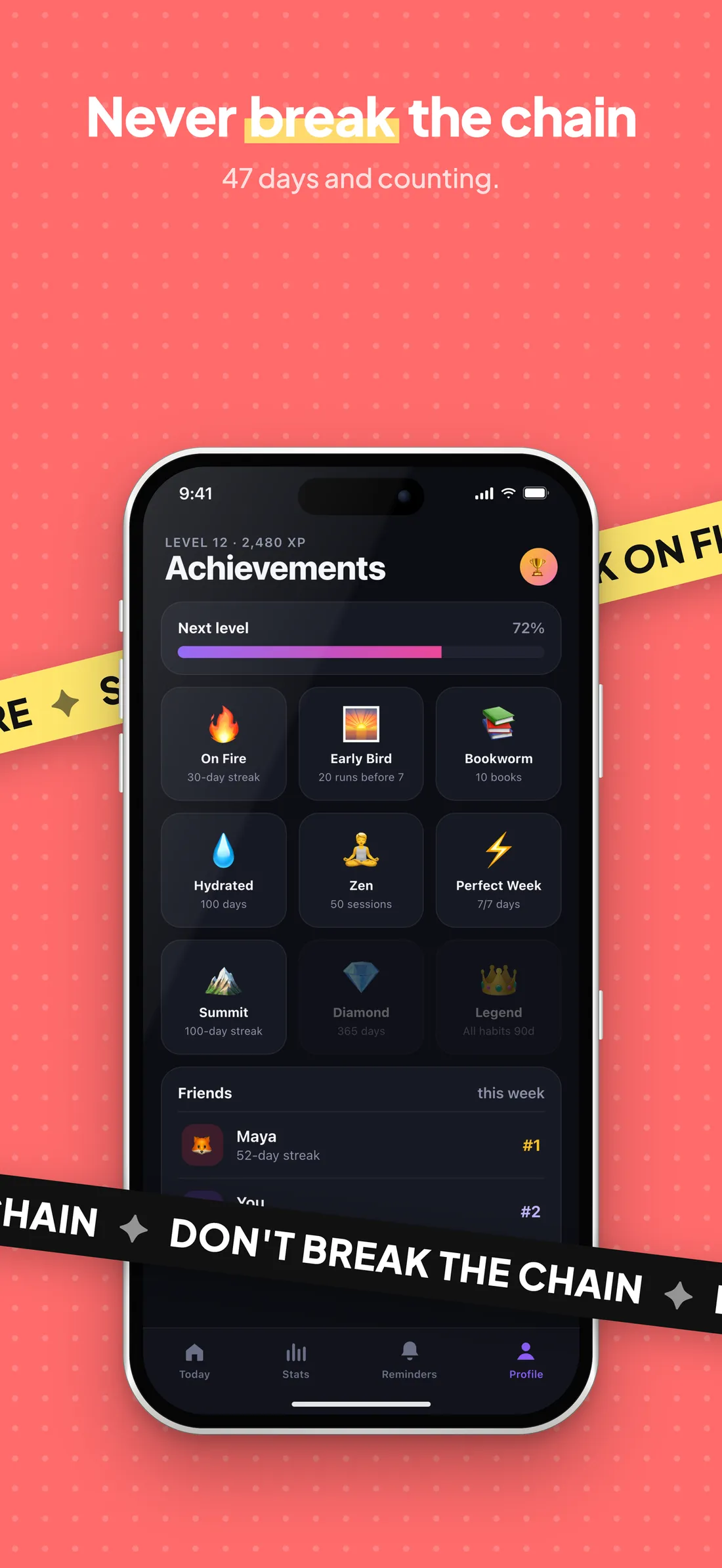
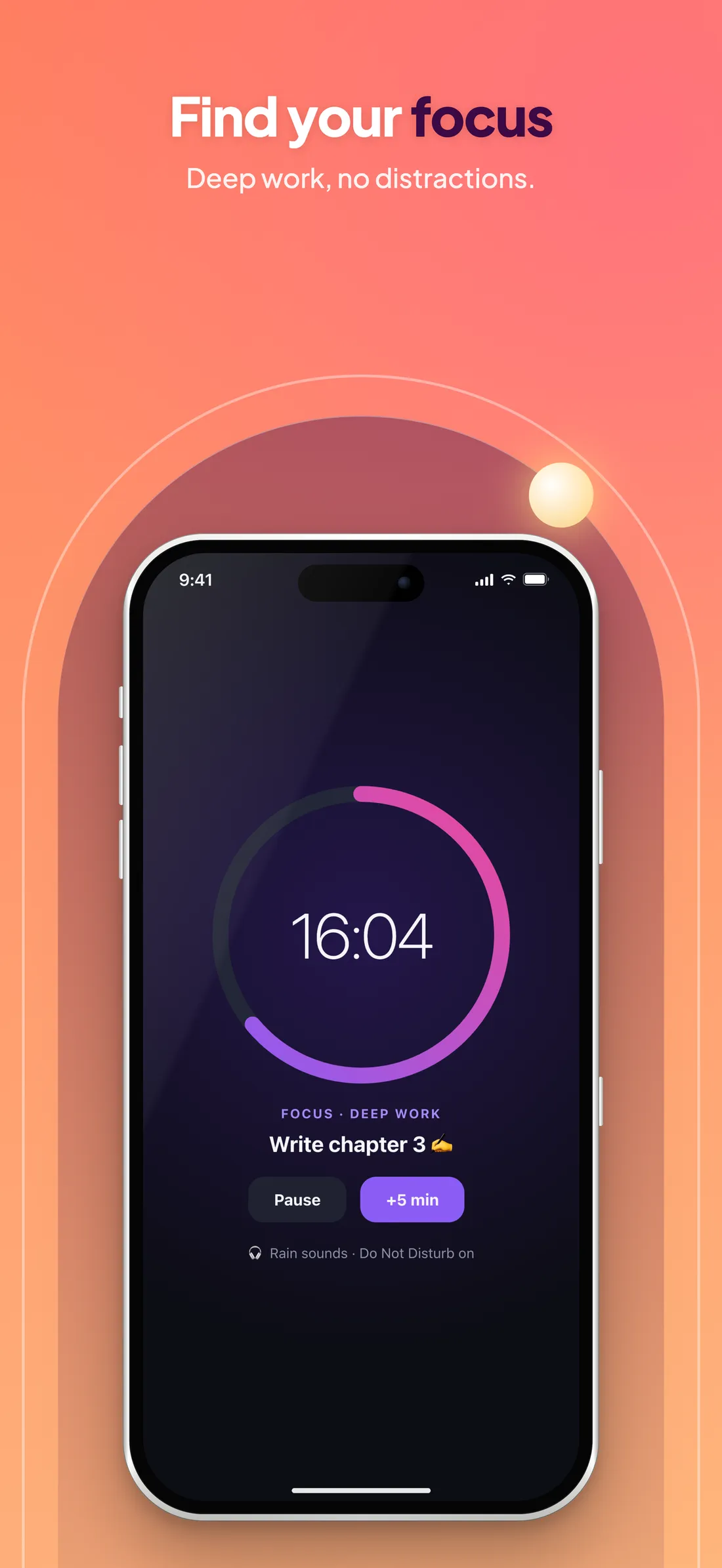
Single device, tilted, multi-device, callouts, proof and stats slides. Every layout takes any preset, background and device color. Click any image to see it full size.
iPhone 1320 × 2868 px
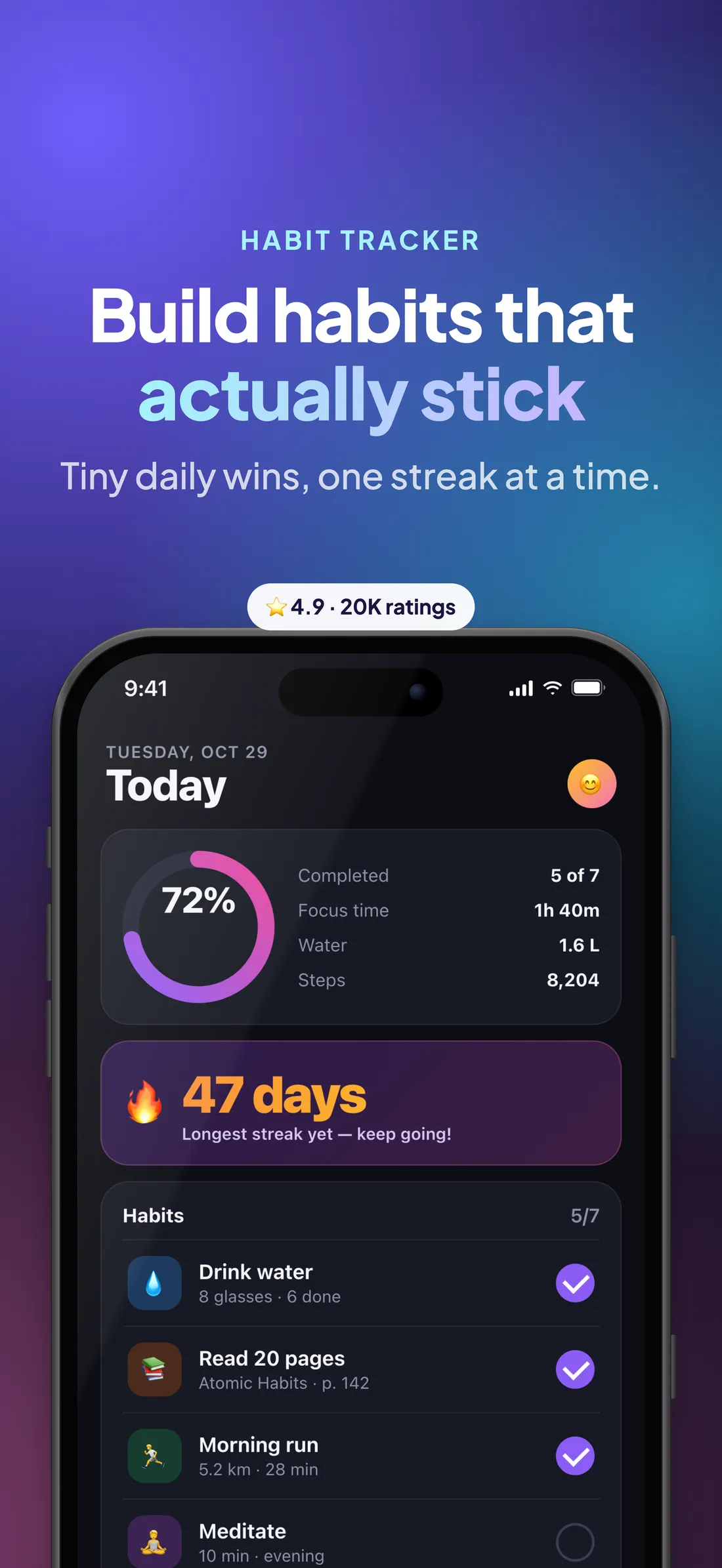
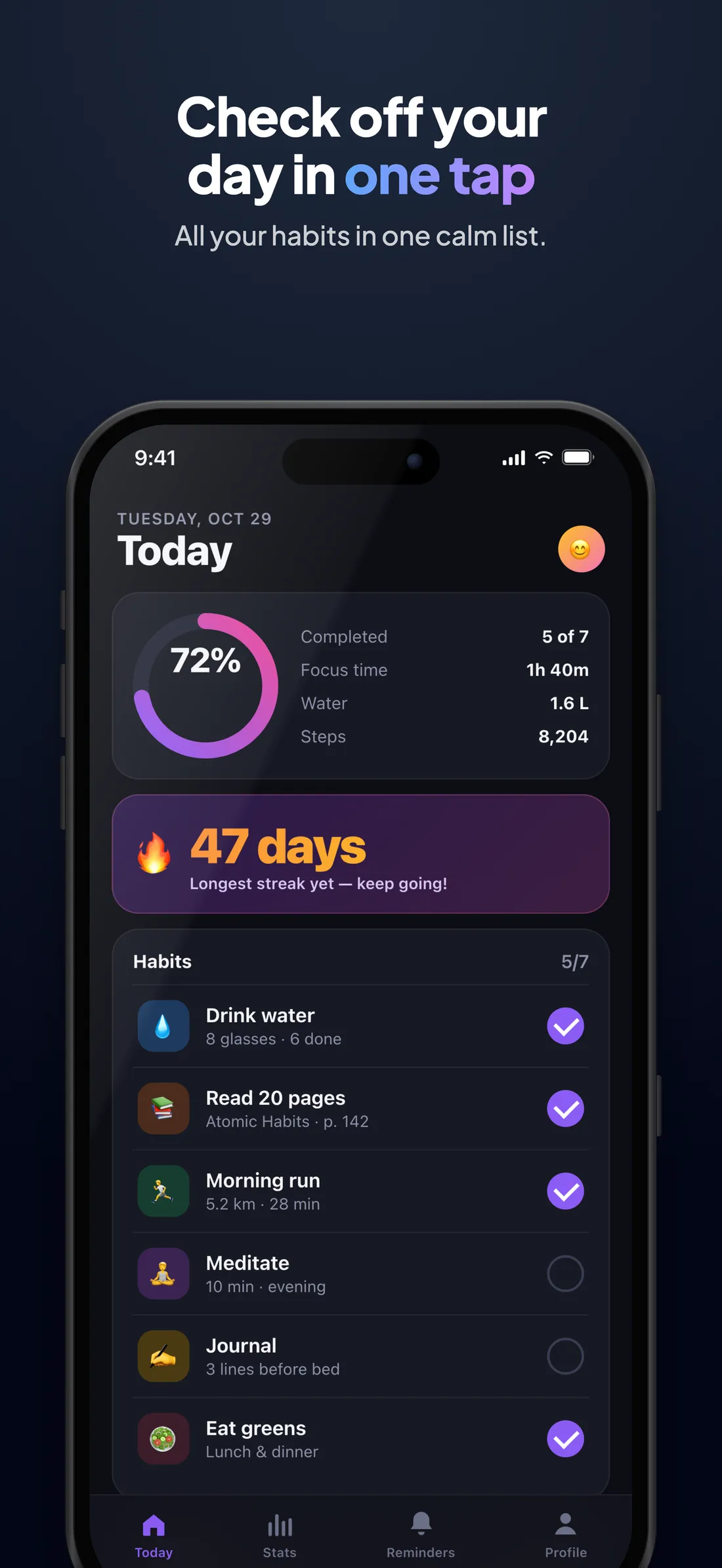
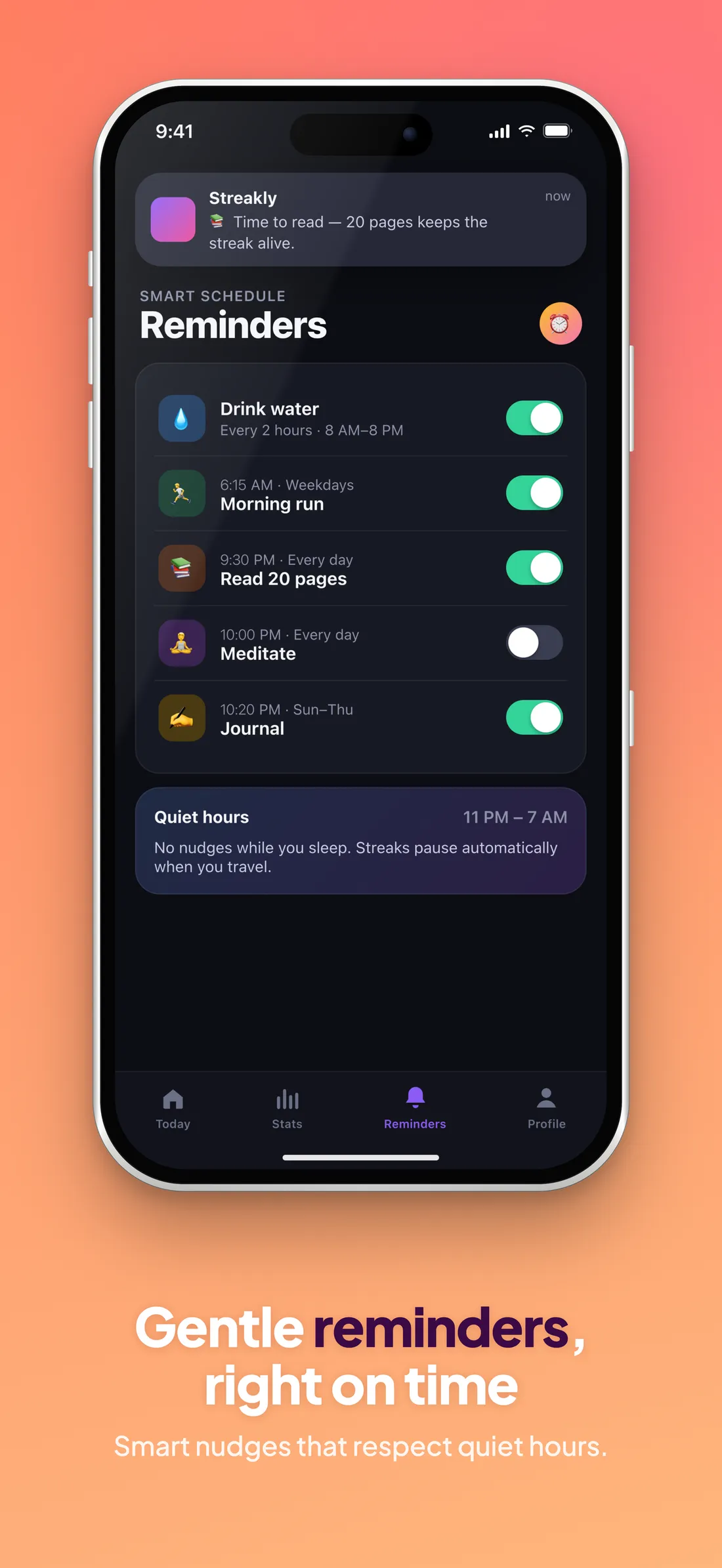
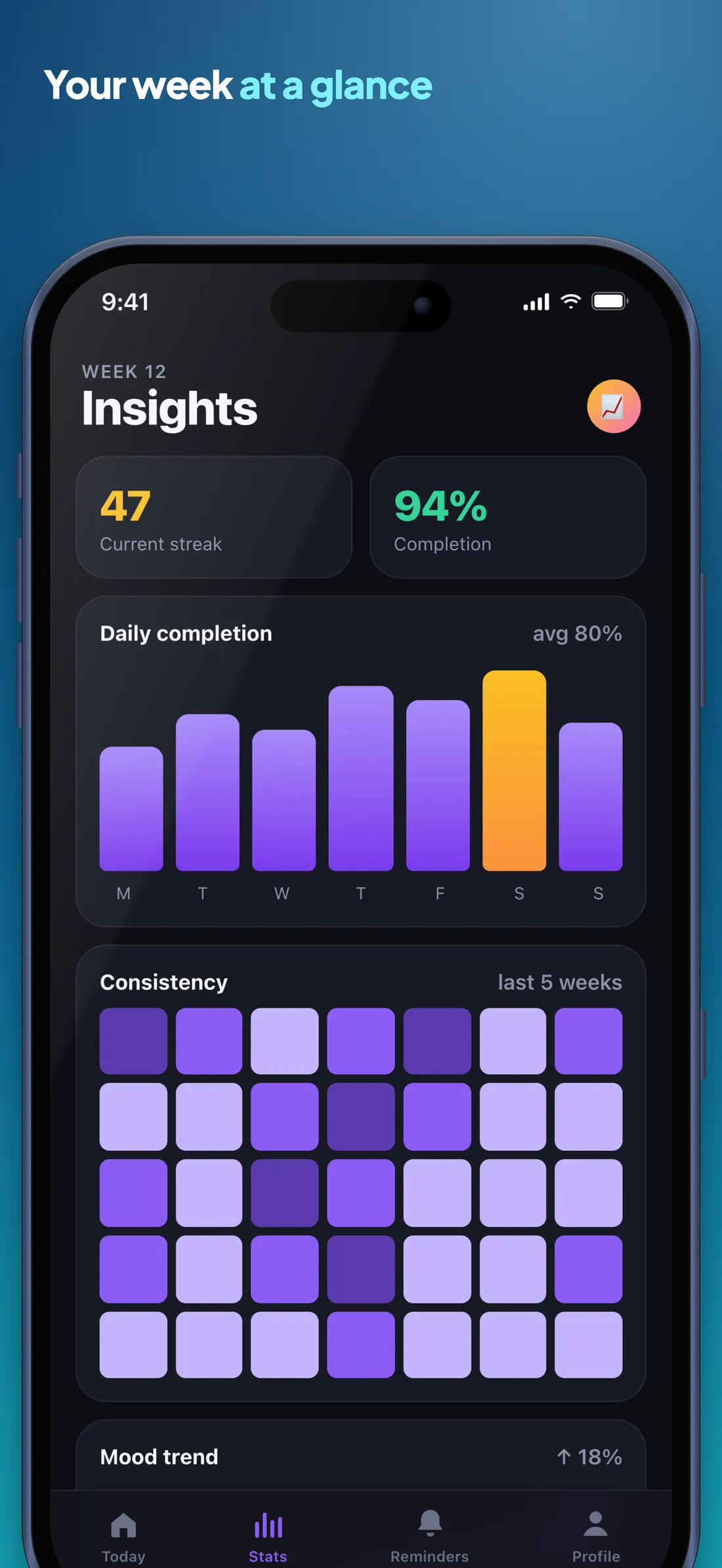
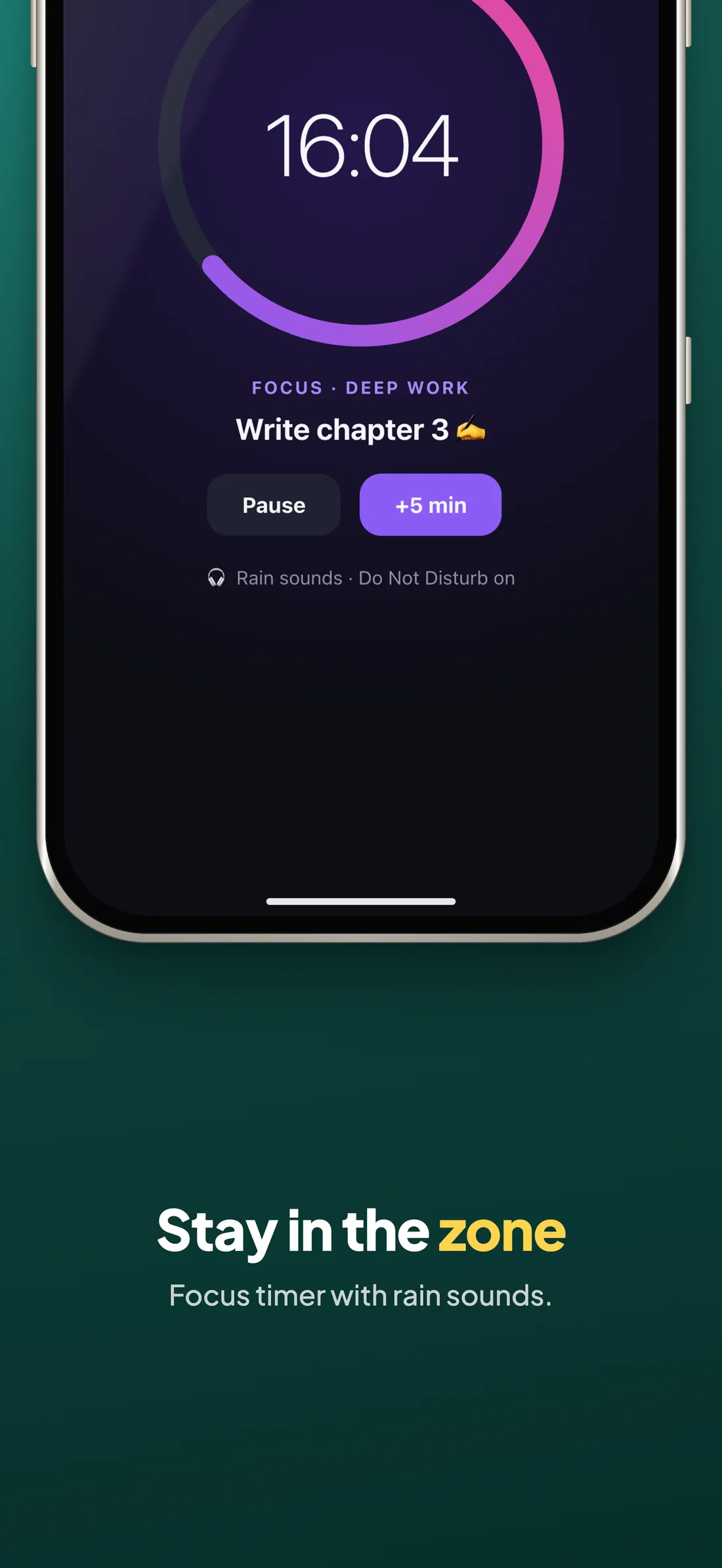
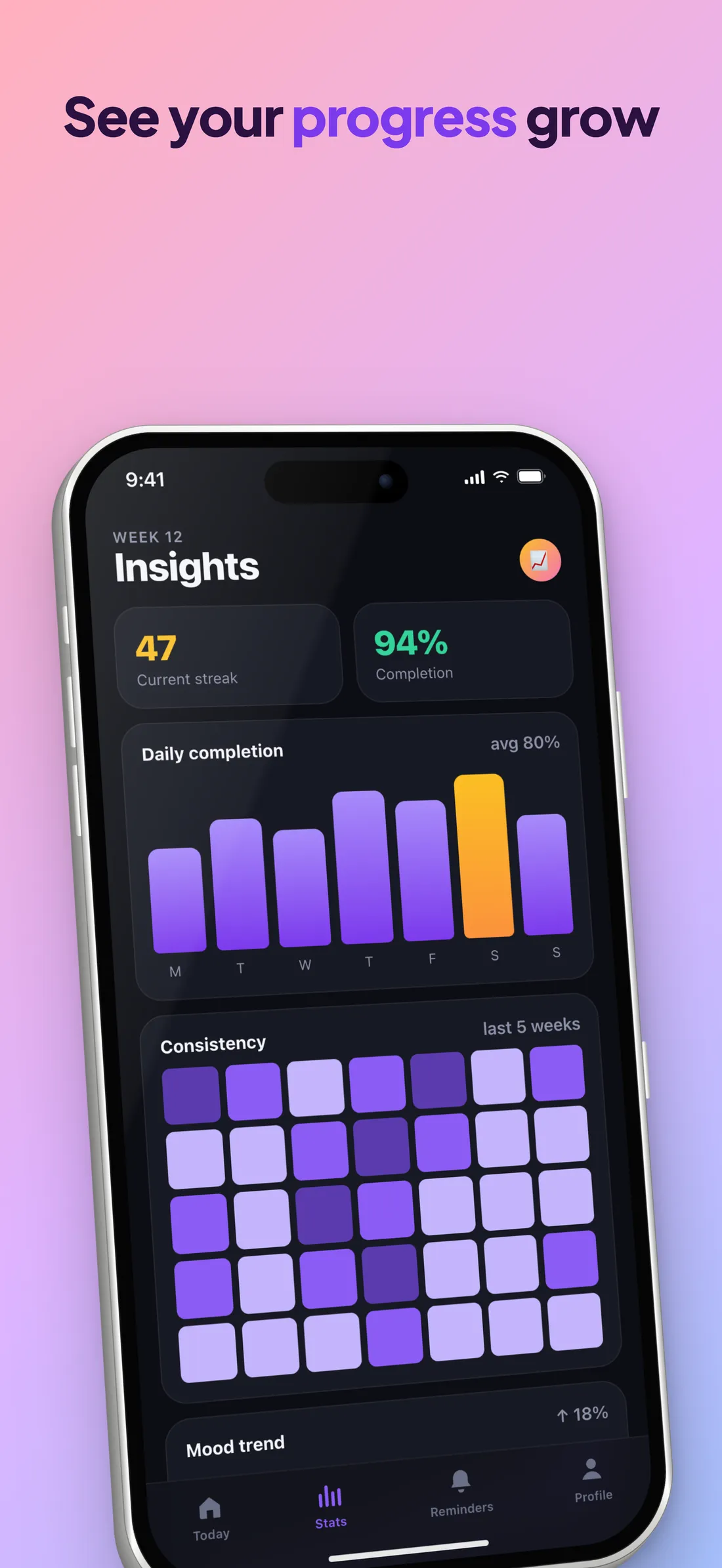
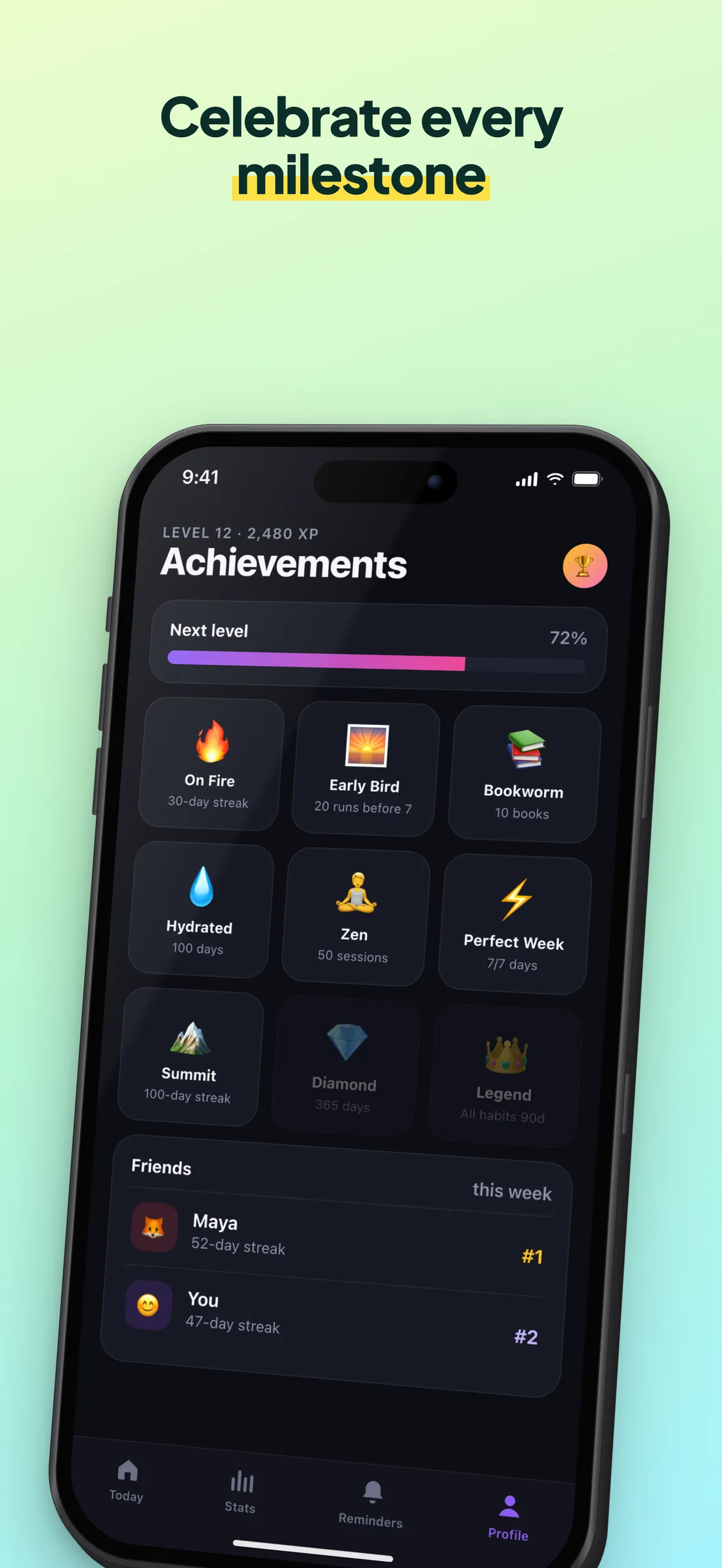
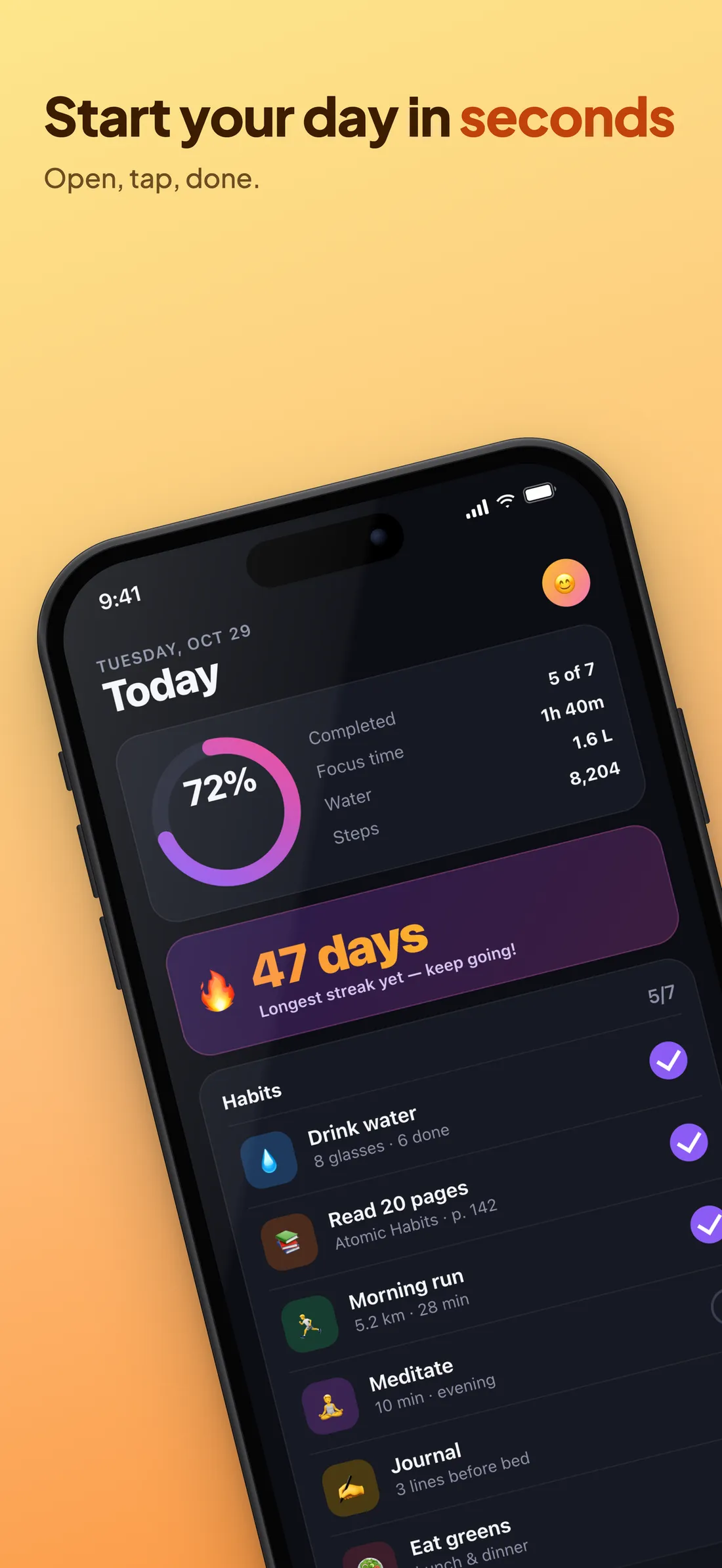
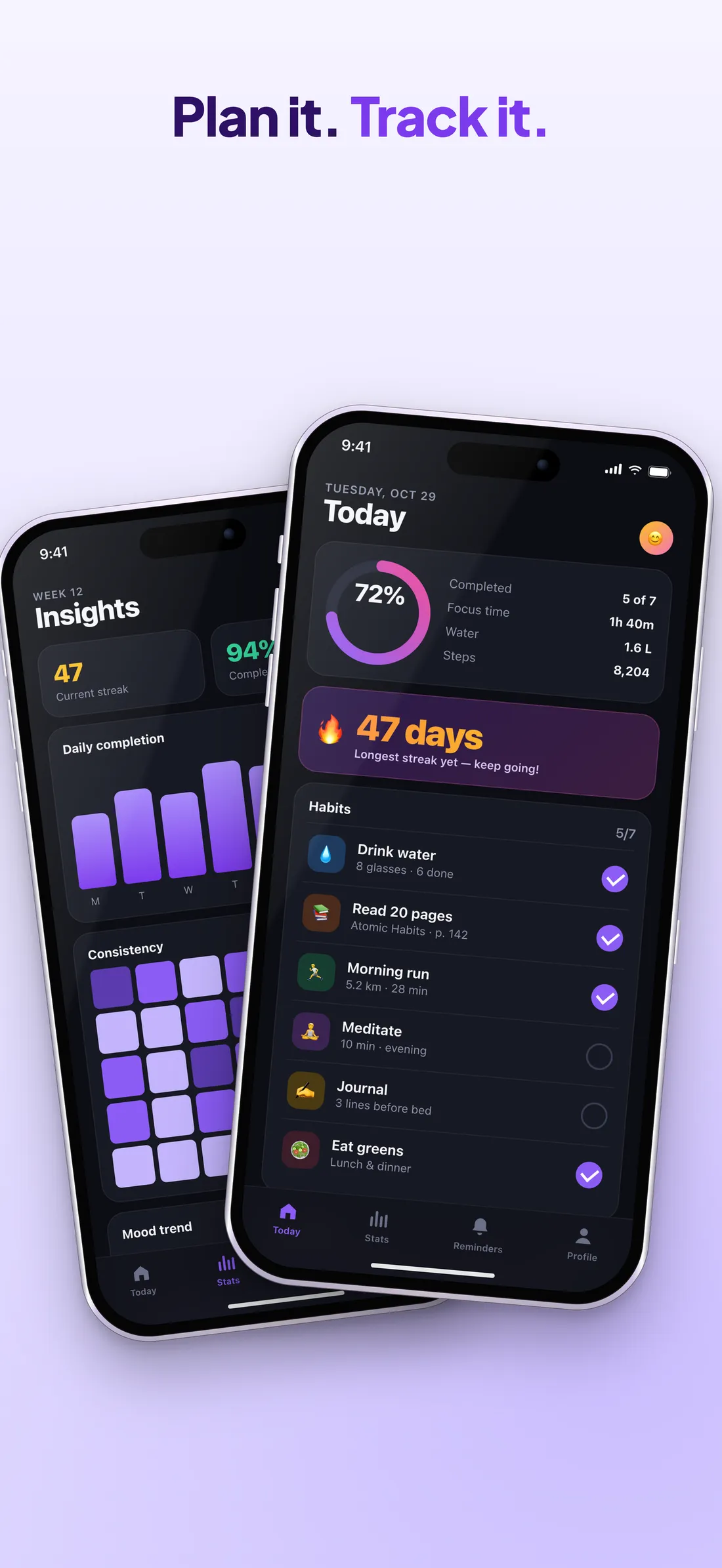
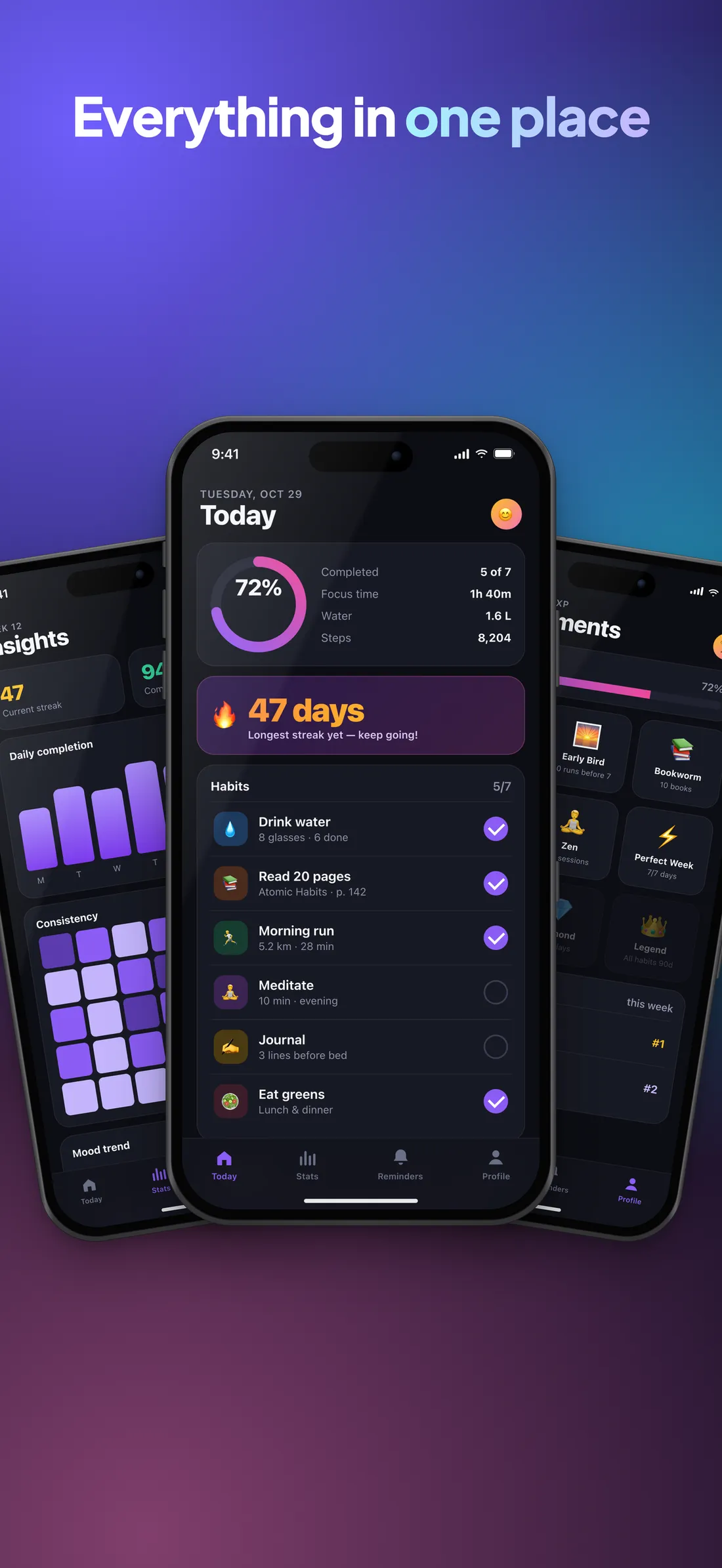
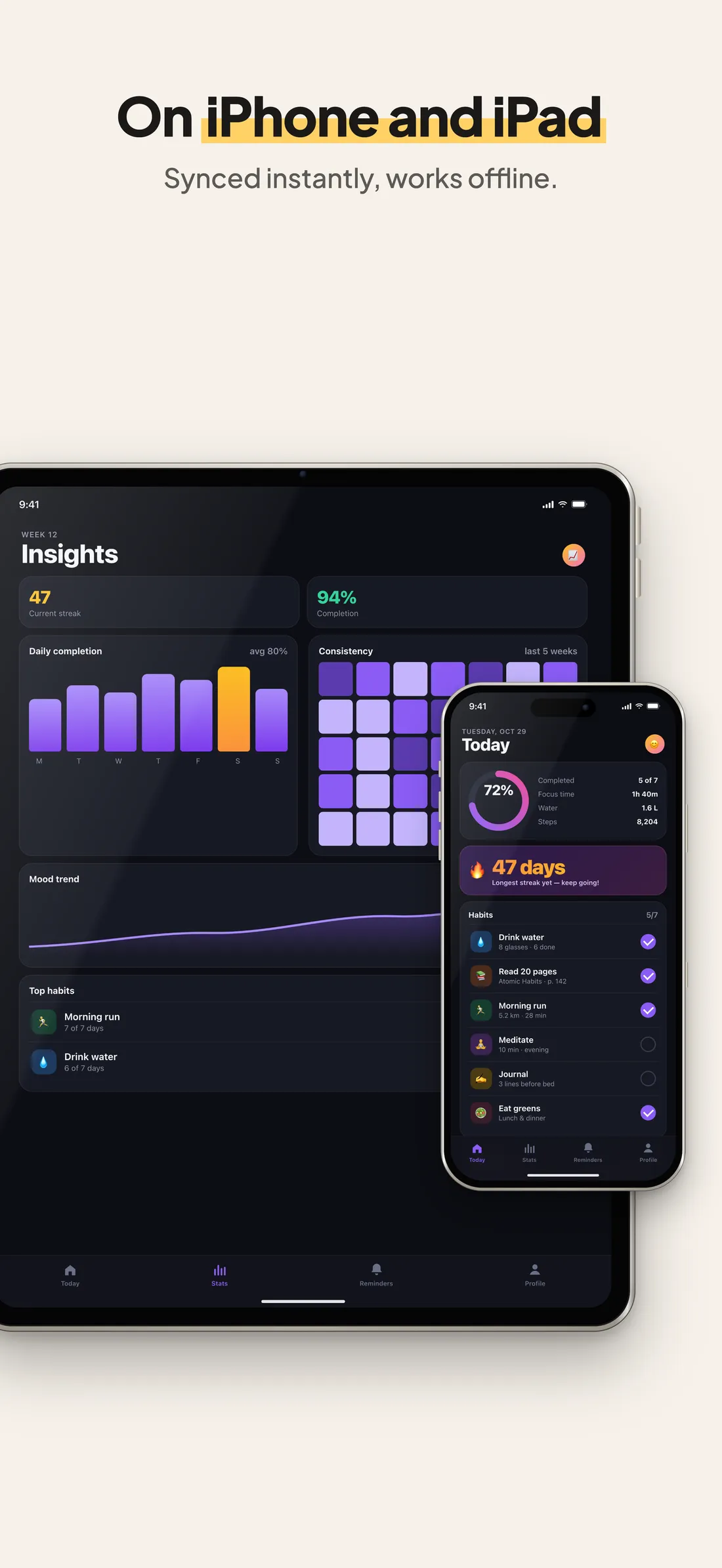
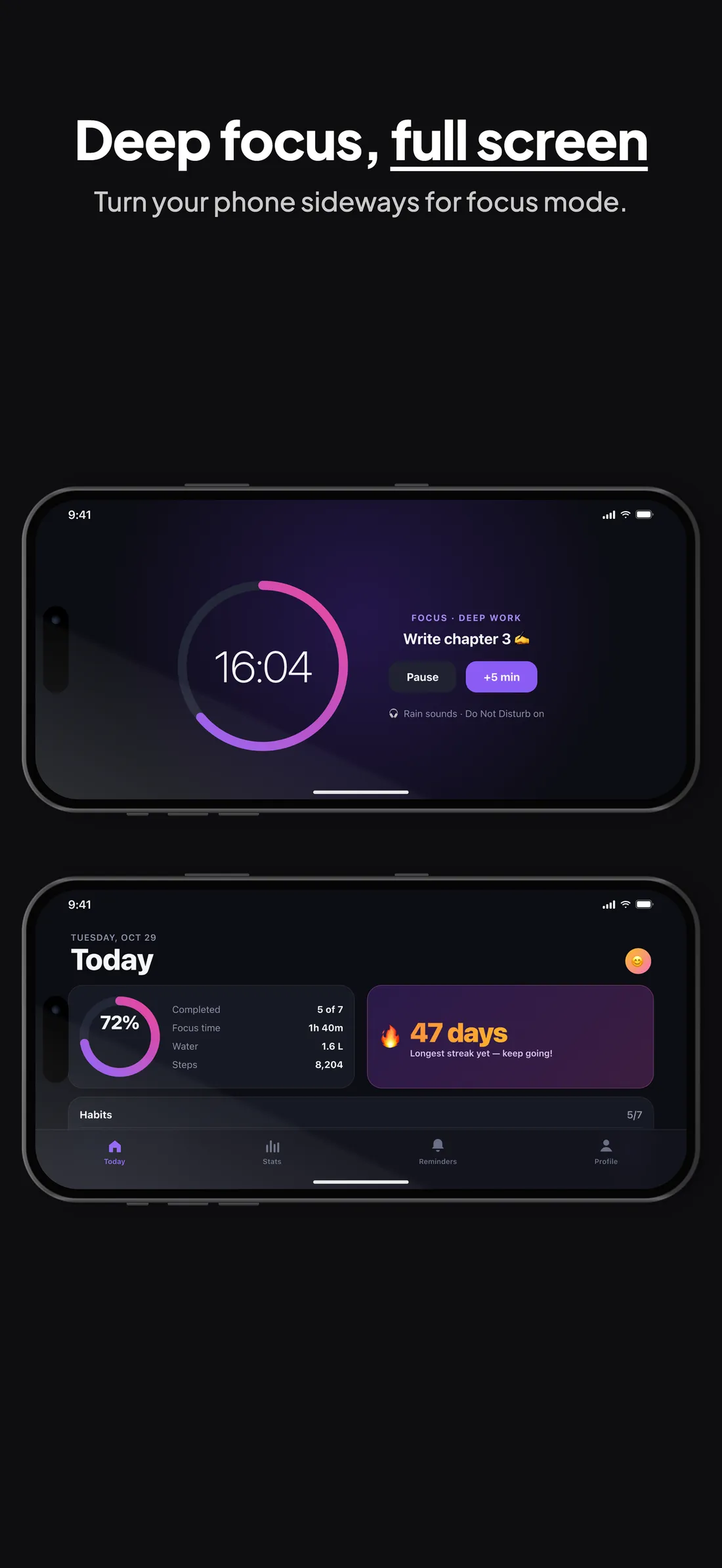
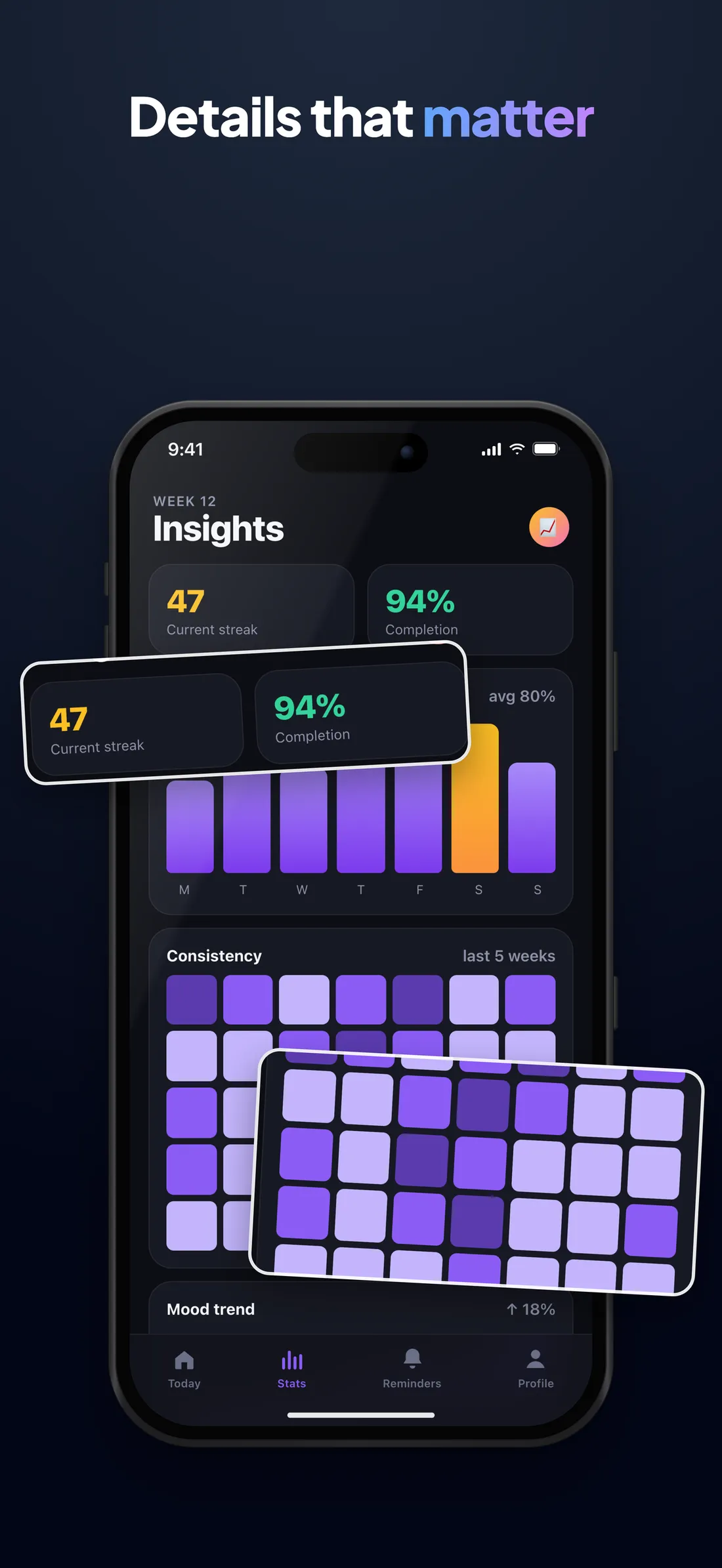
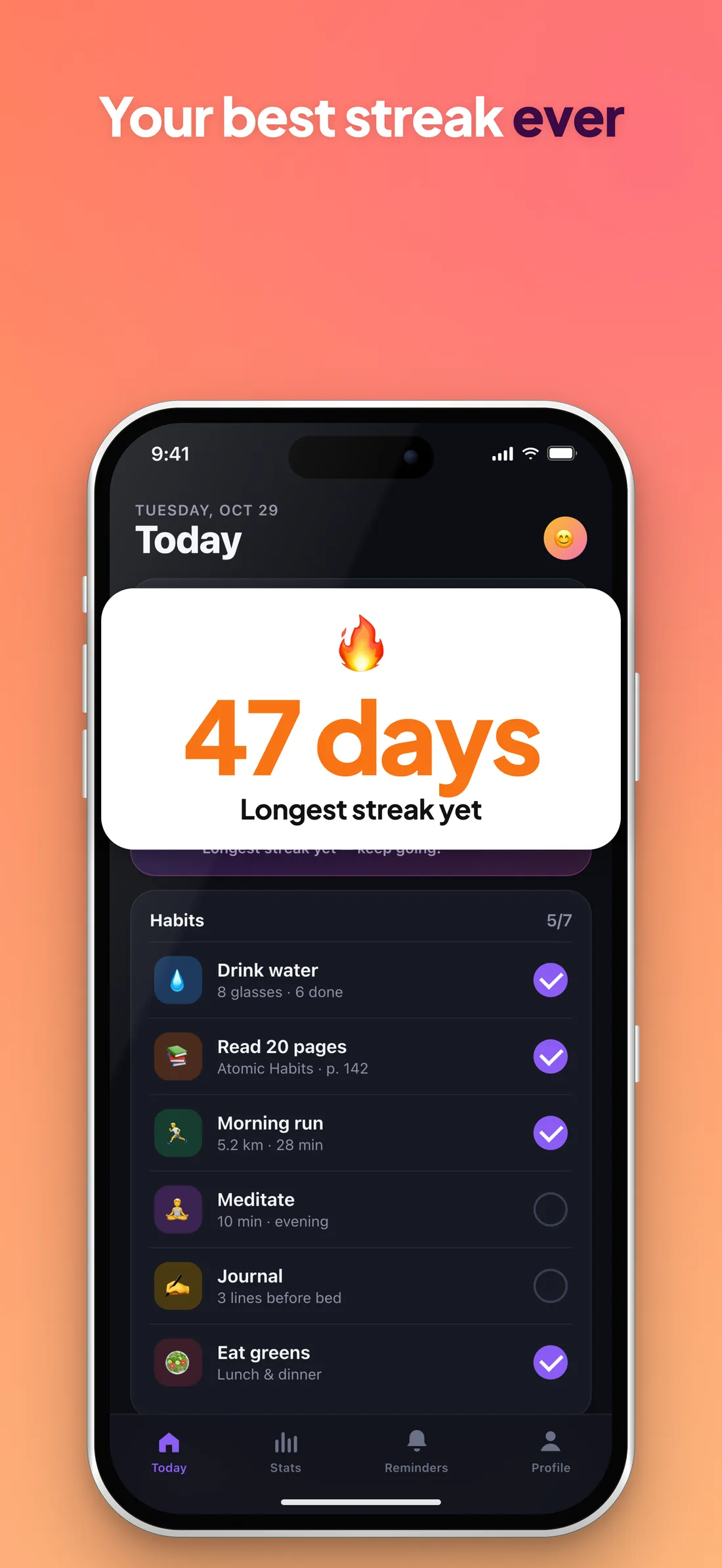
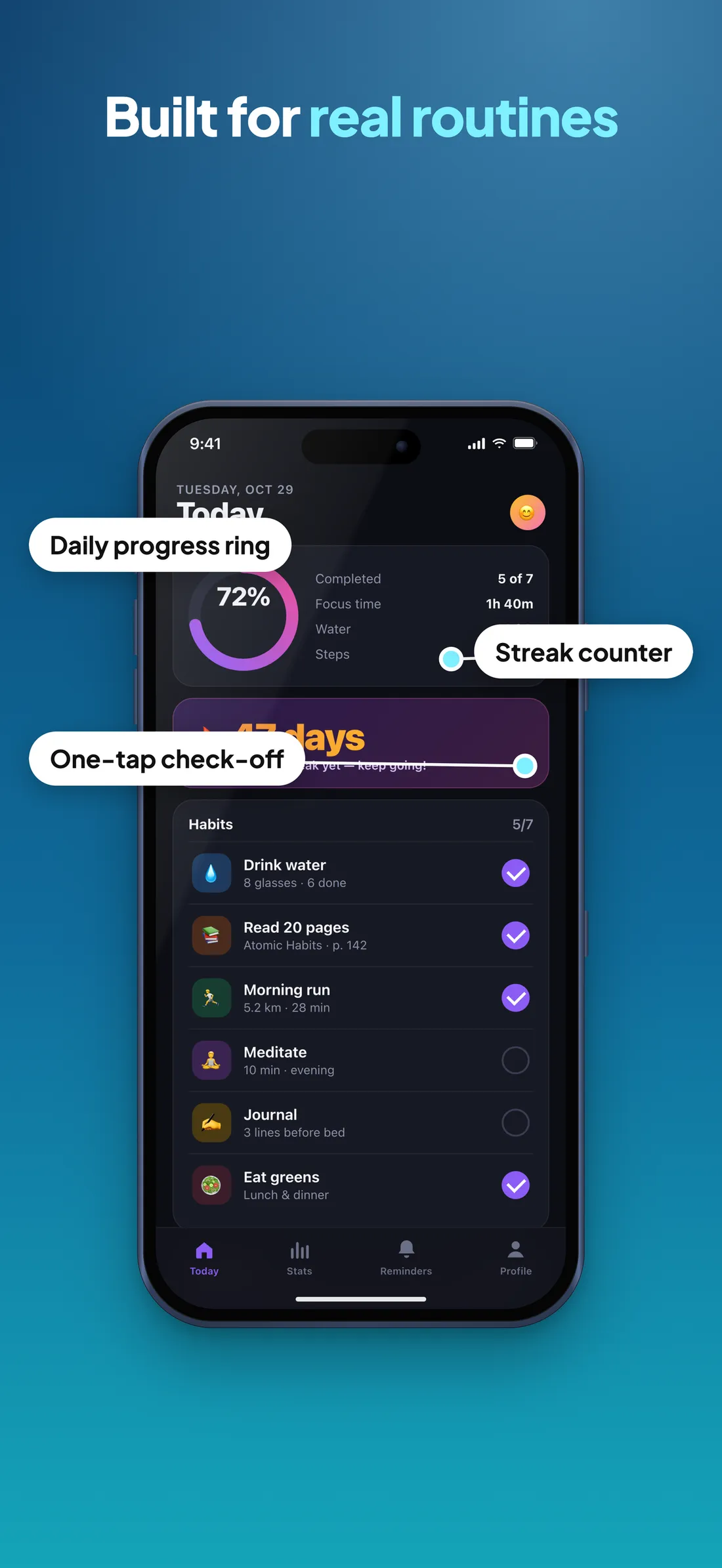
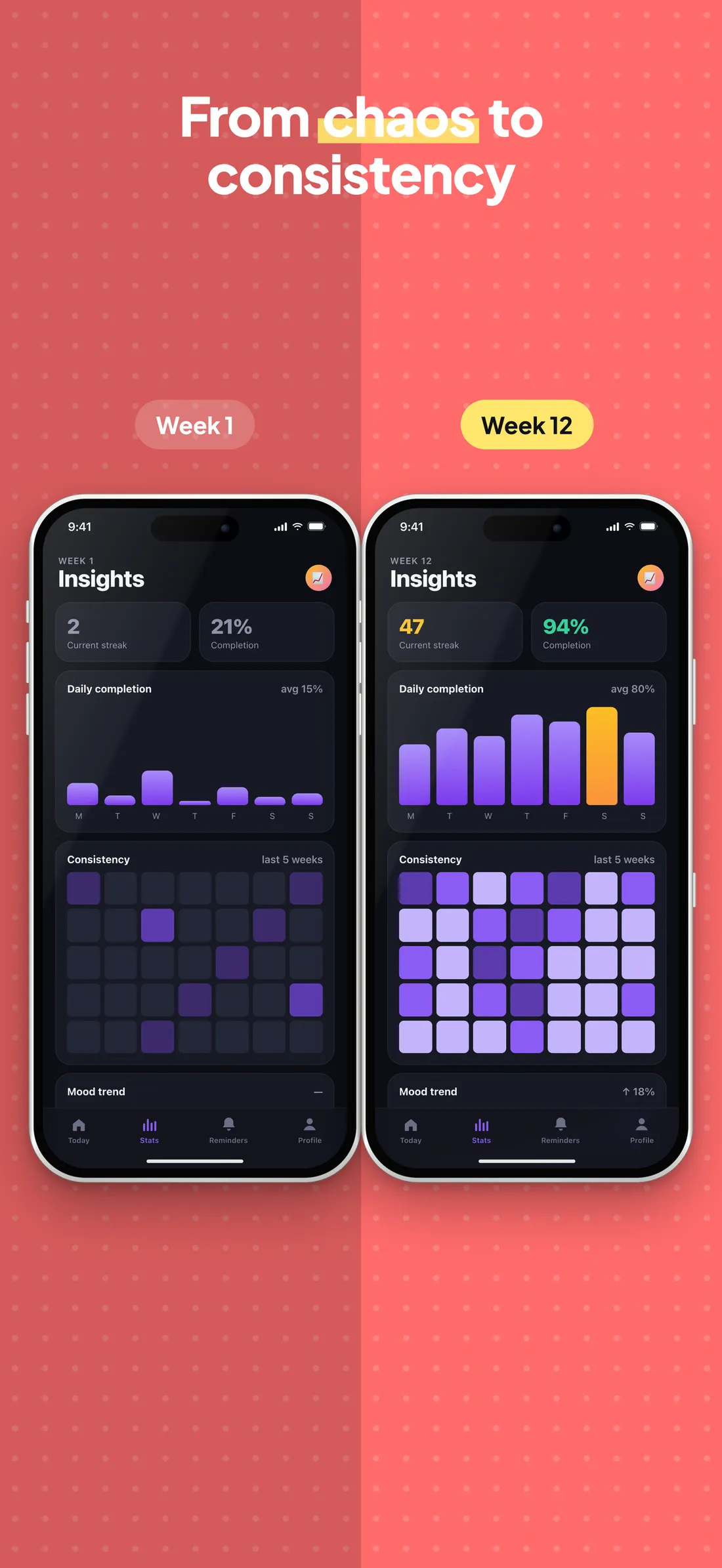
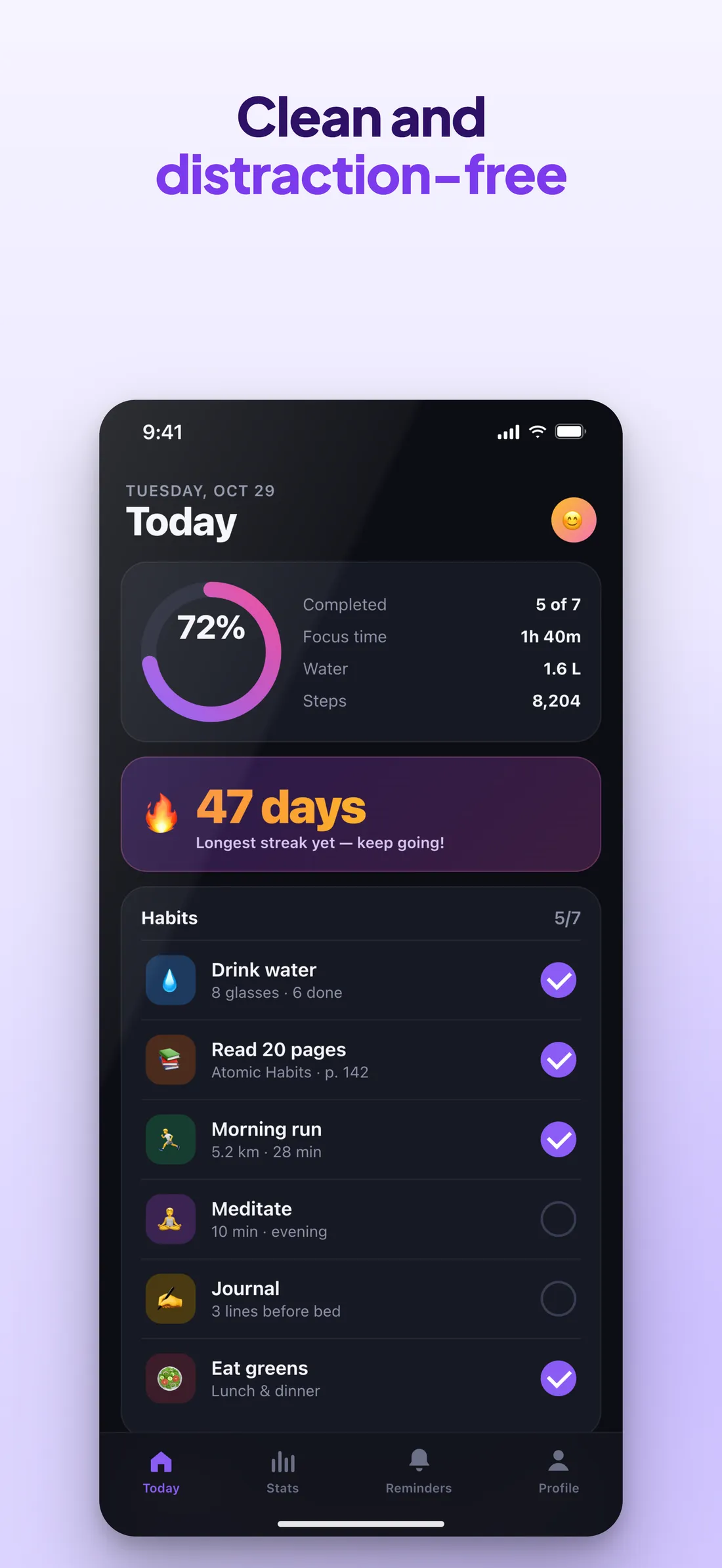
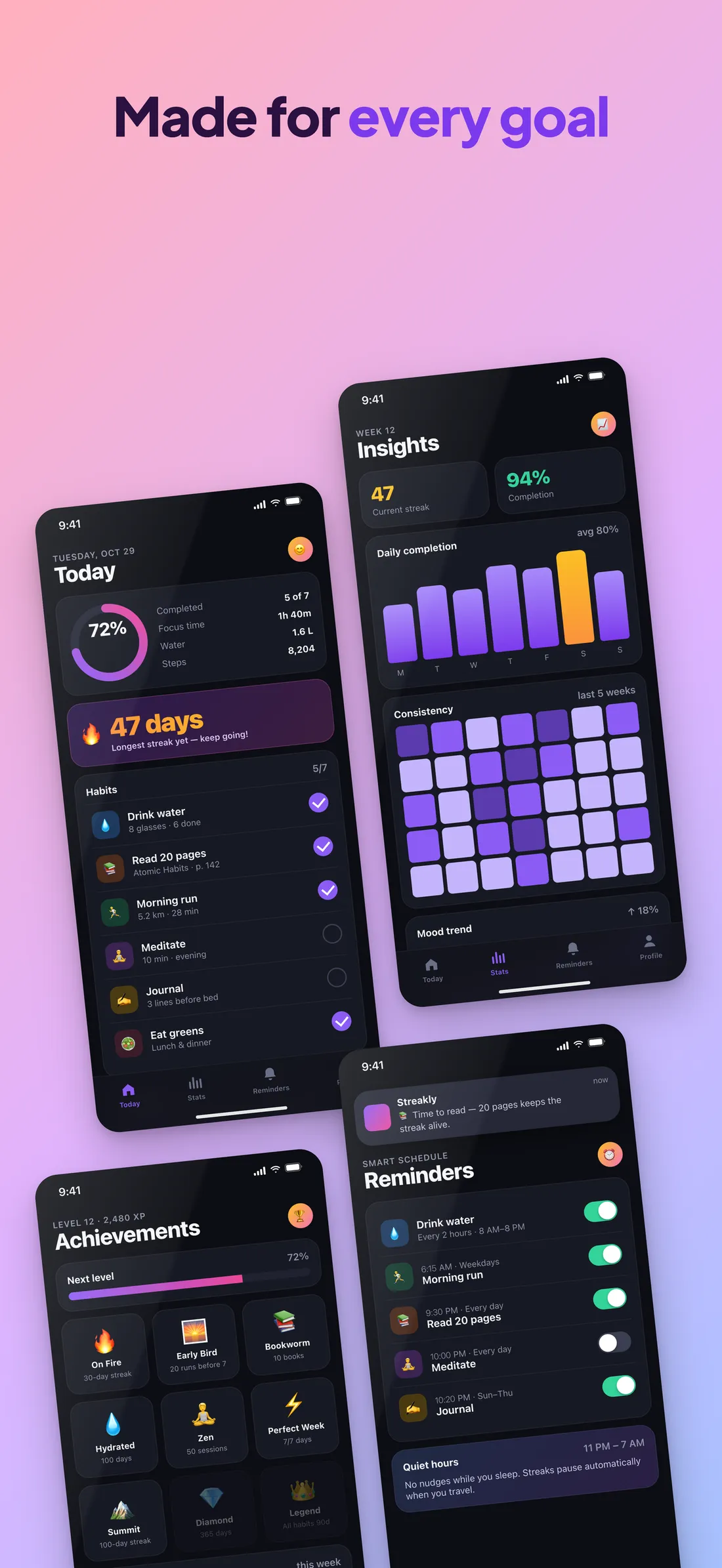
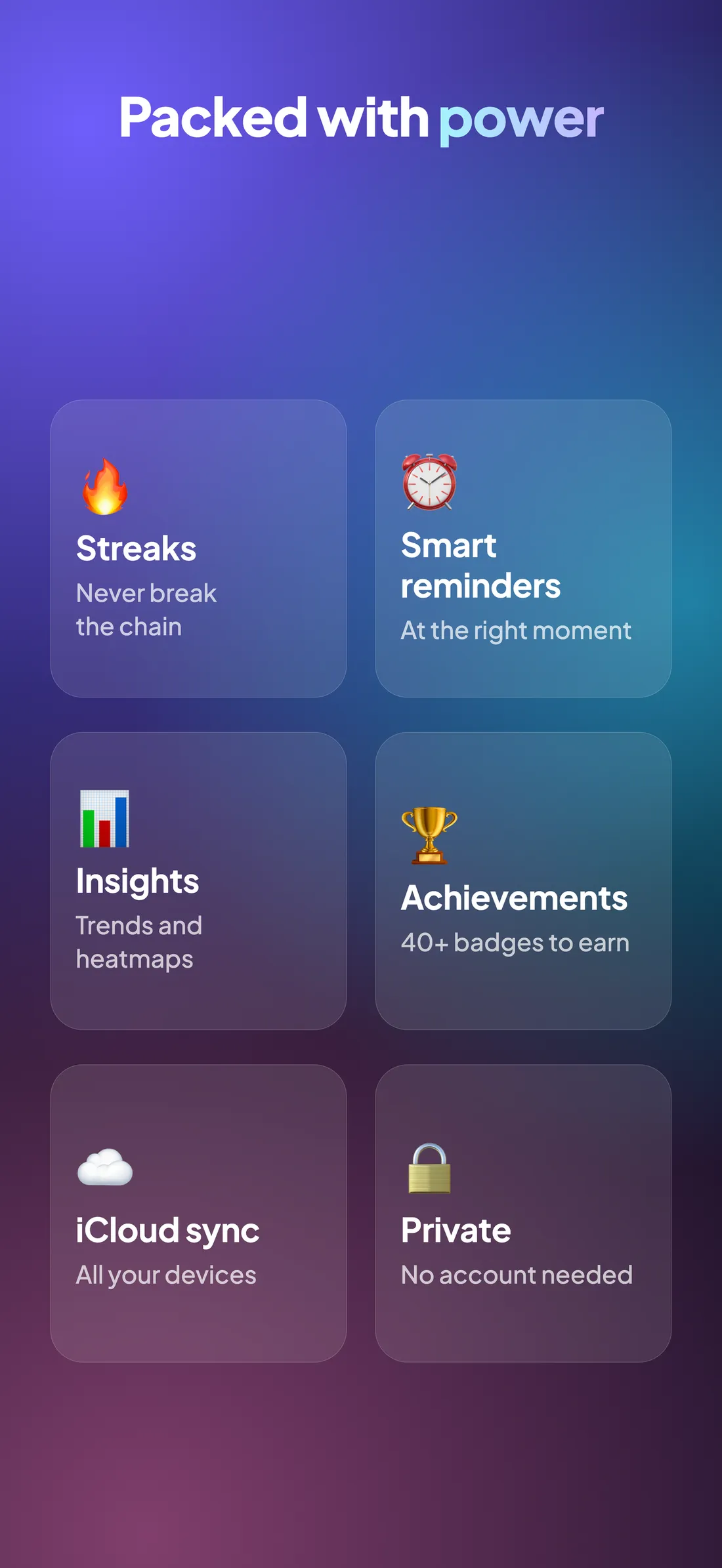
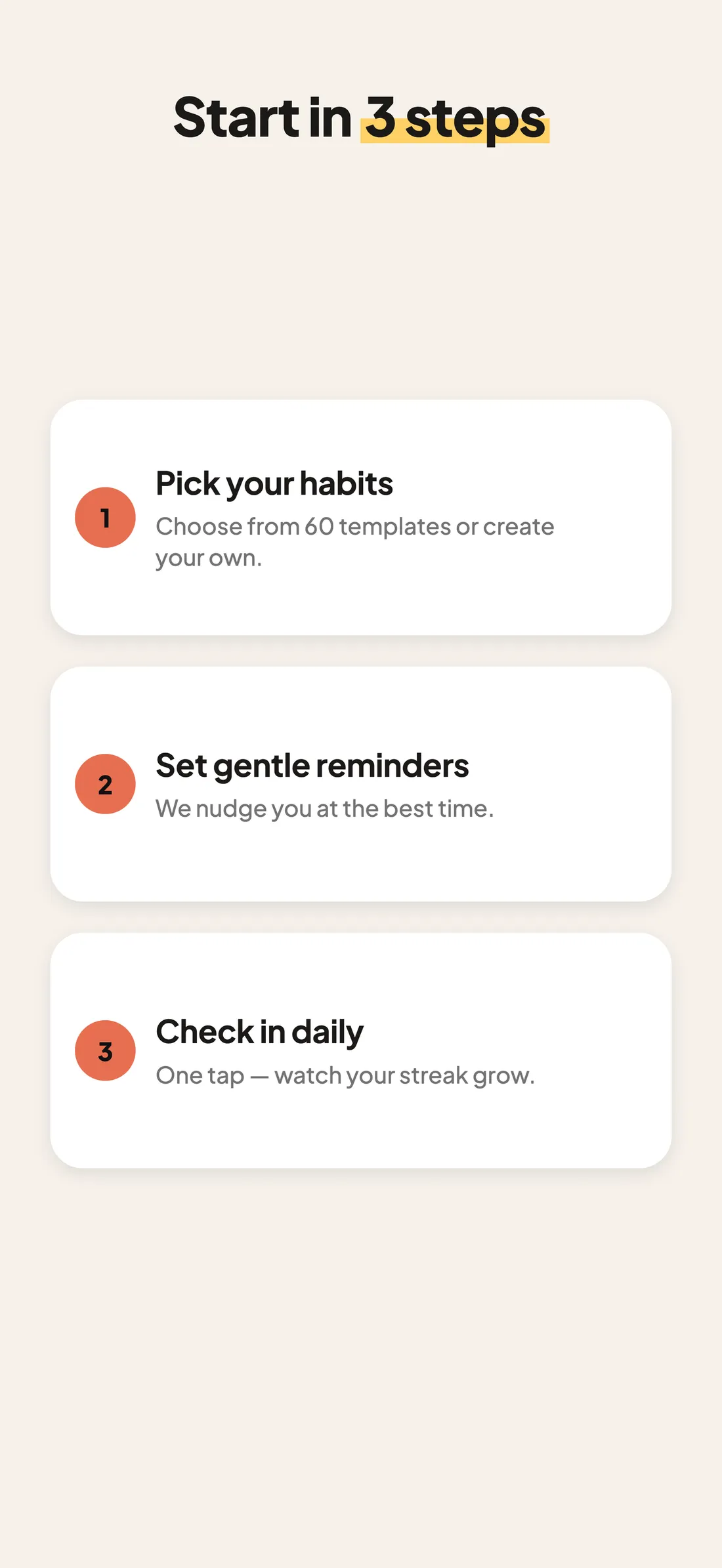
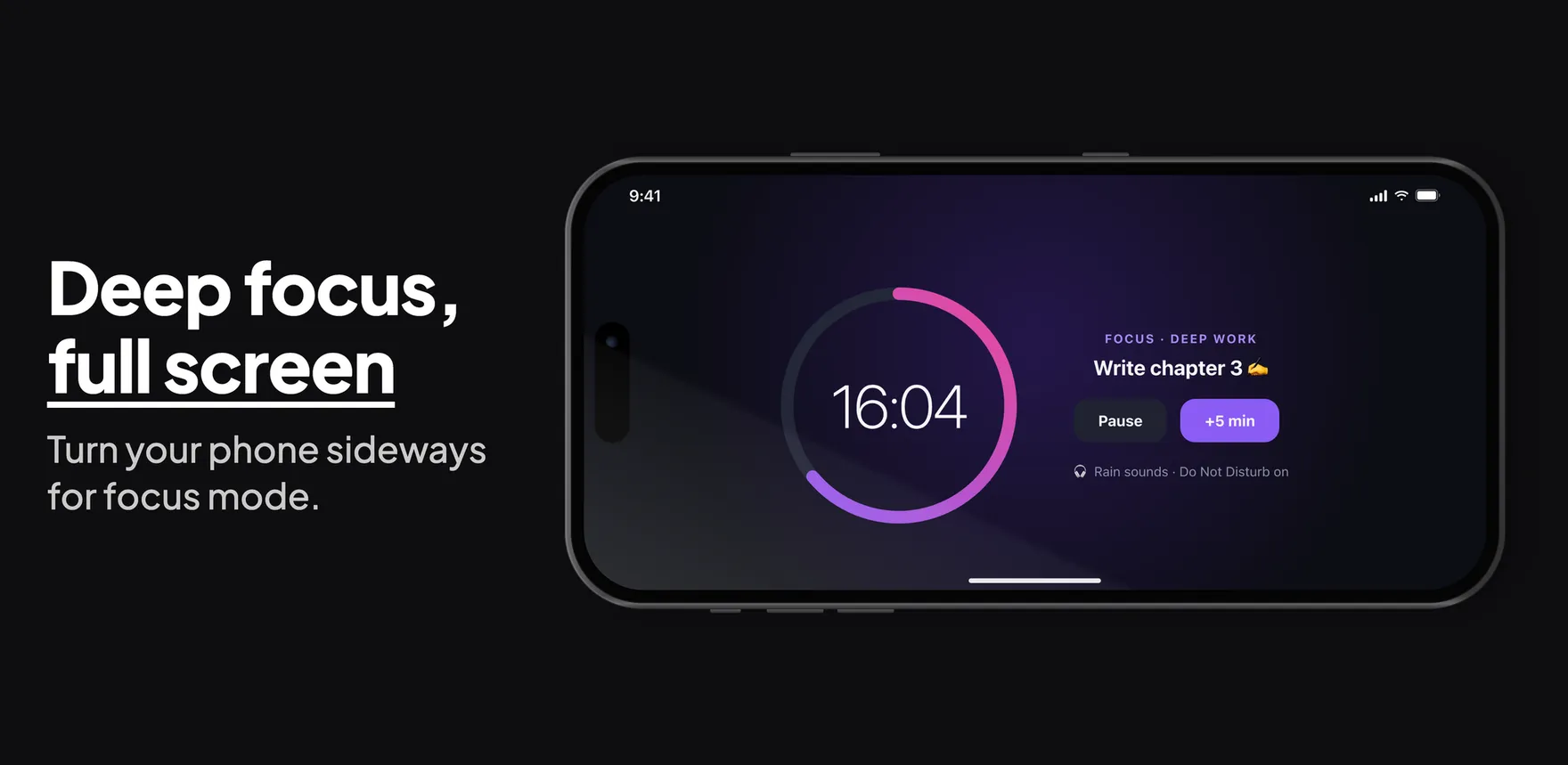
Landscape 2048 × 1000 px
Signature layouts
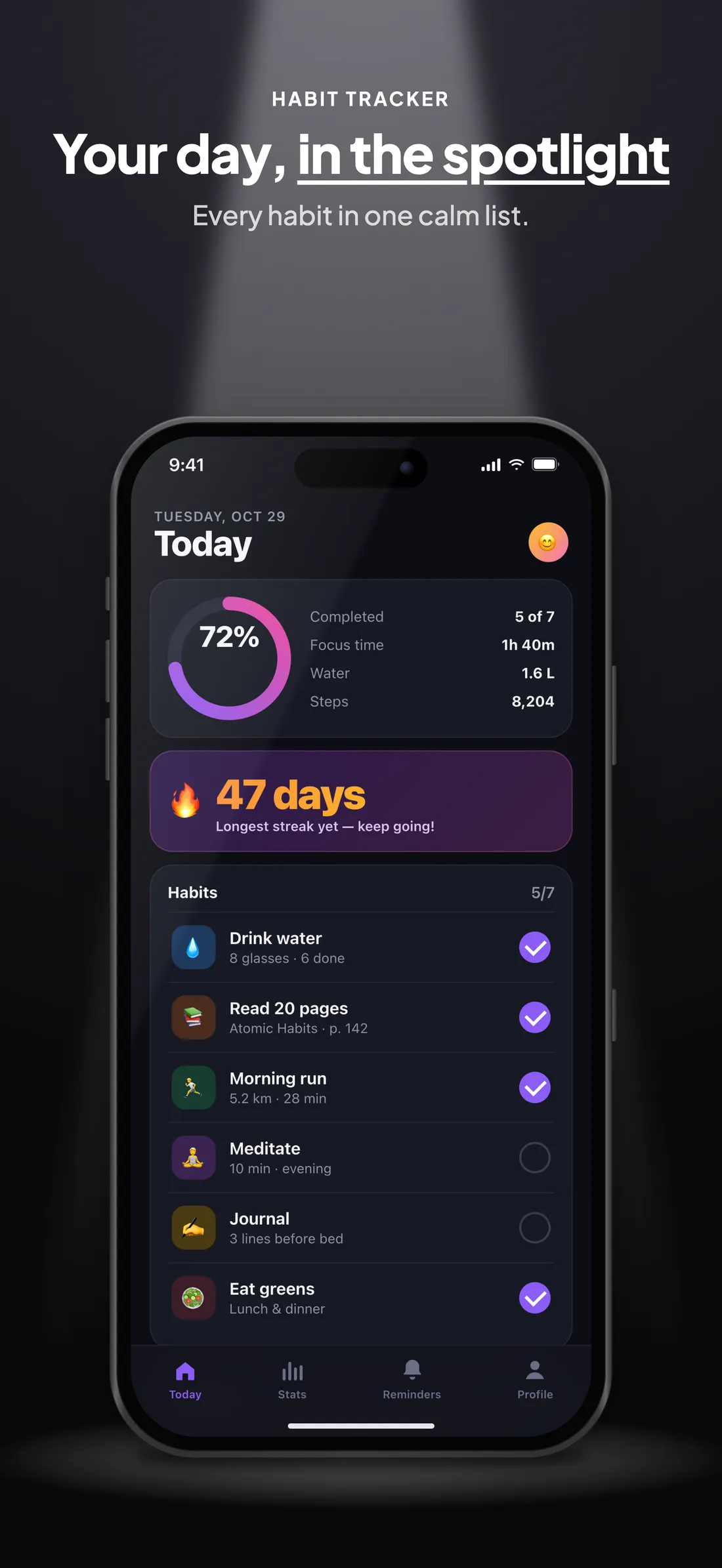
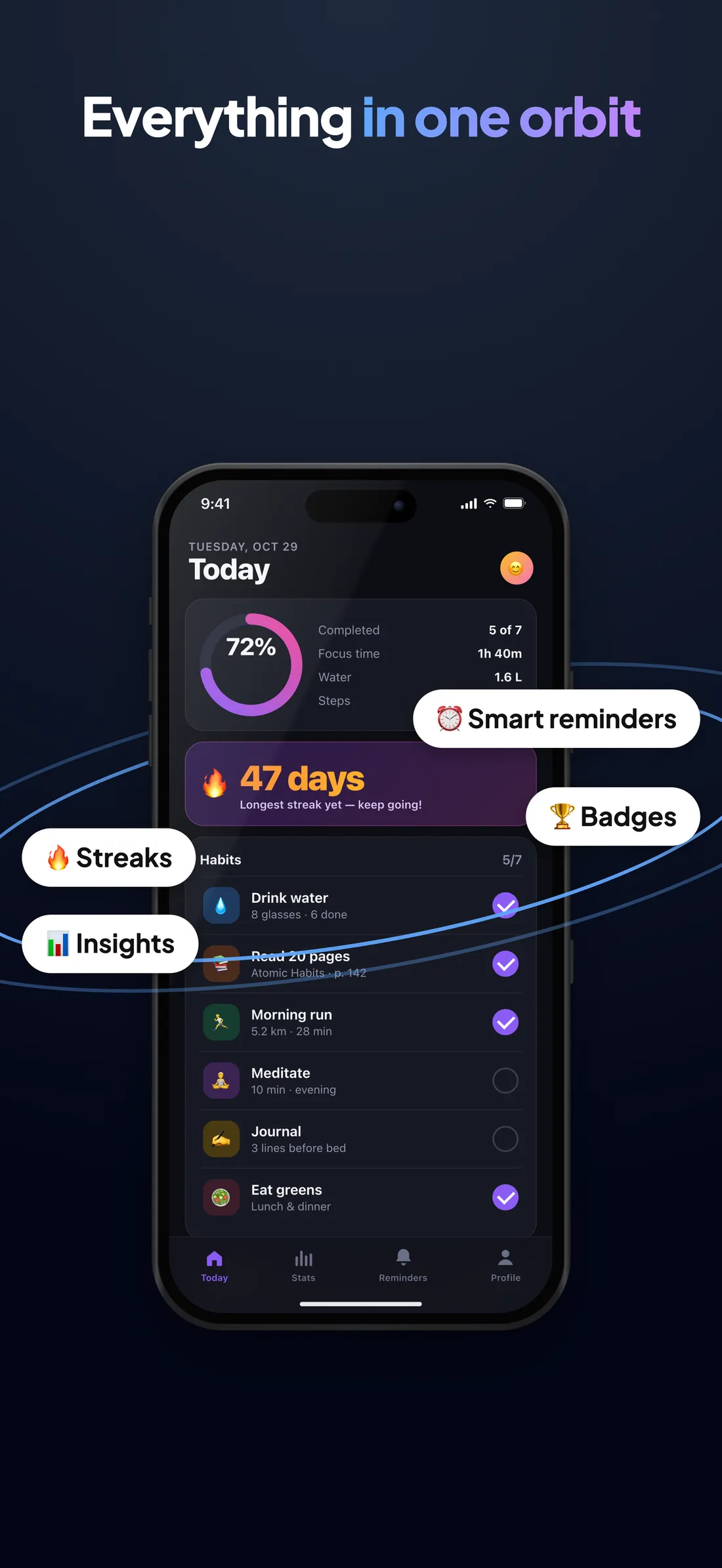
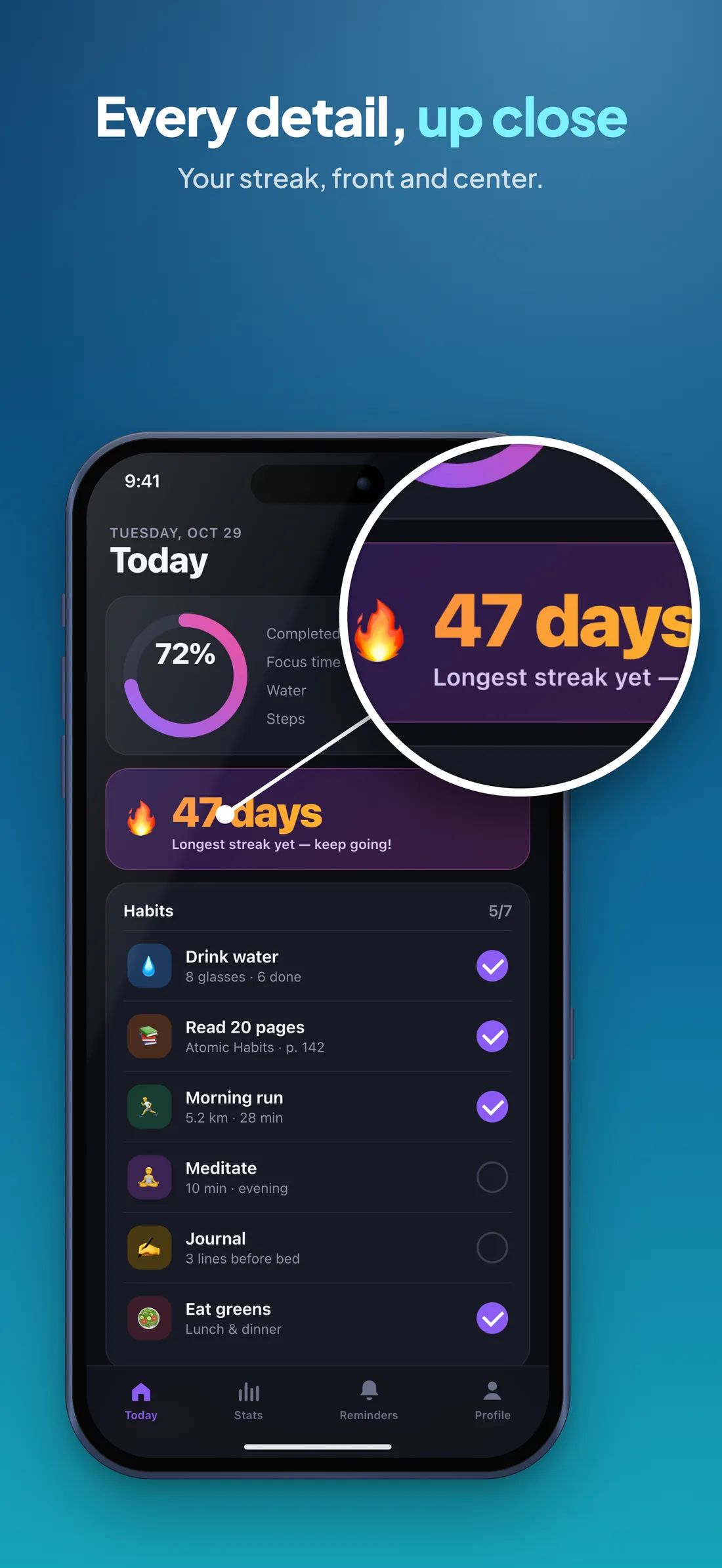
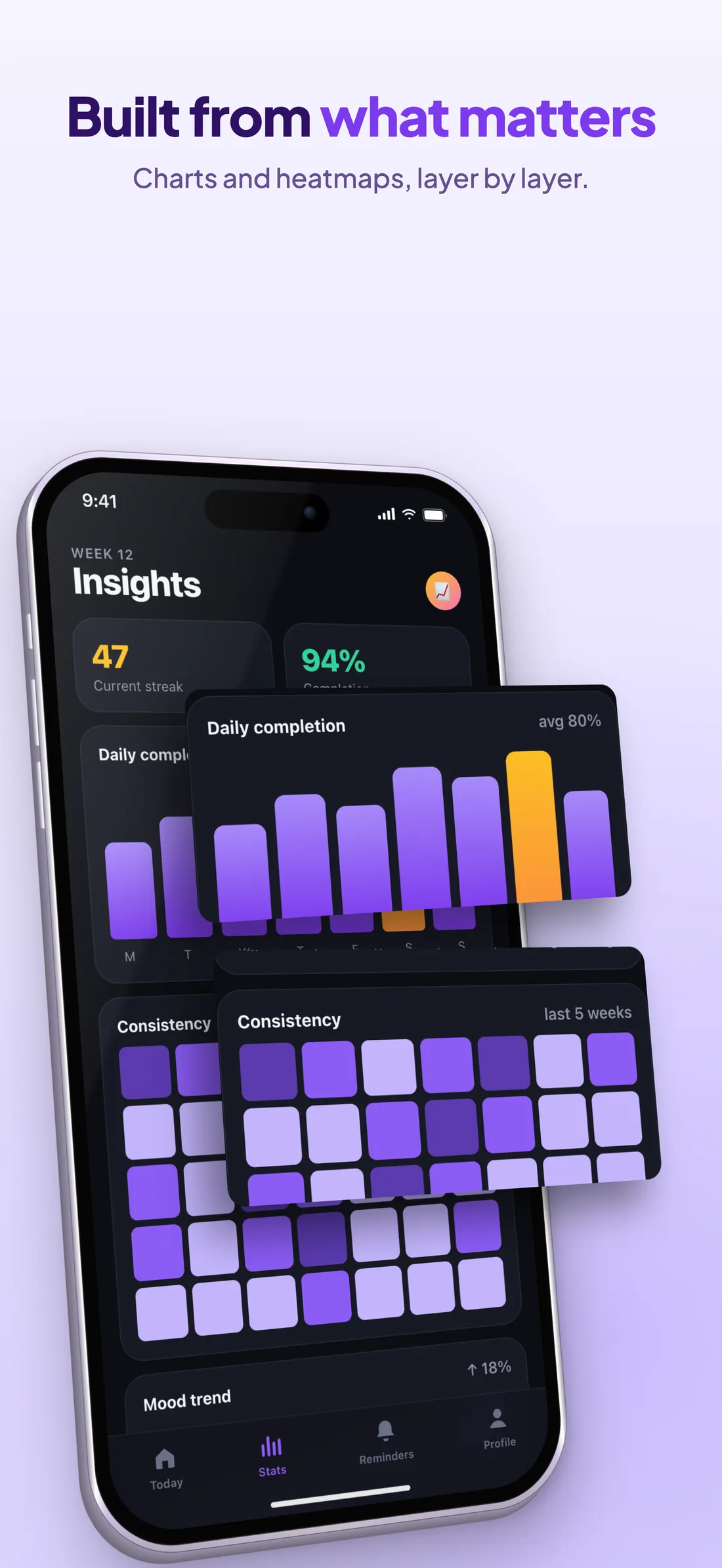
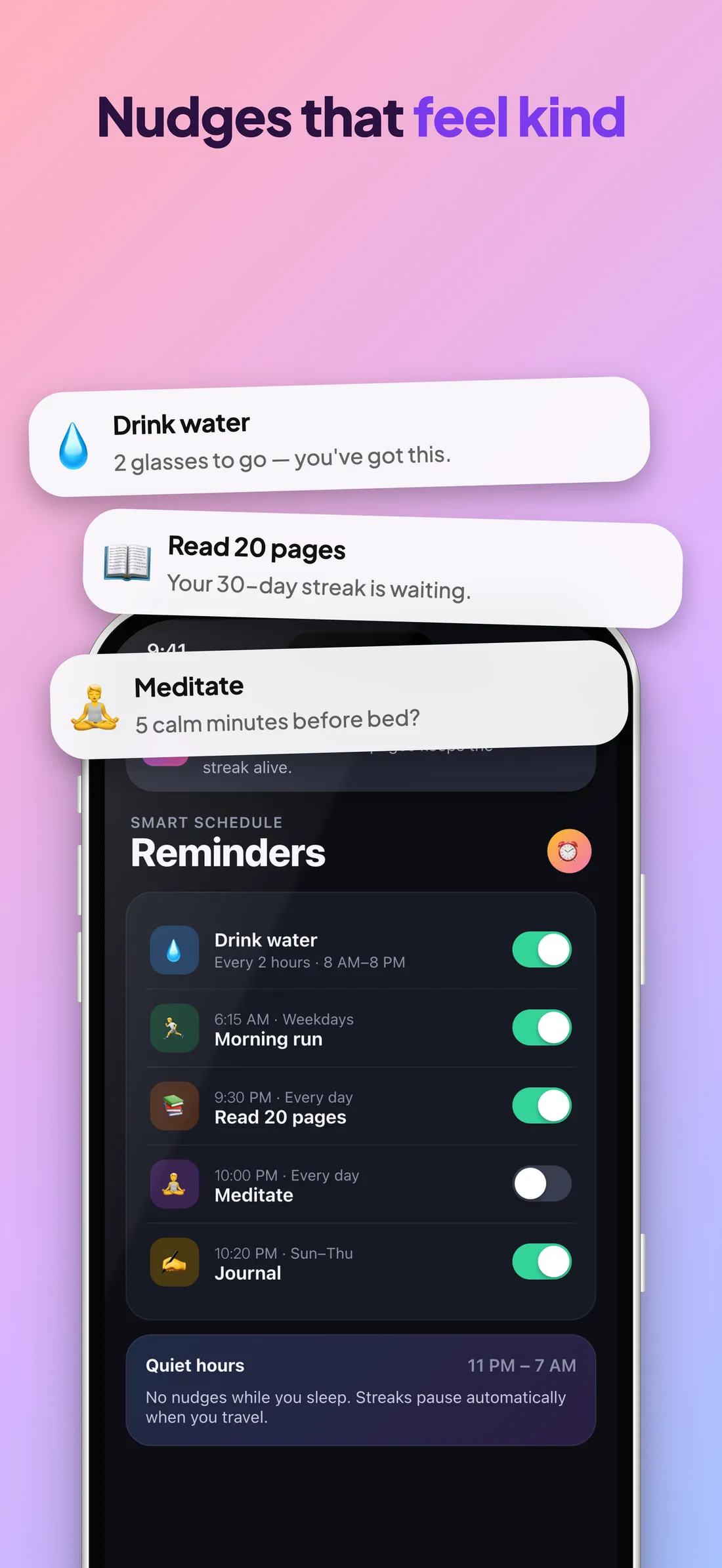
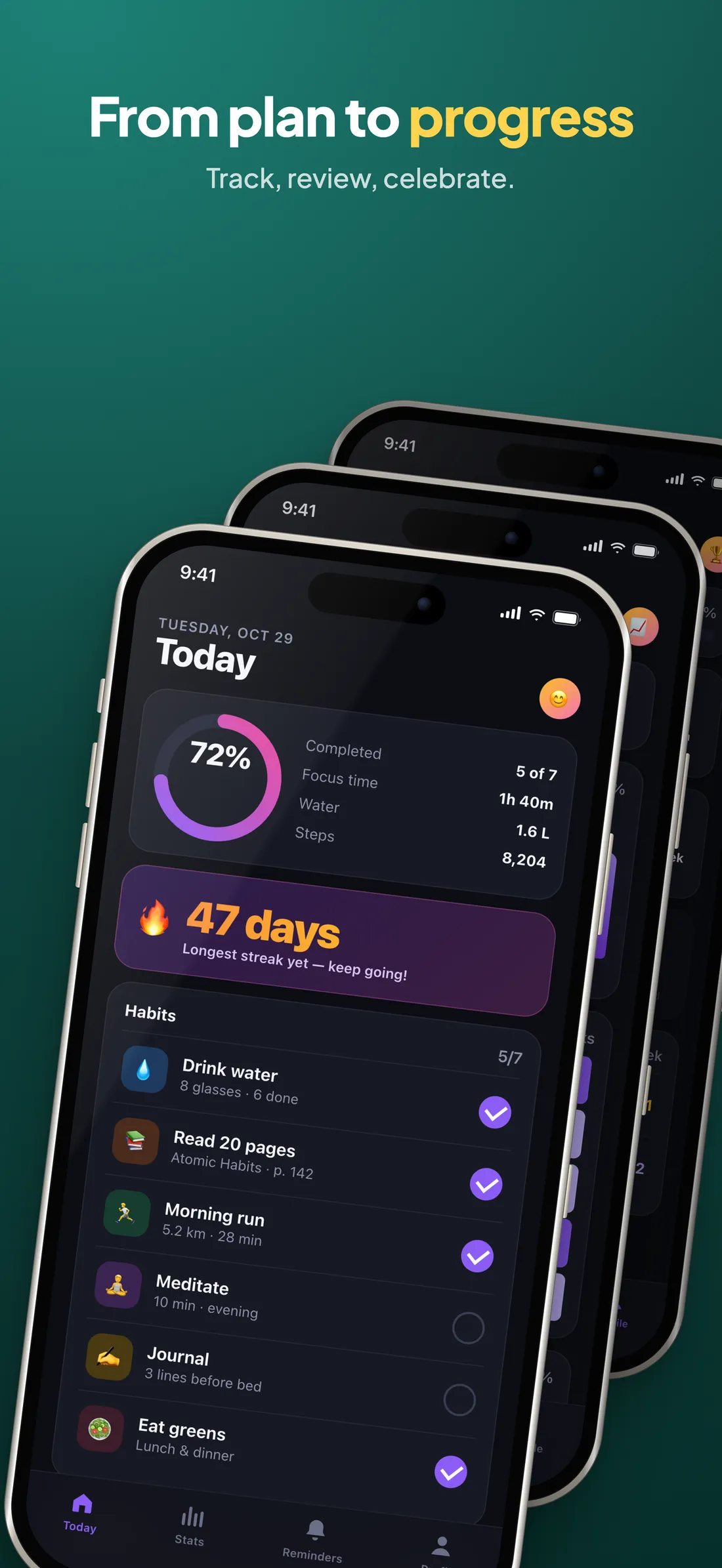
Nine compositions you won't find in template packs: a stage spotlight, giant type, a ticker band, an arch portal, orbiting badges, a magnifier lens, stacked layers, notification stacks and a fanned deck.
iPhone 1320 × 2868 px
Panoramas
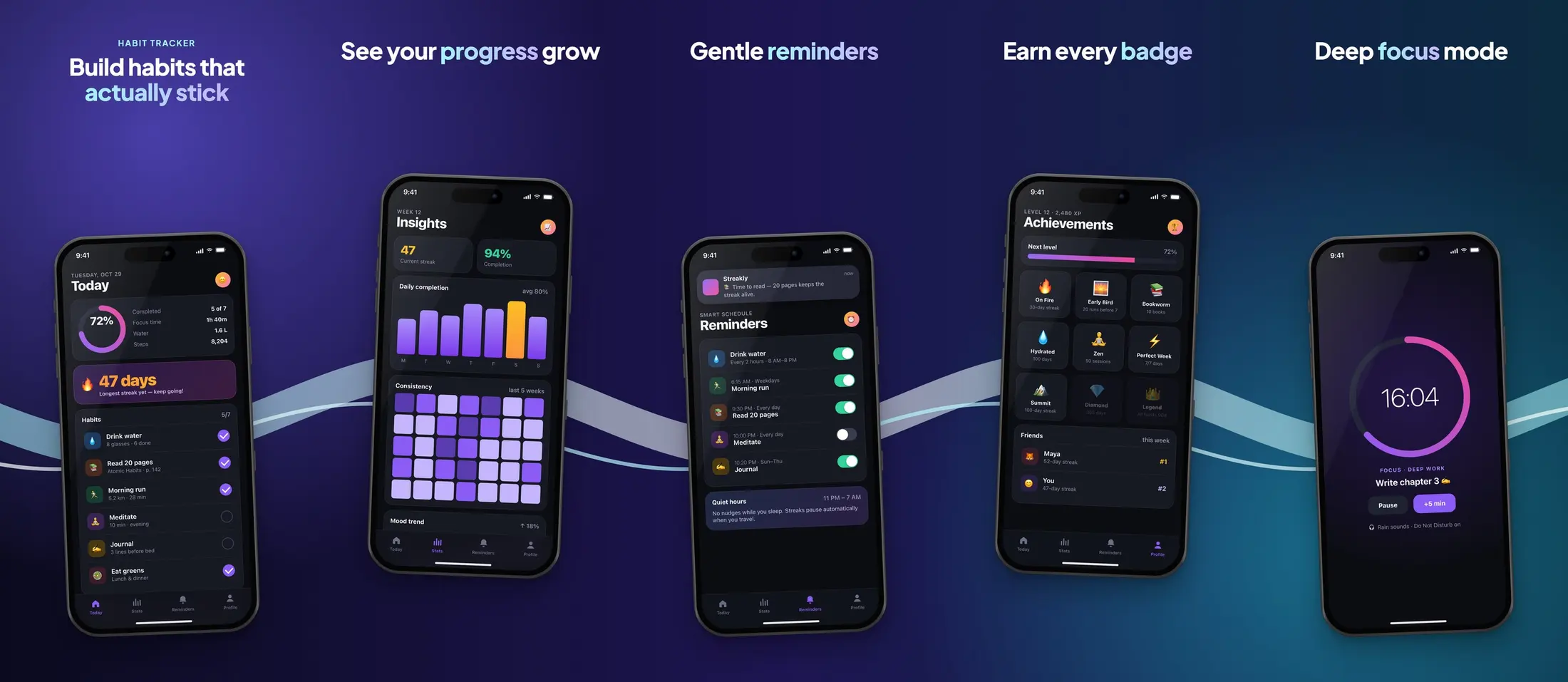
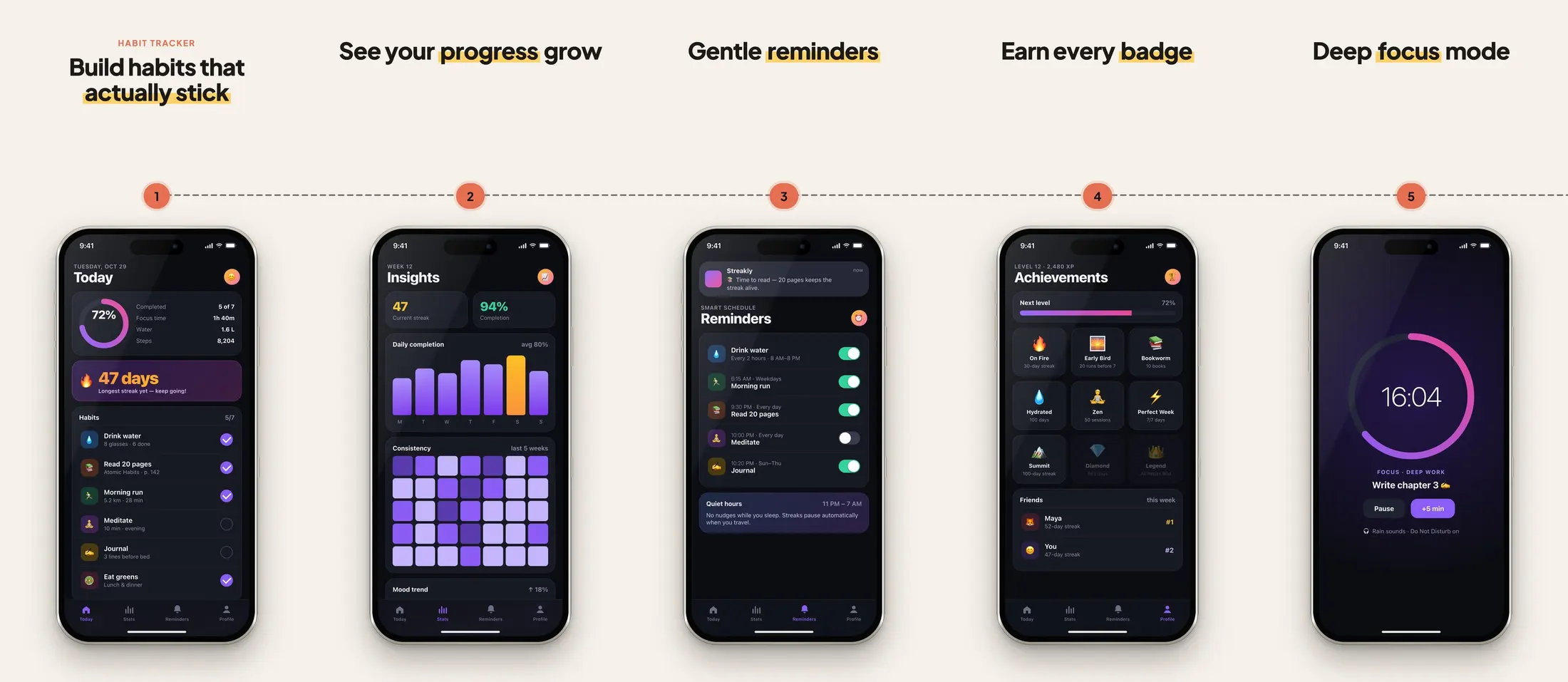
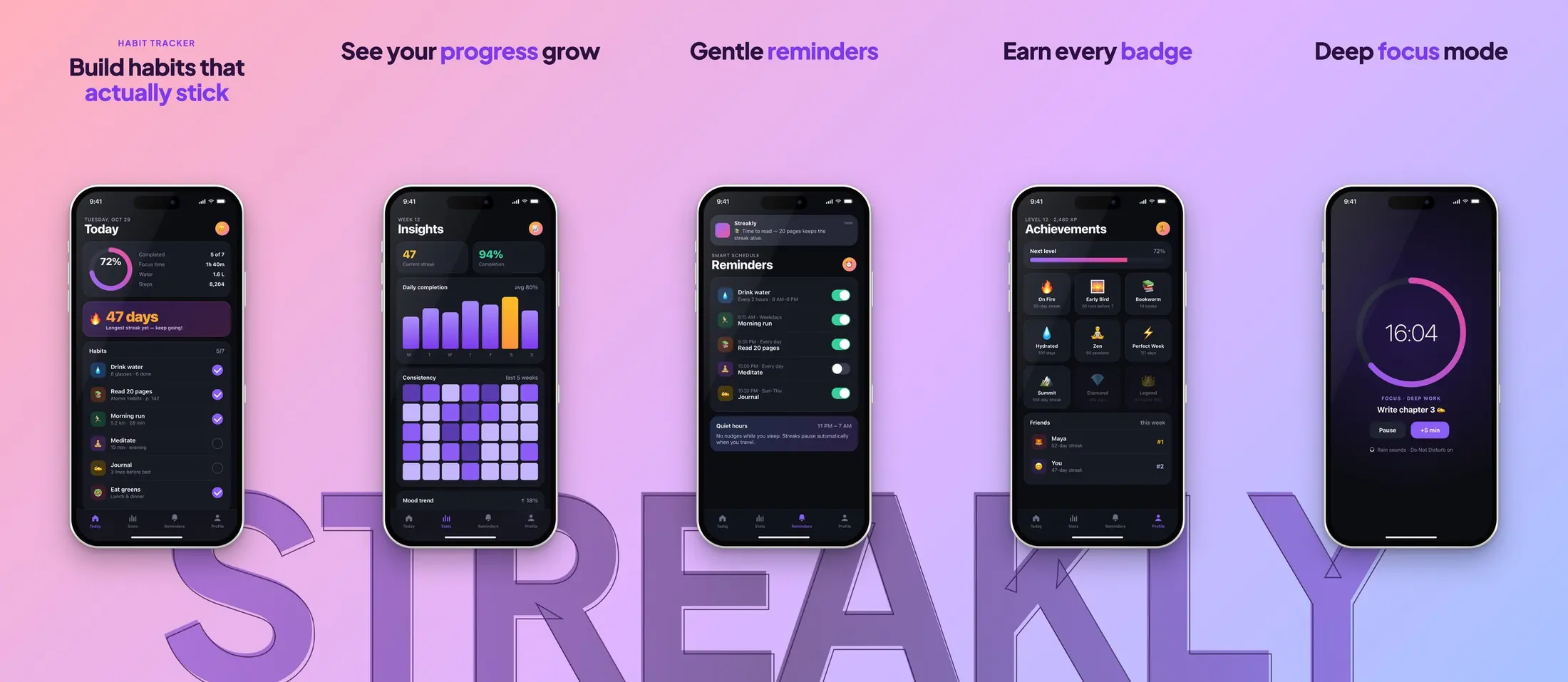
Slides that join into one picture when they sit side by side in the store. Phones can cross the gap between two slides; the renderer warns when a caption falls on a seam.
wave ride
timeline
giant word
constellation
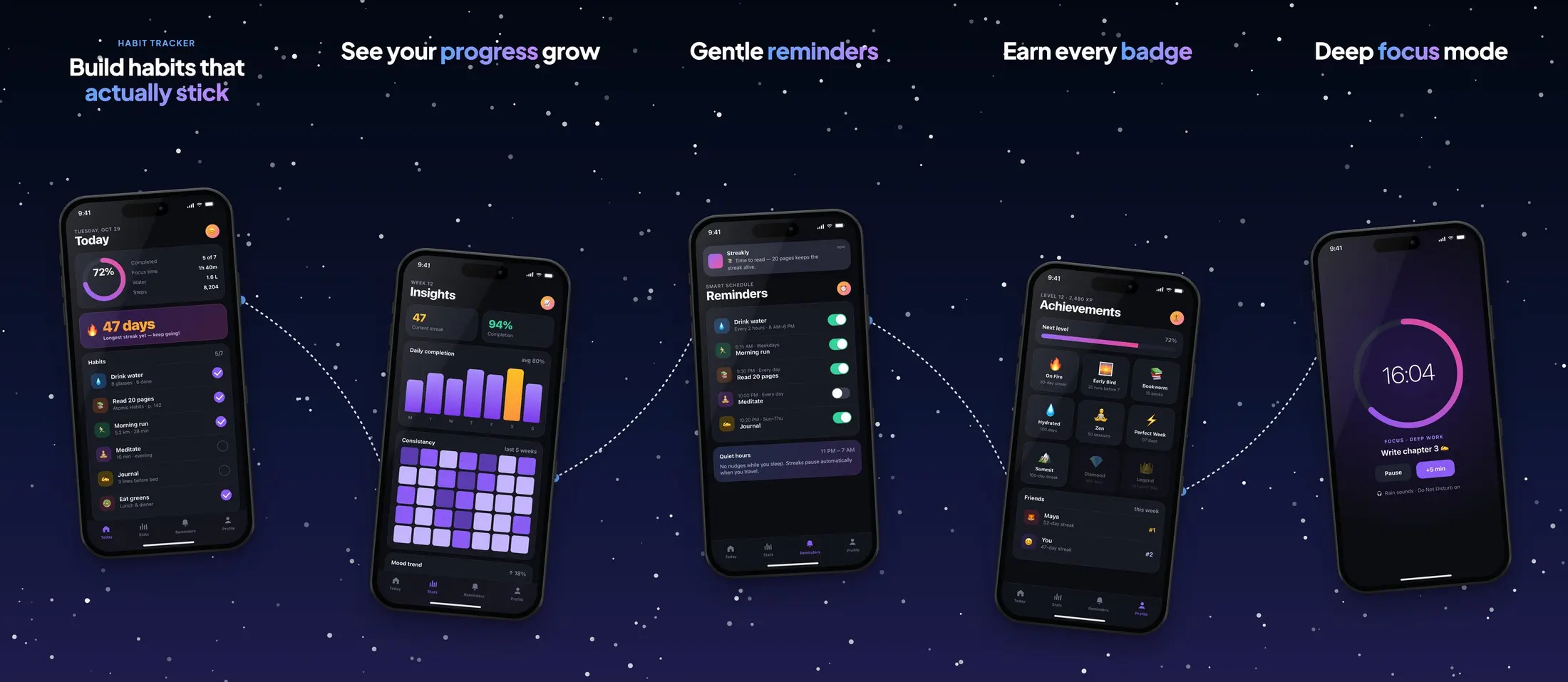
stage
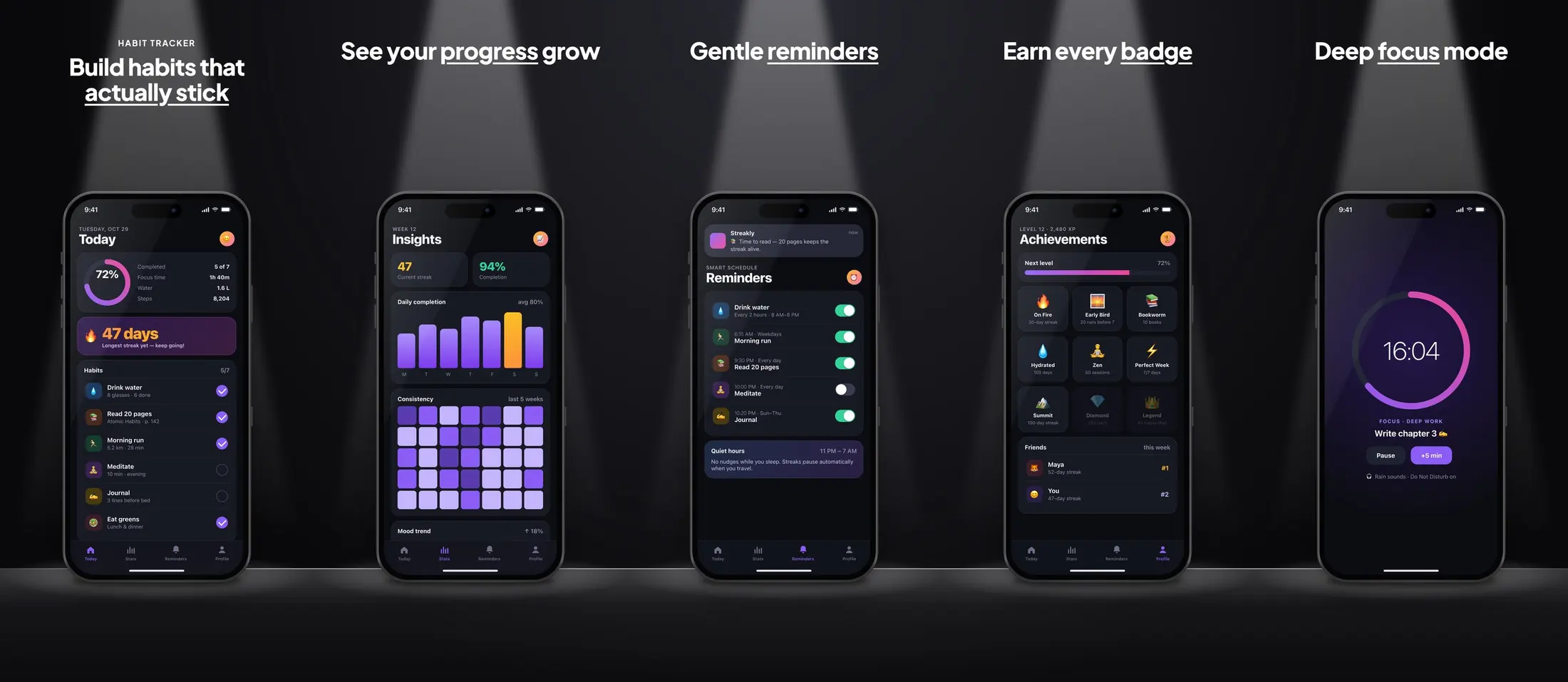
ticker
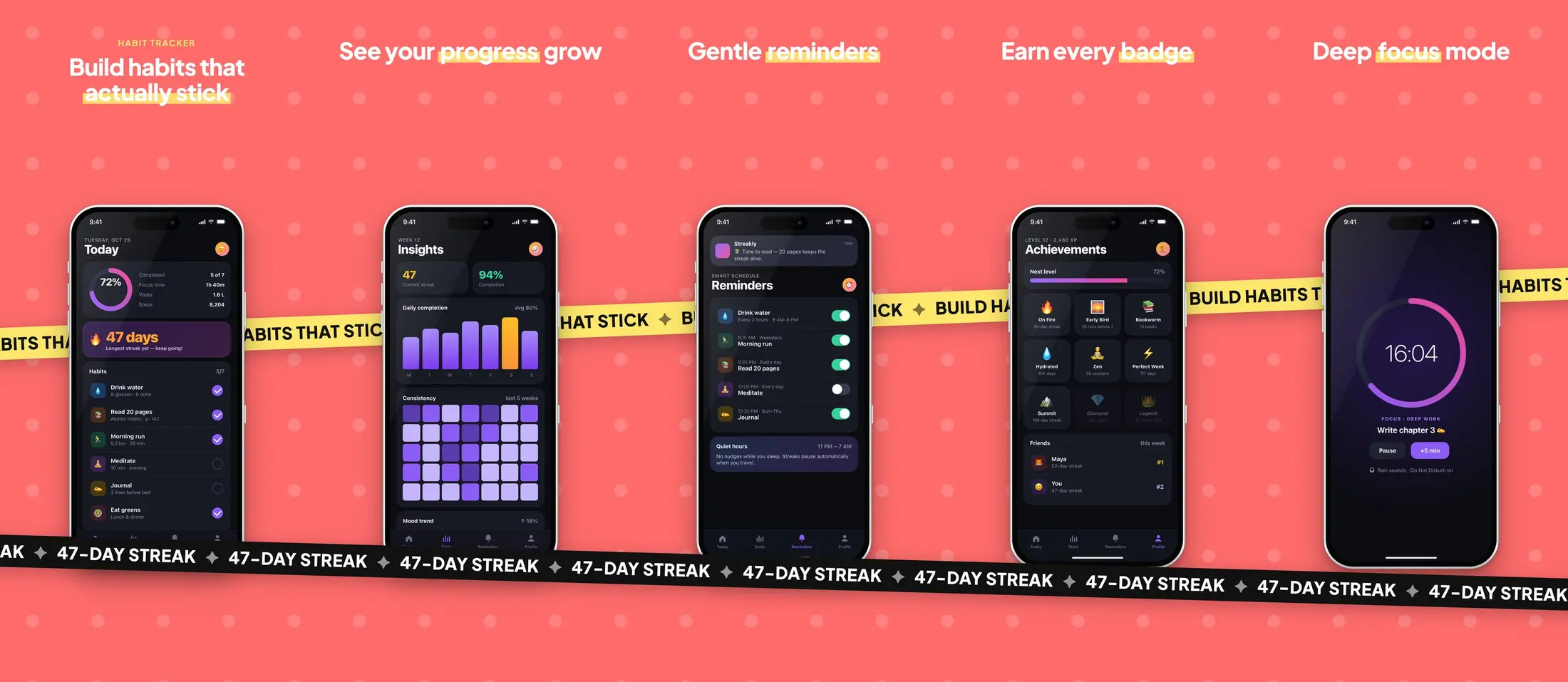
flow
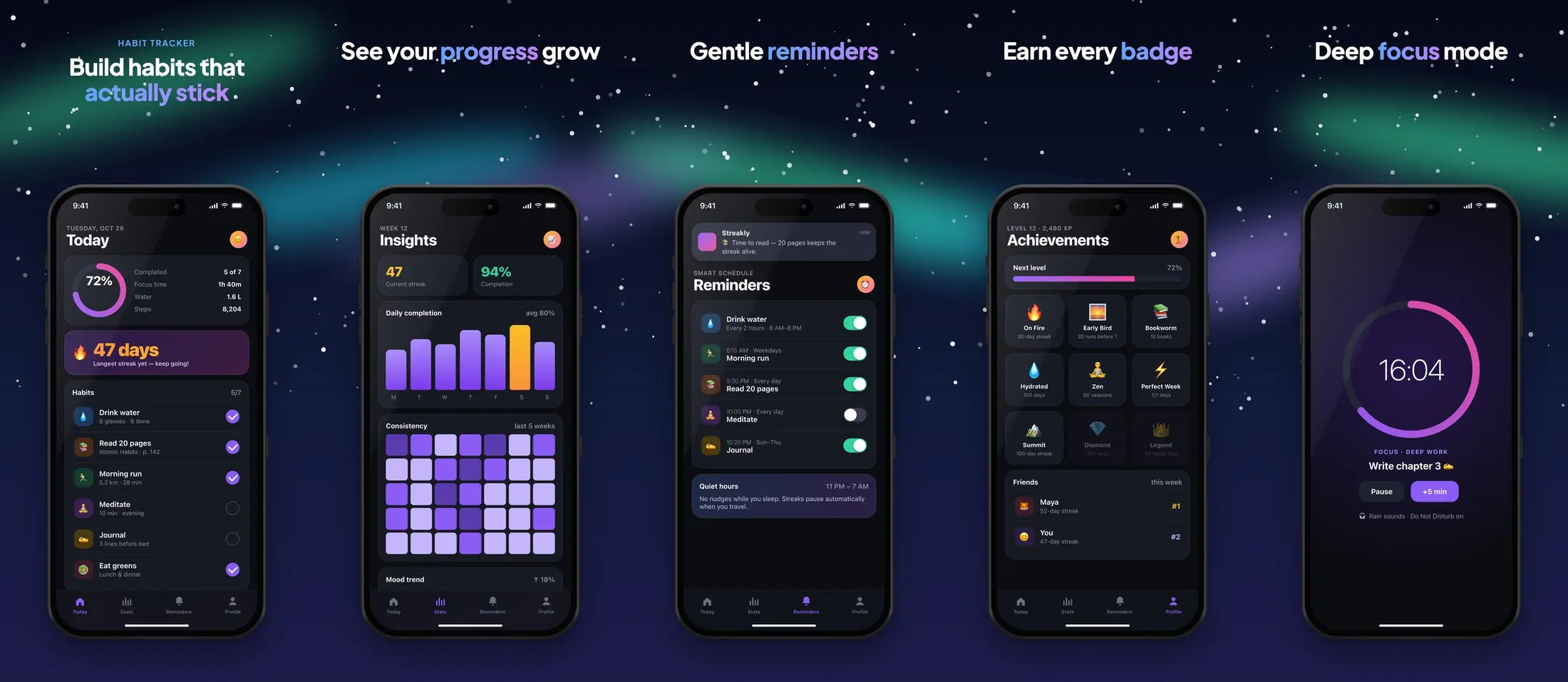
peek
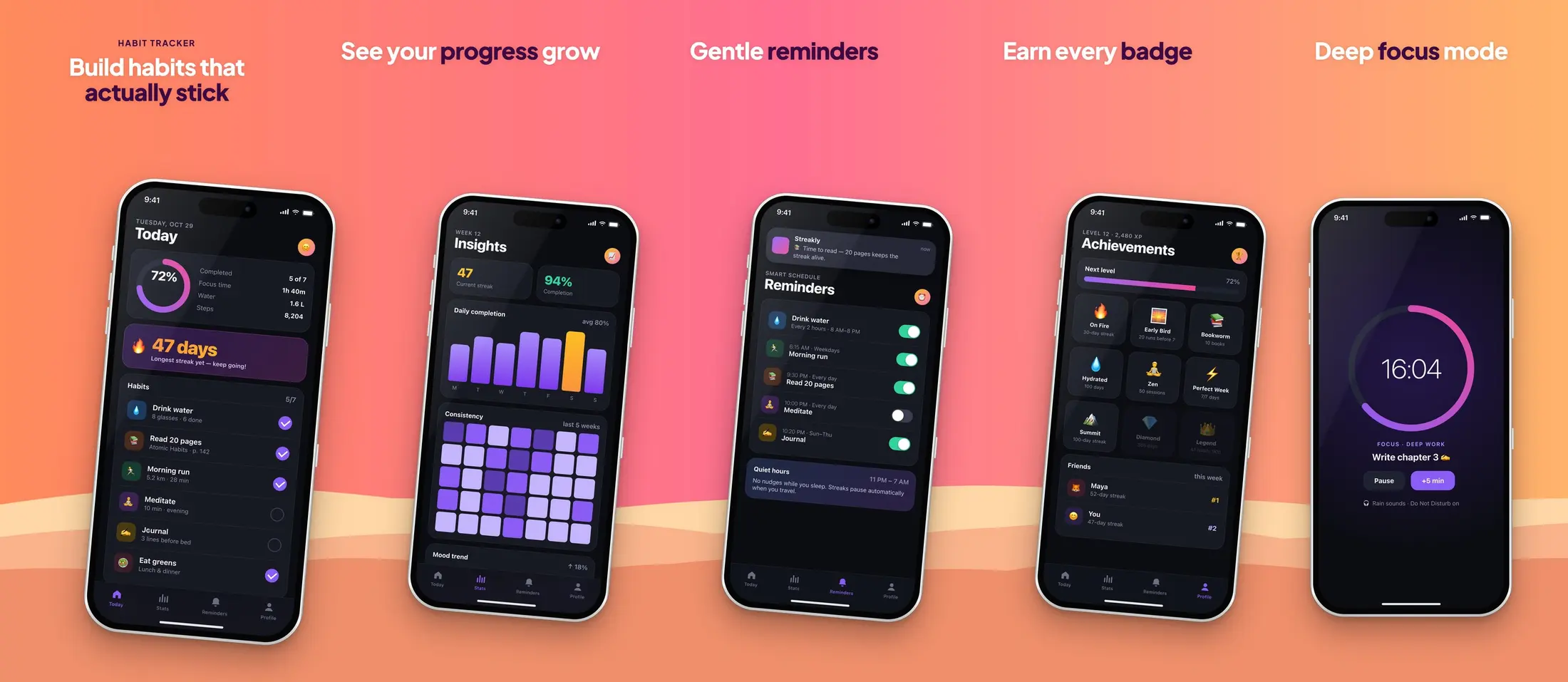
cascade
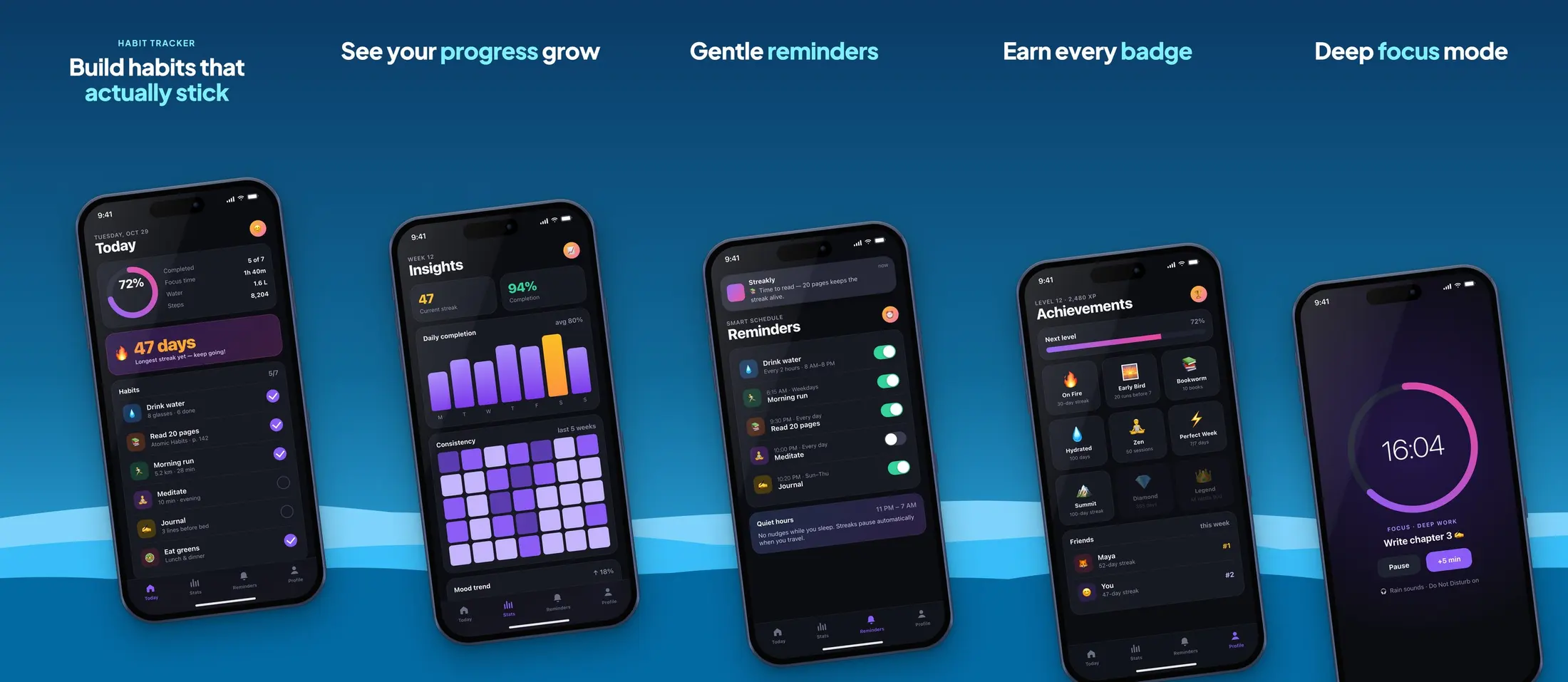
zigzag
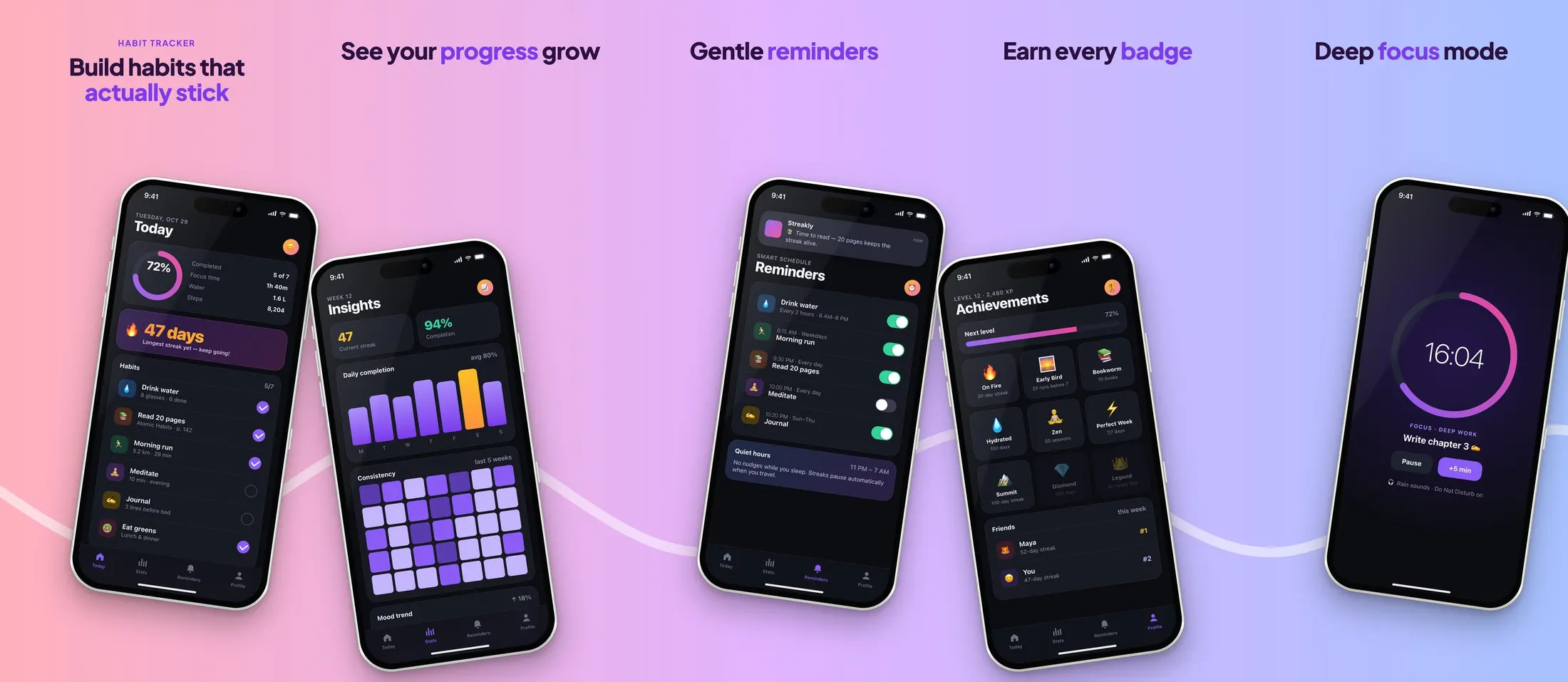
bridge
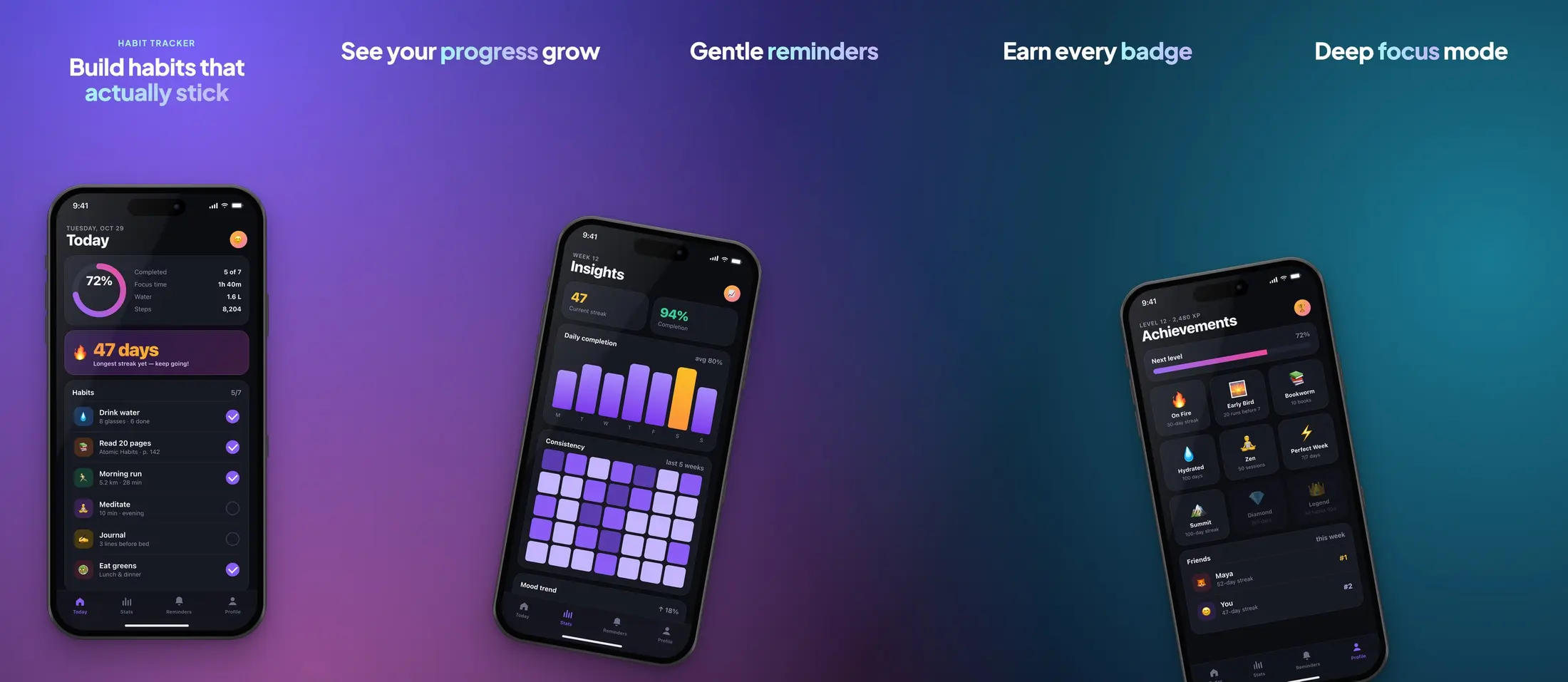
crossing
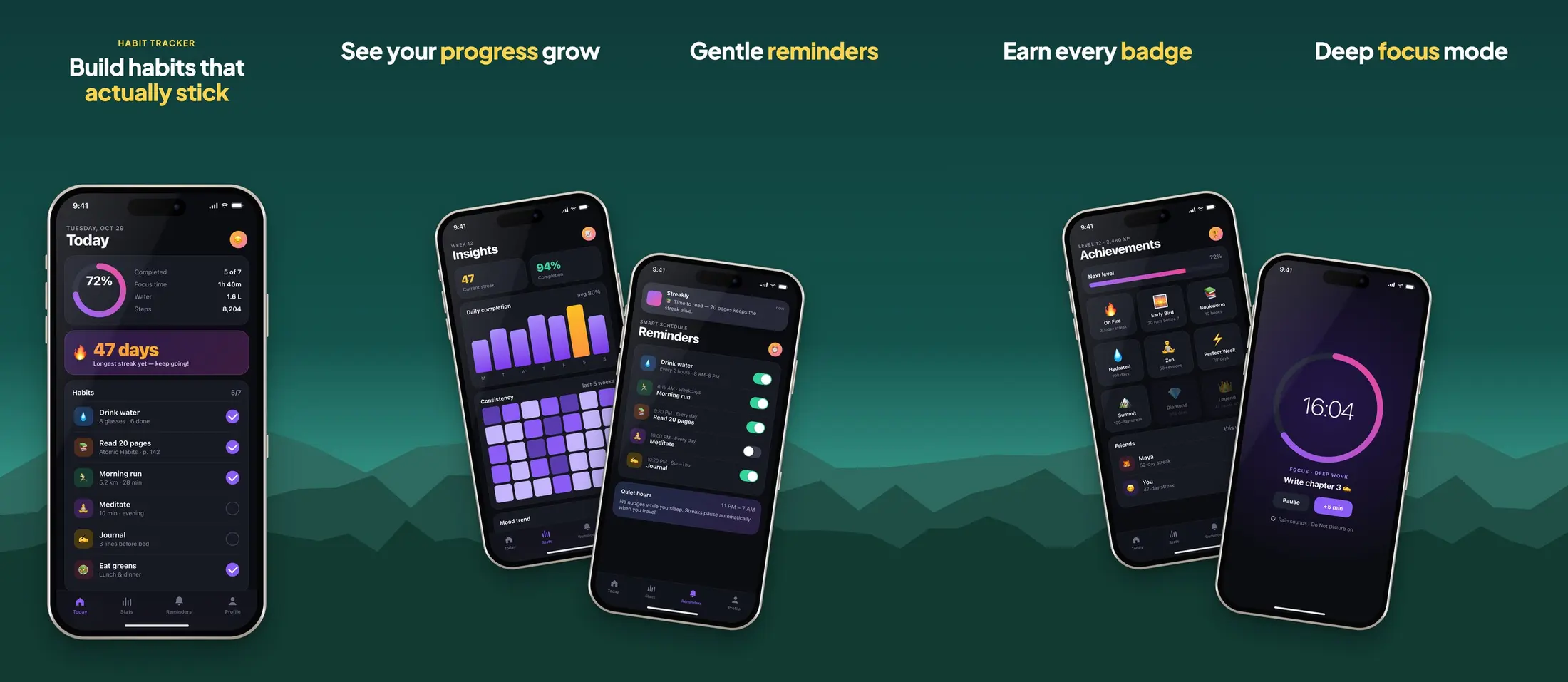
landscape lay
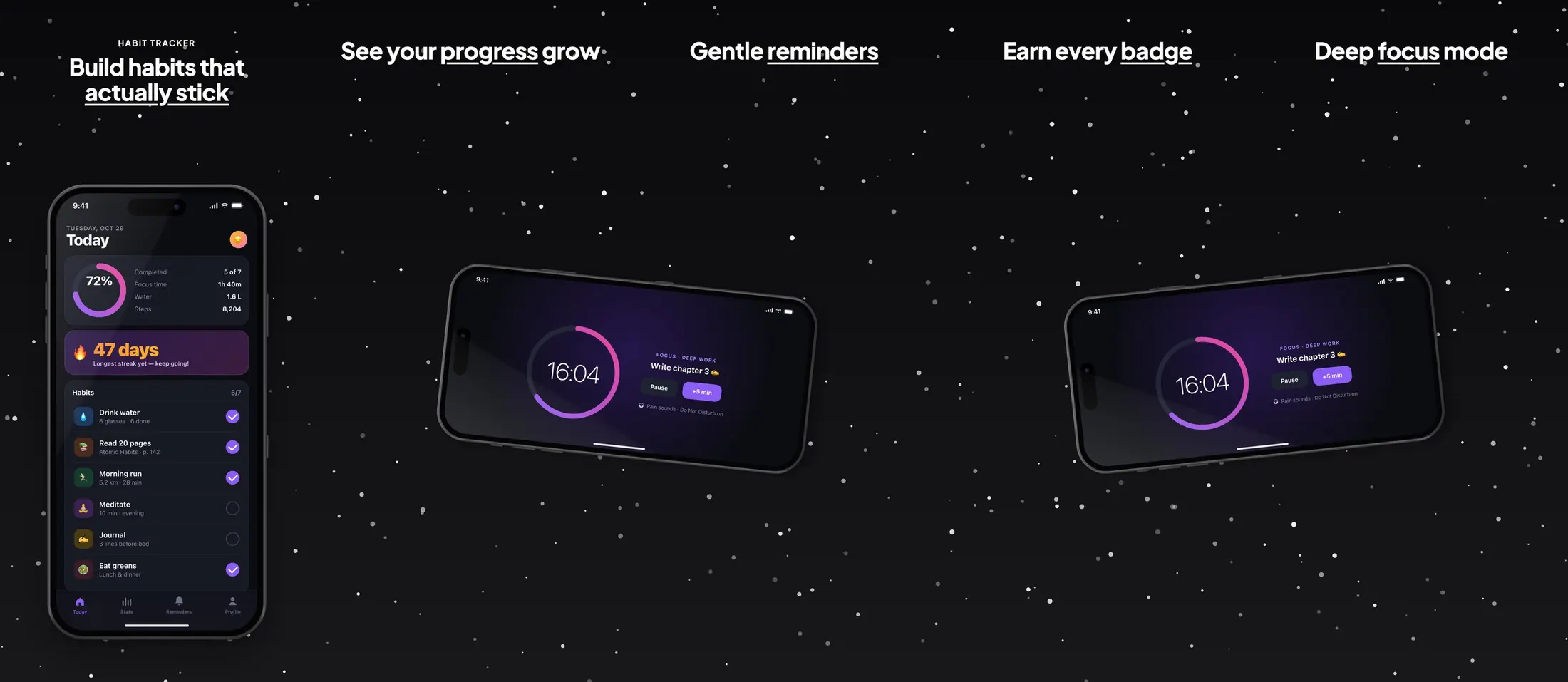
scatter
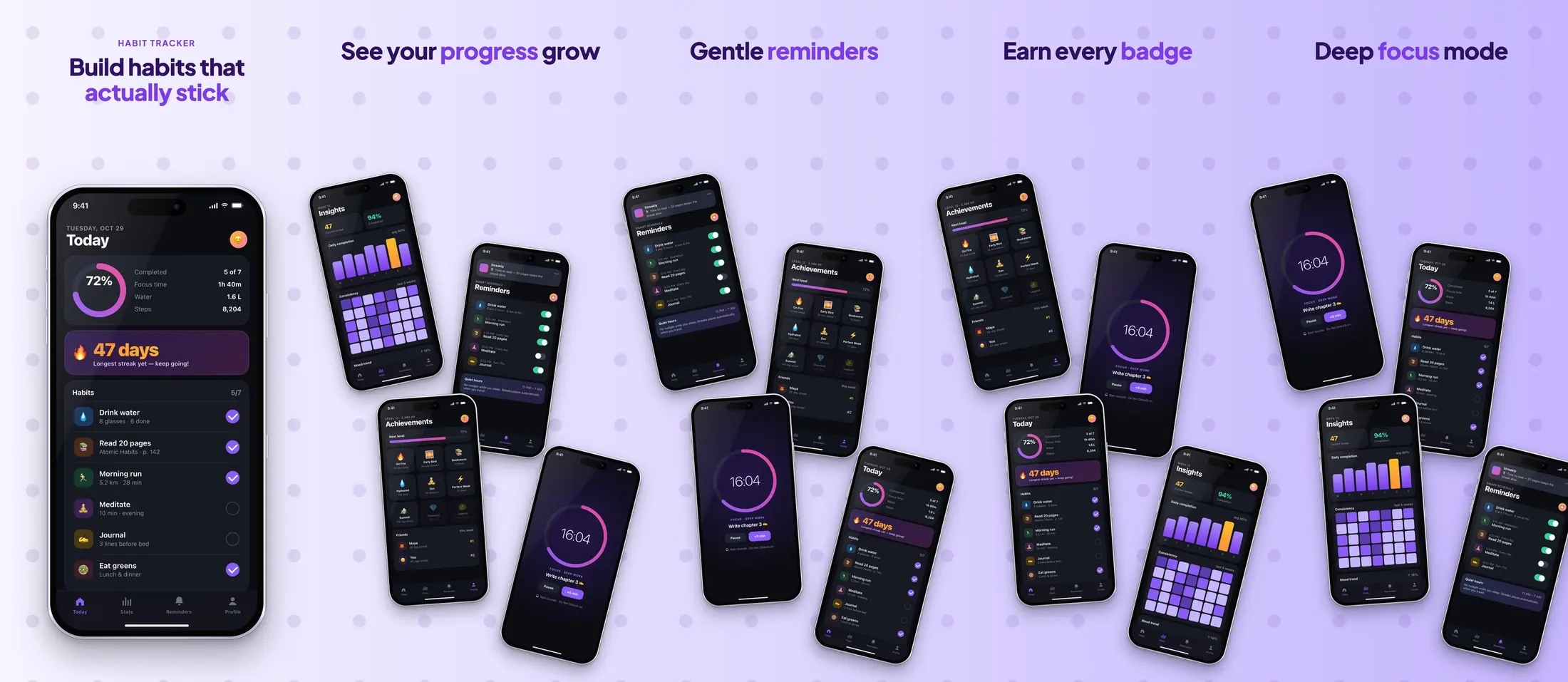
giant
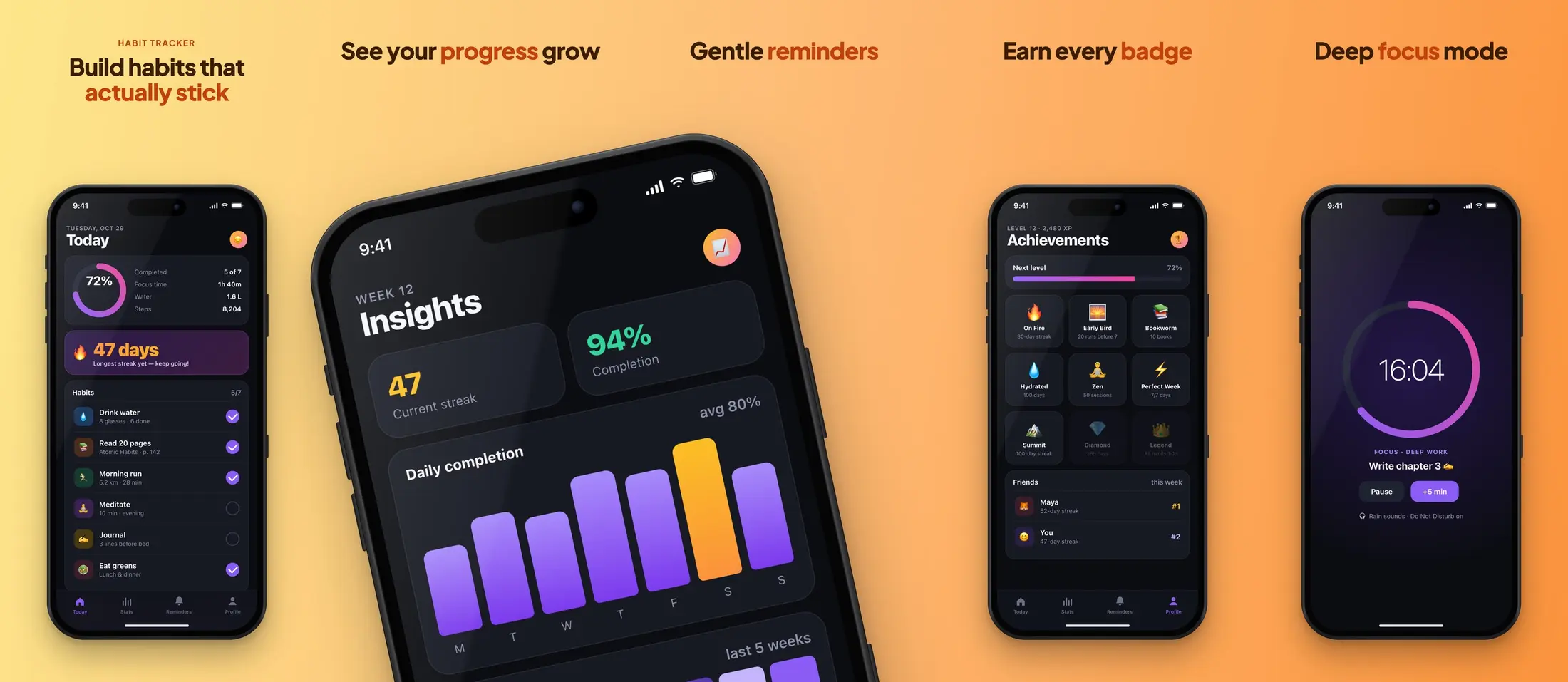
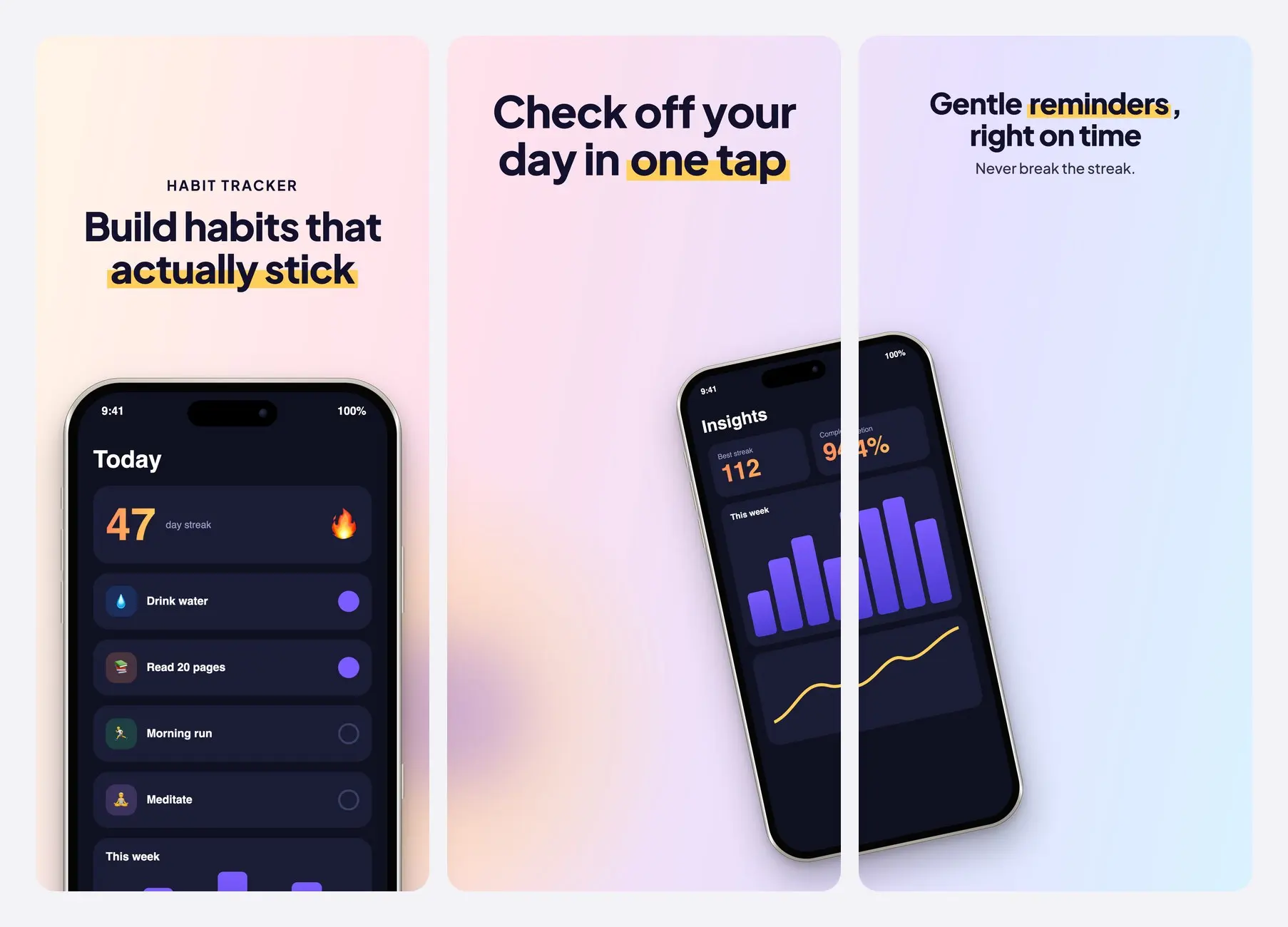
How it looks in the App Store
Beyond the phone
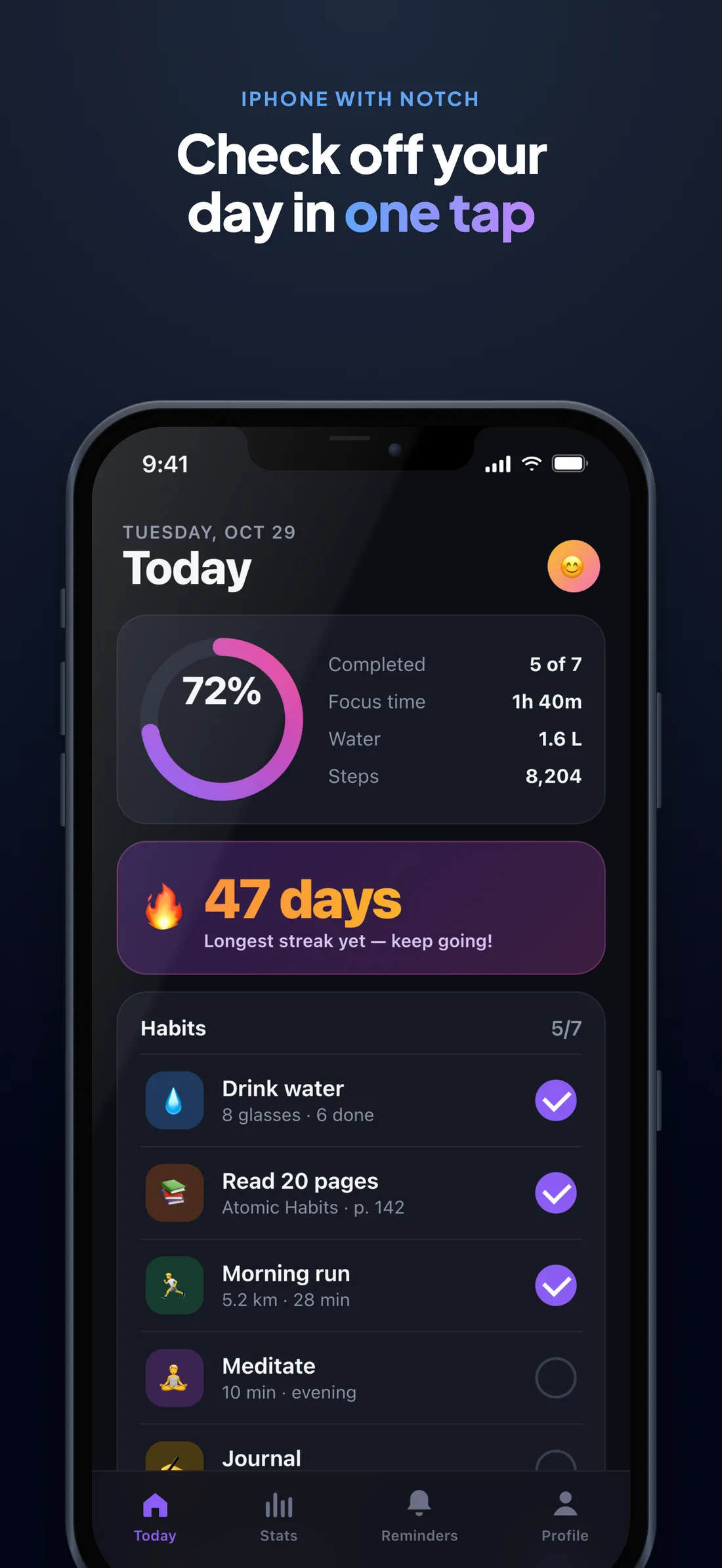
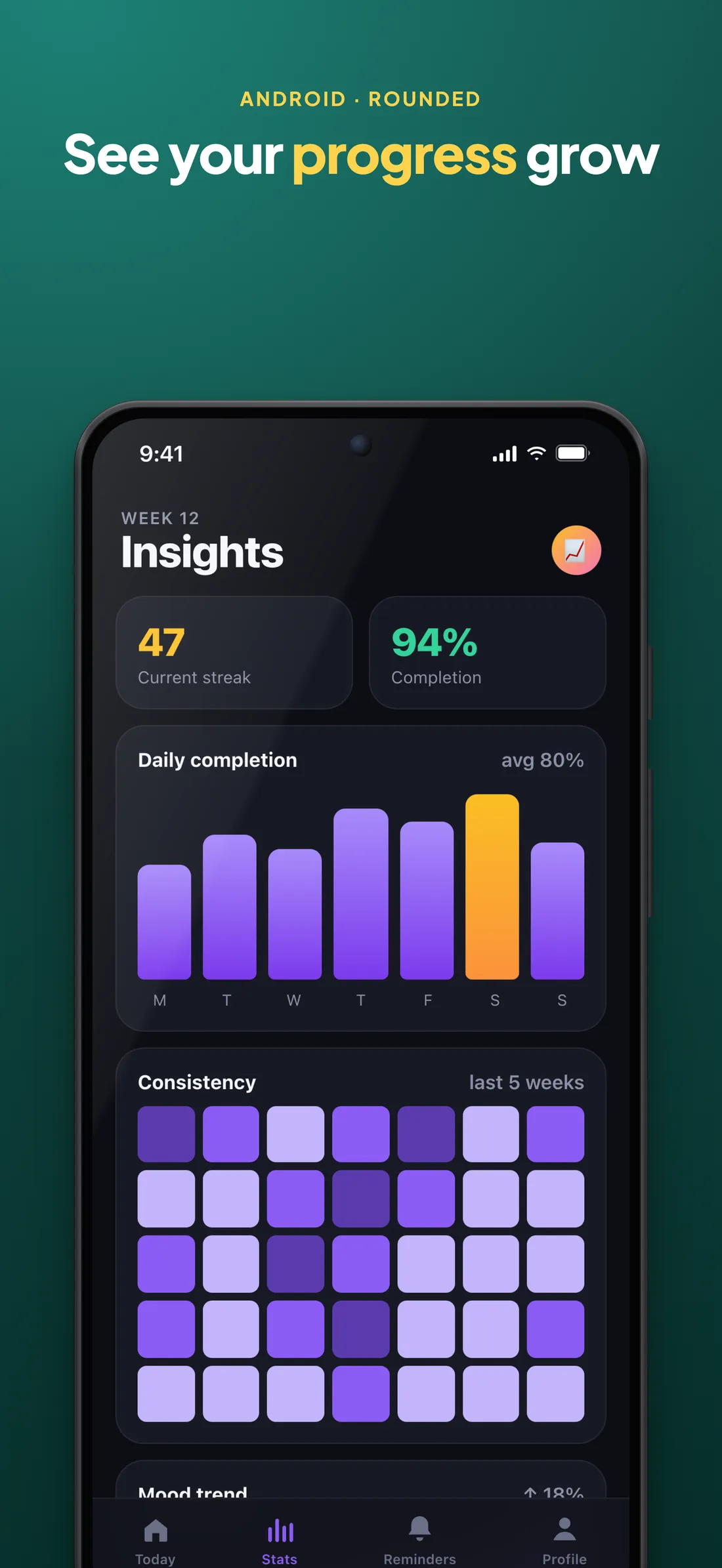
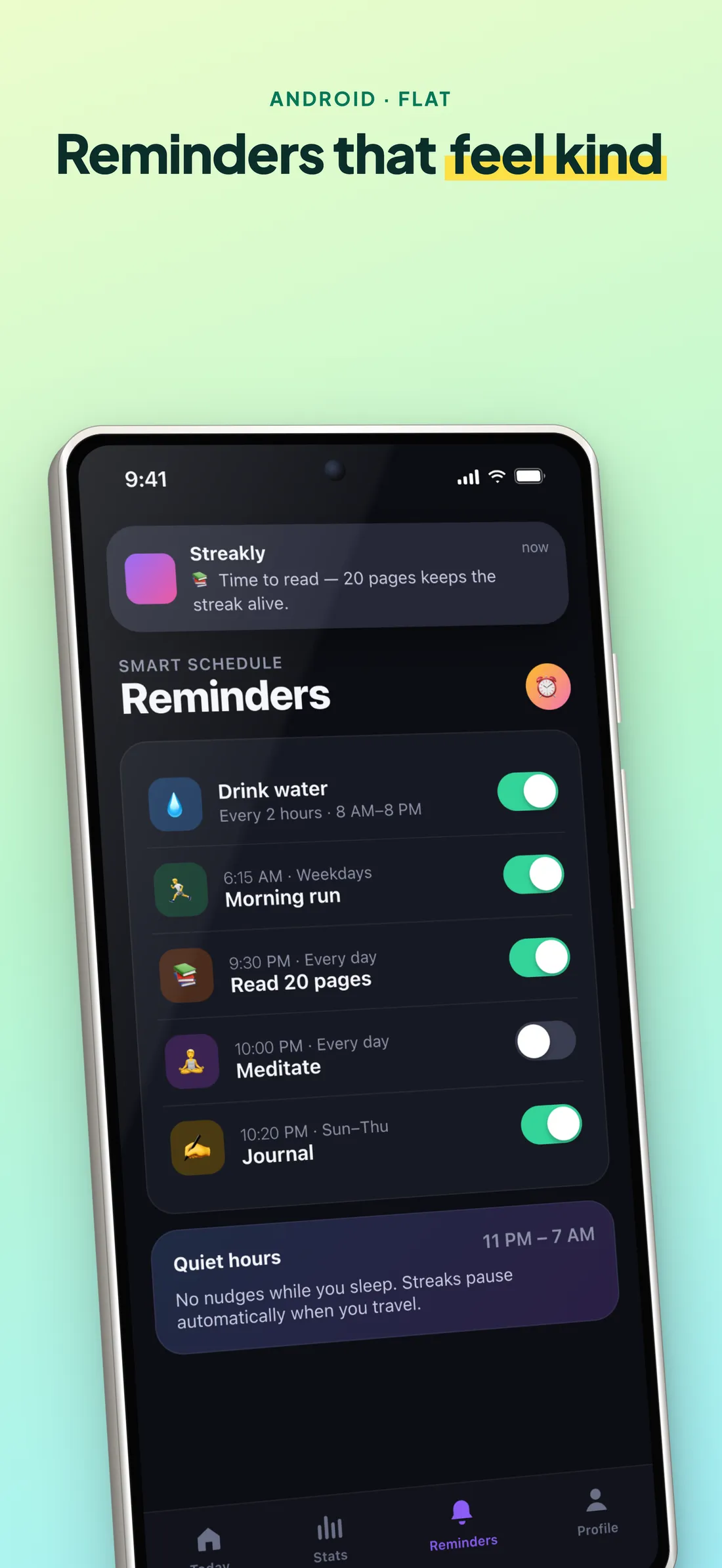
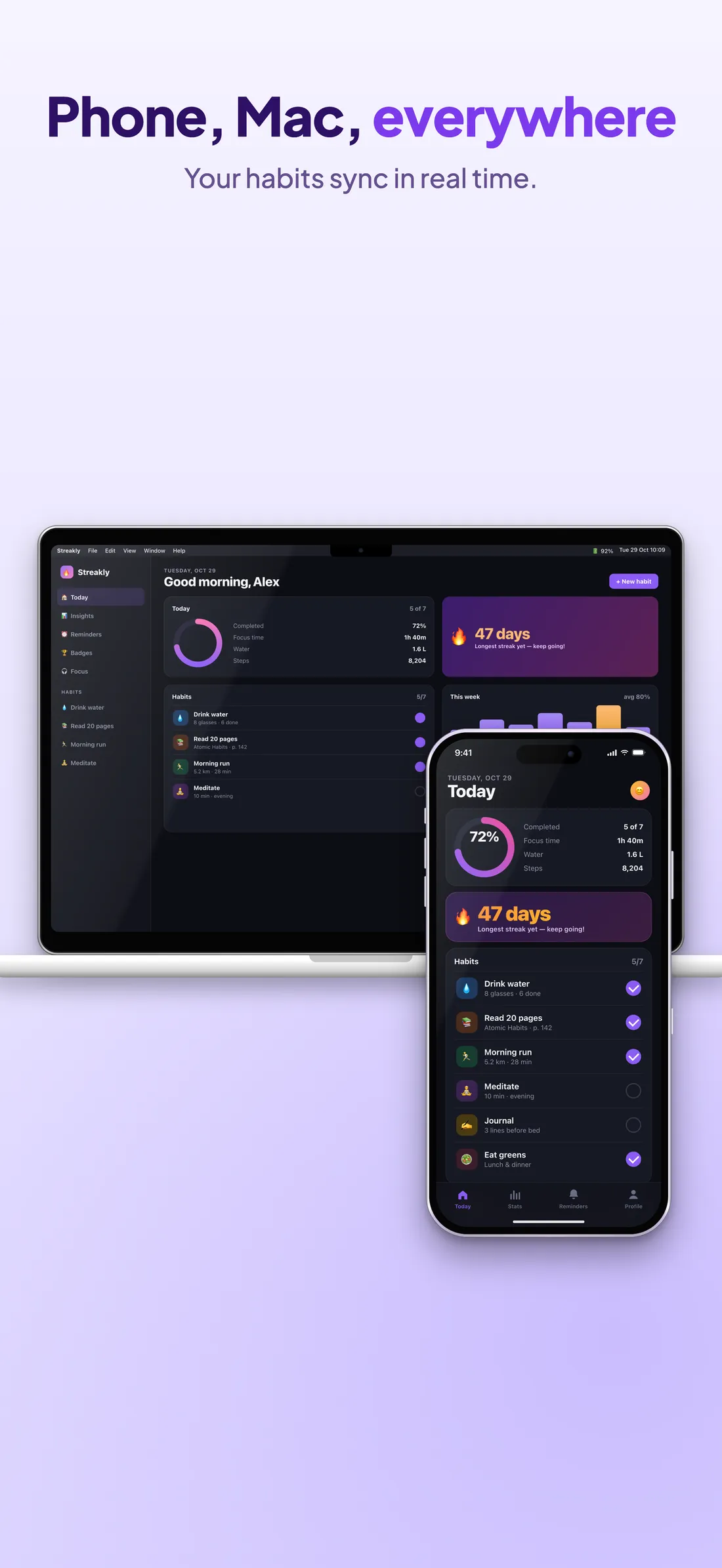
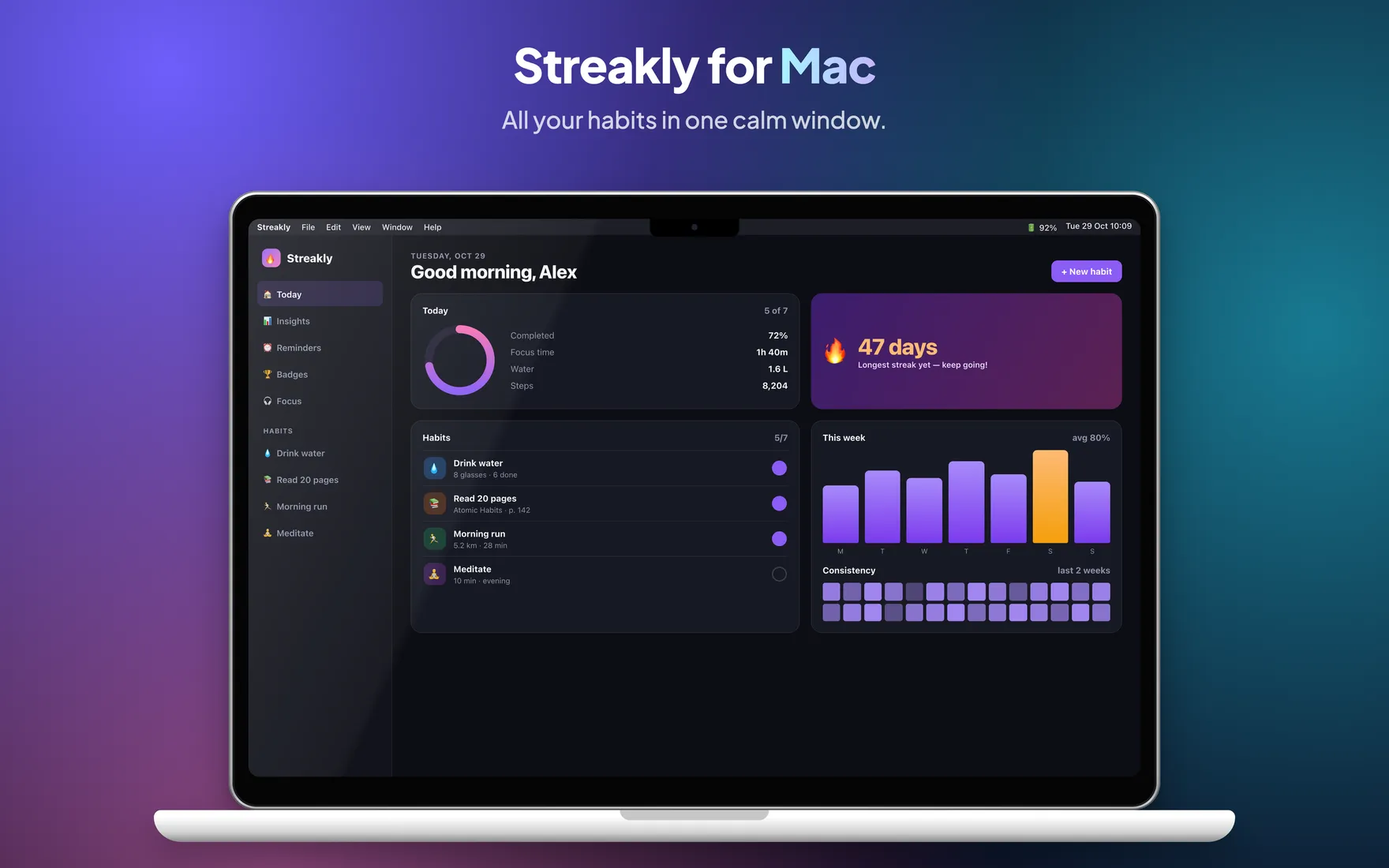
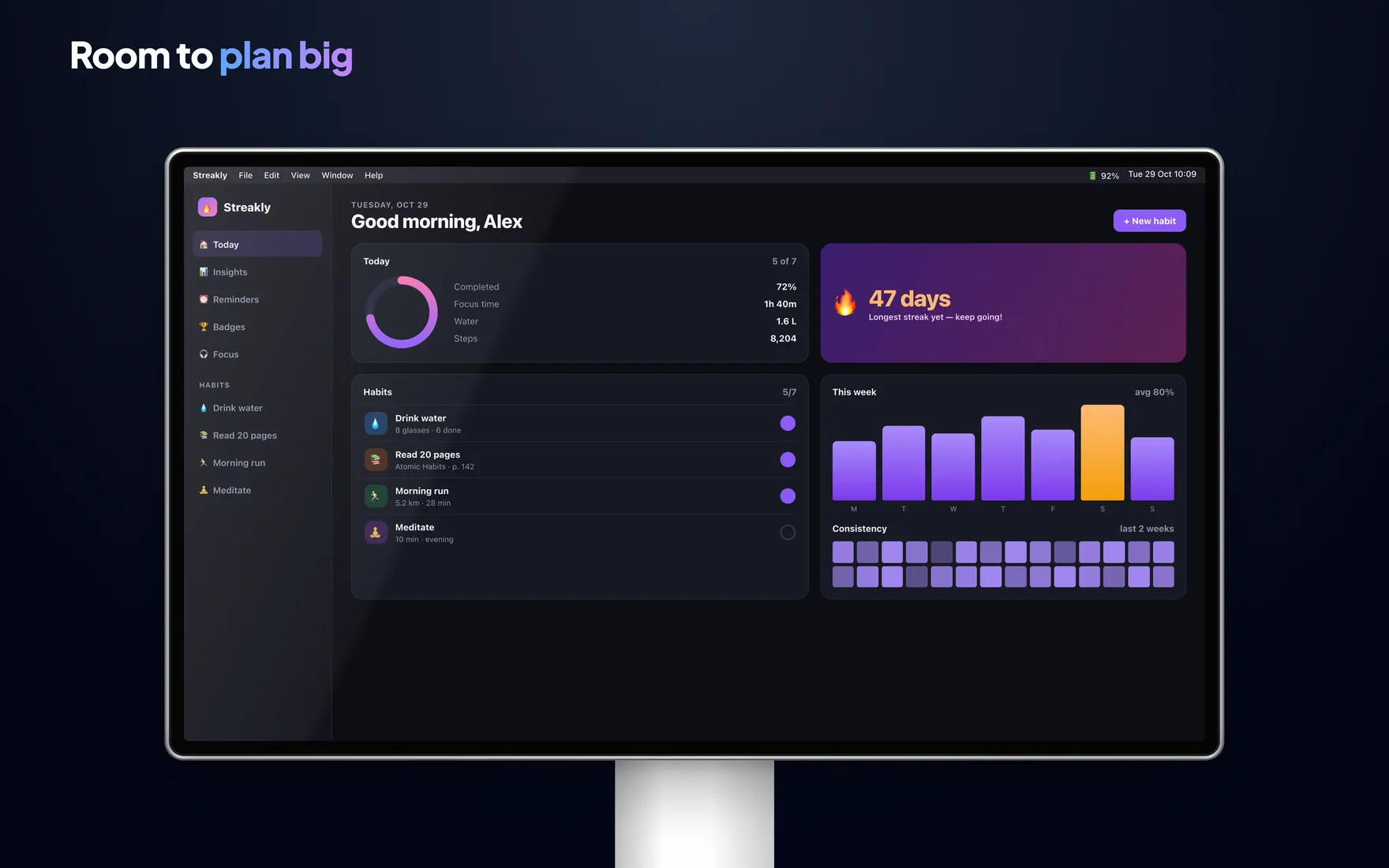
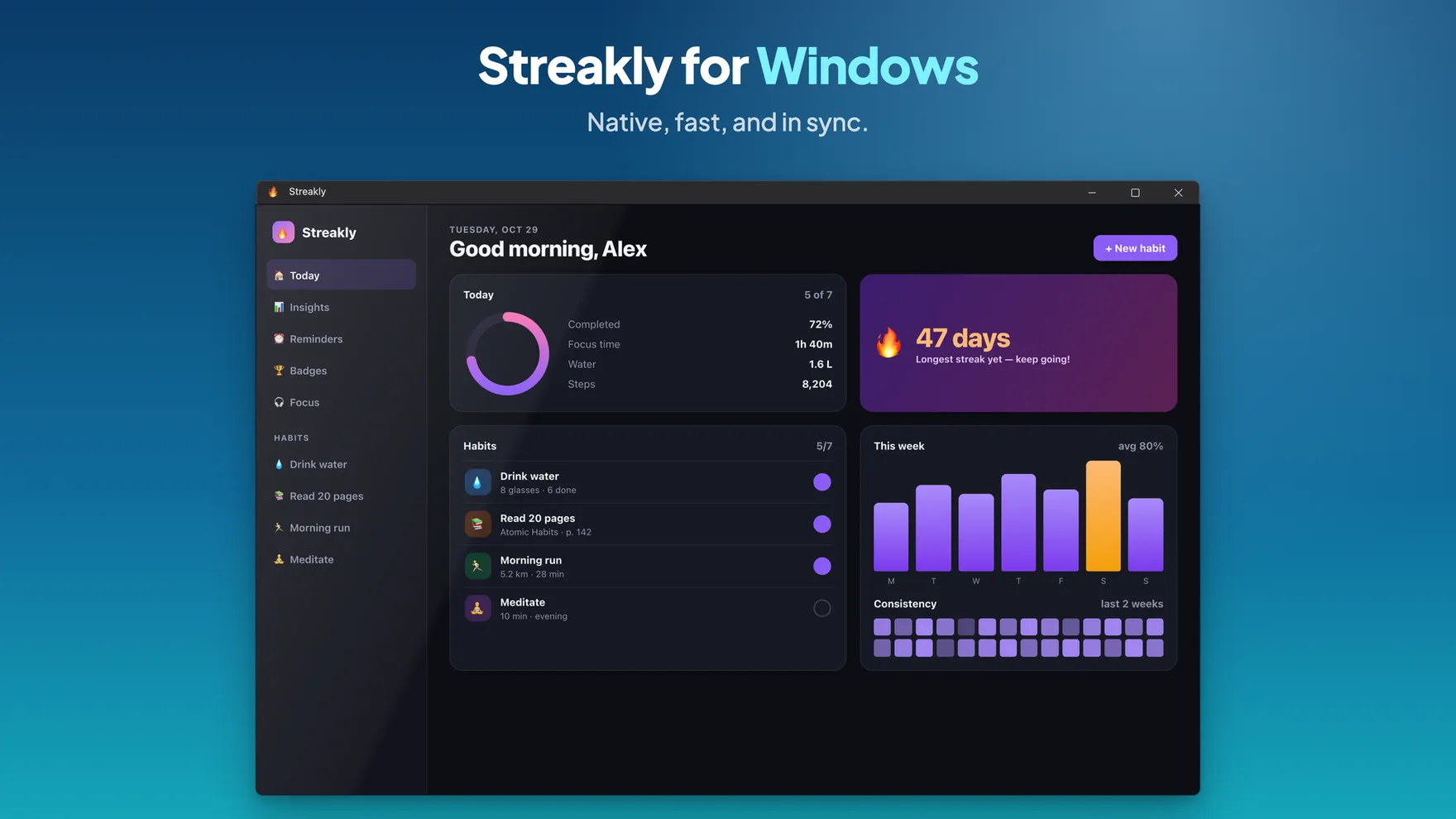
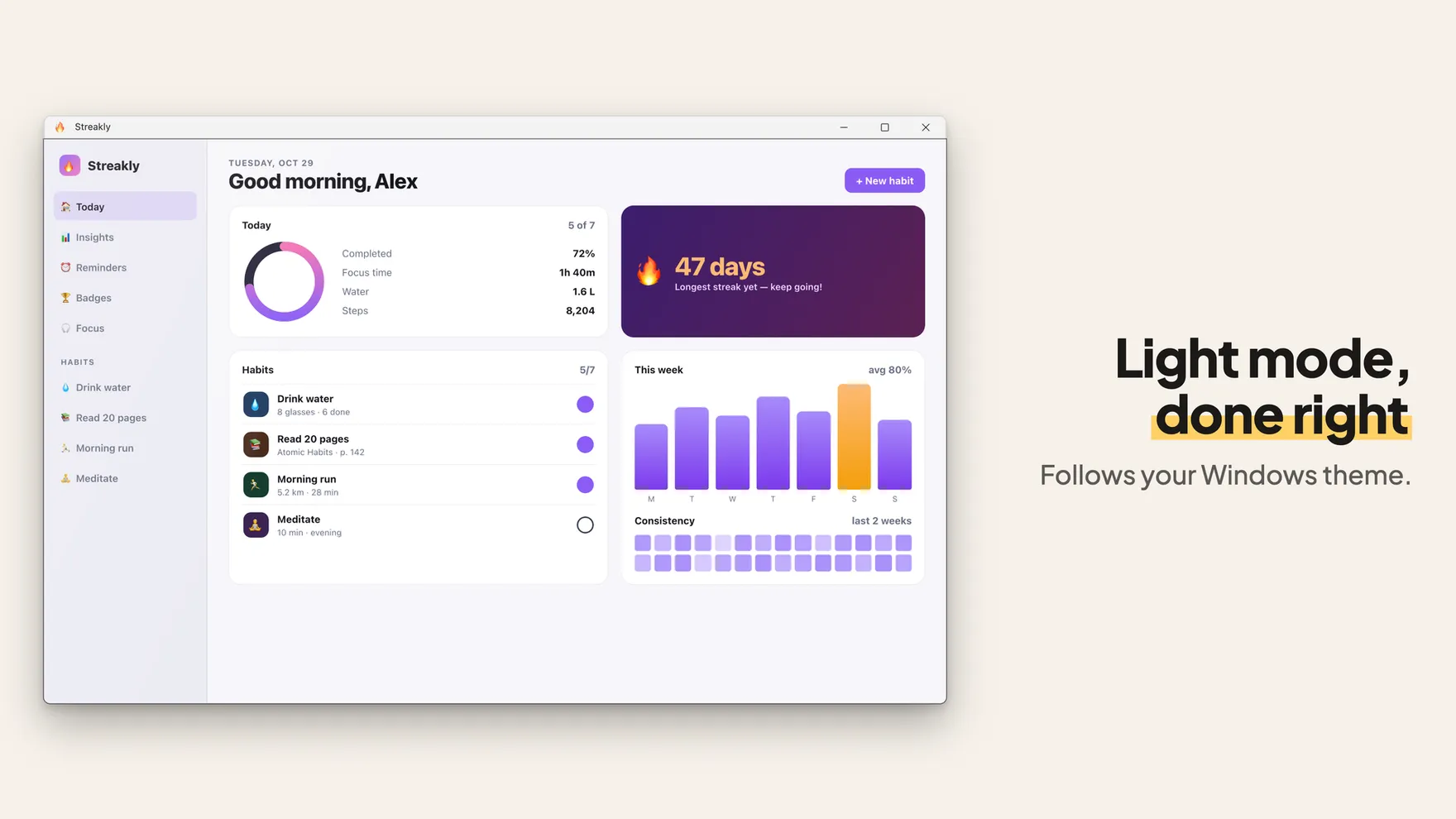
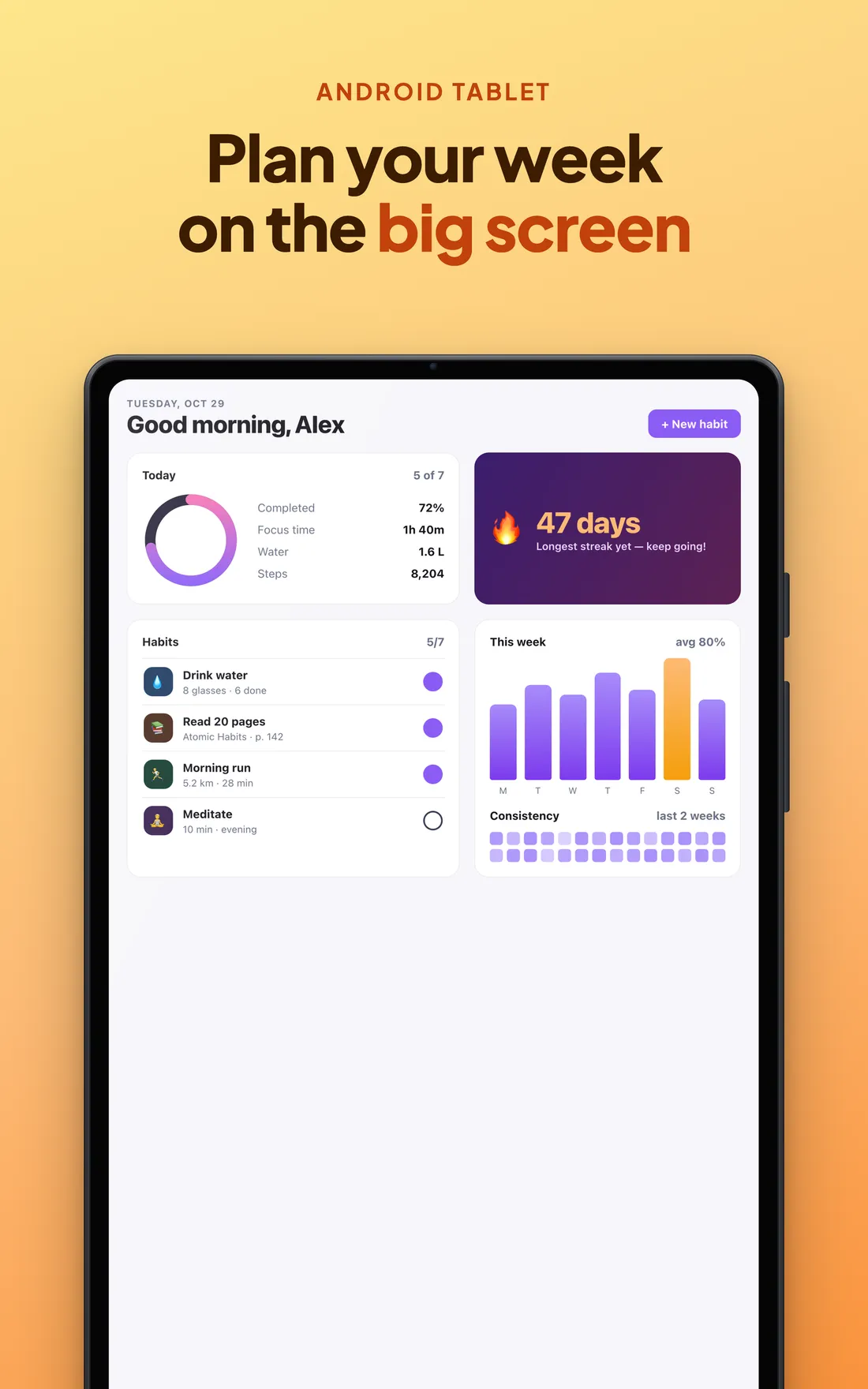
Every frame is drawn in CSS, in any color: notch and Home-button iPhones, Android phones and tablets, Apple Watch and Wear OS, MacBook, desktop monitor, and Mac, Windows and browser windows.
iPhone 1320 × 2868 px
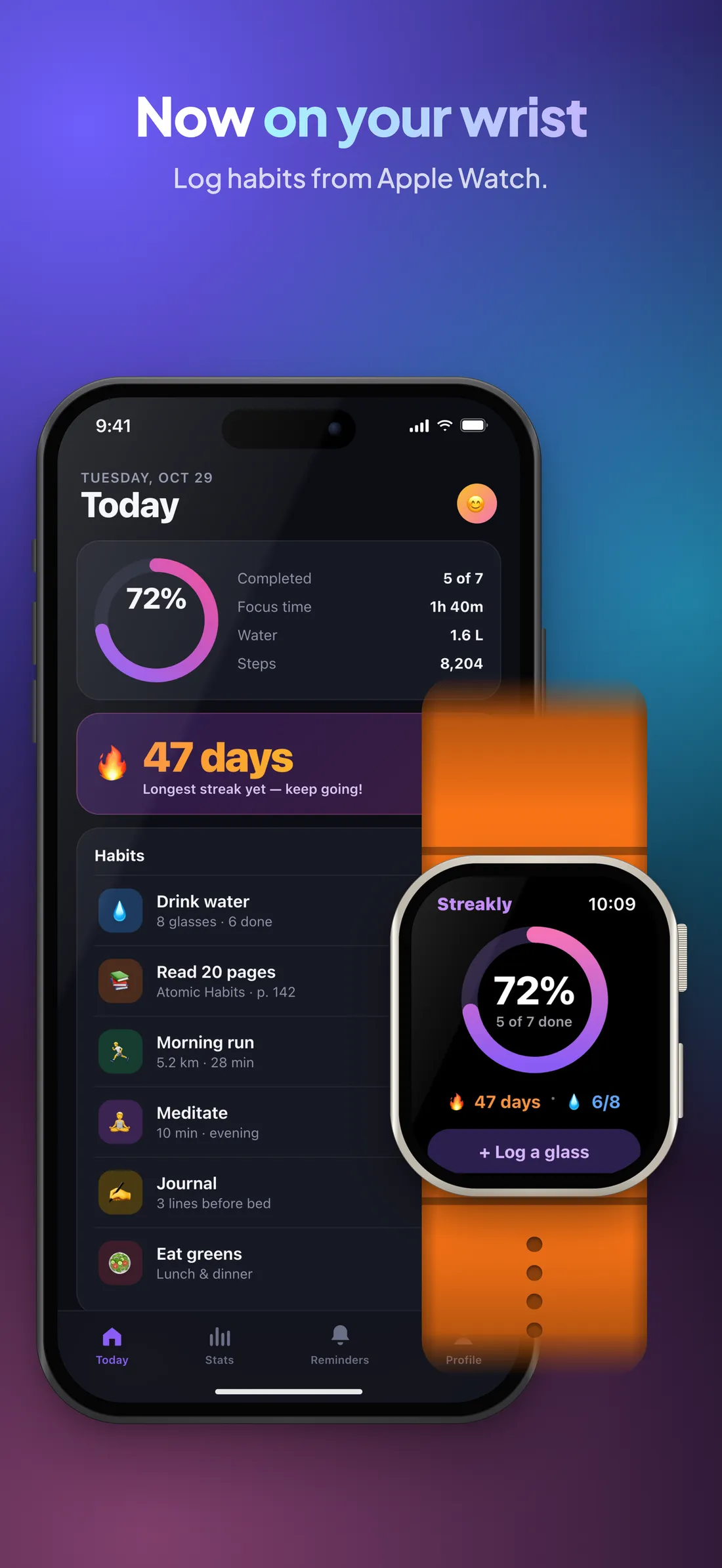
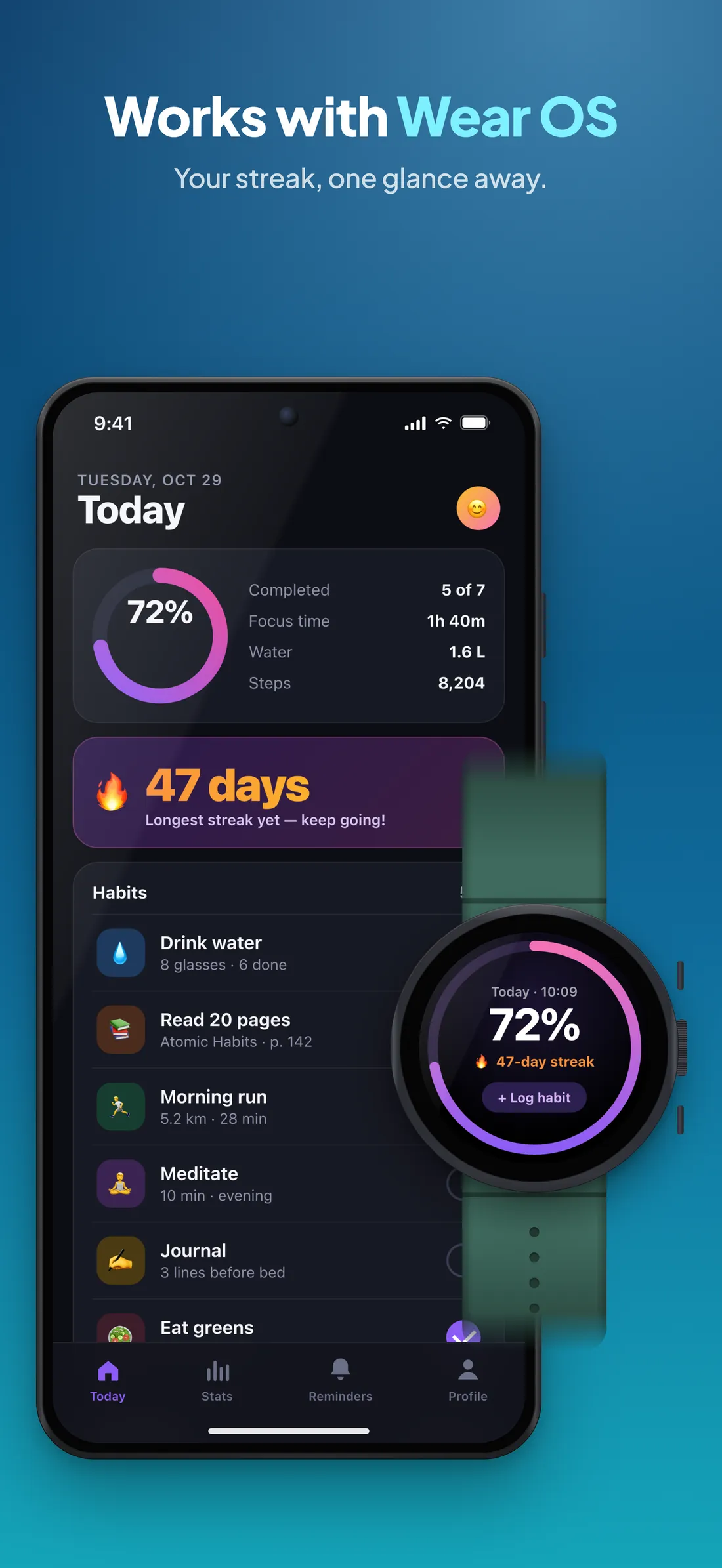
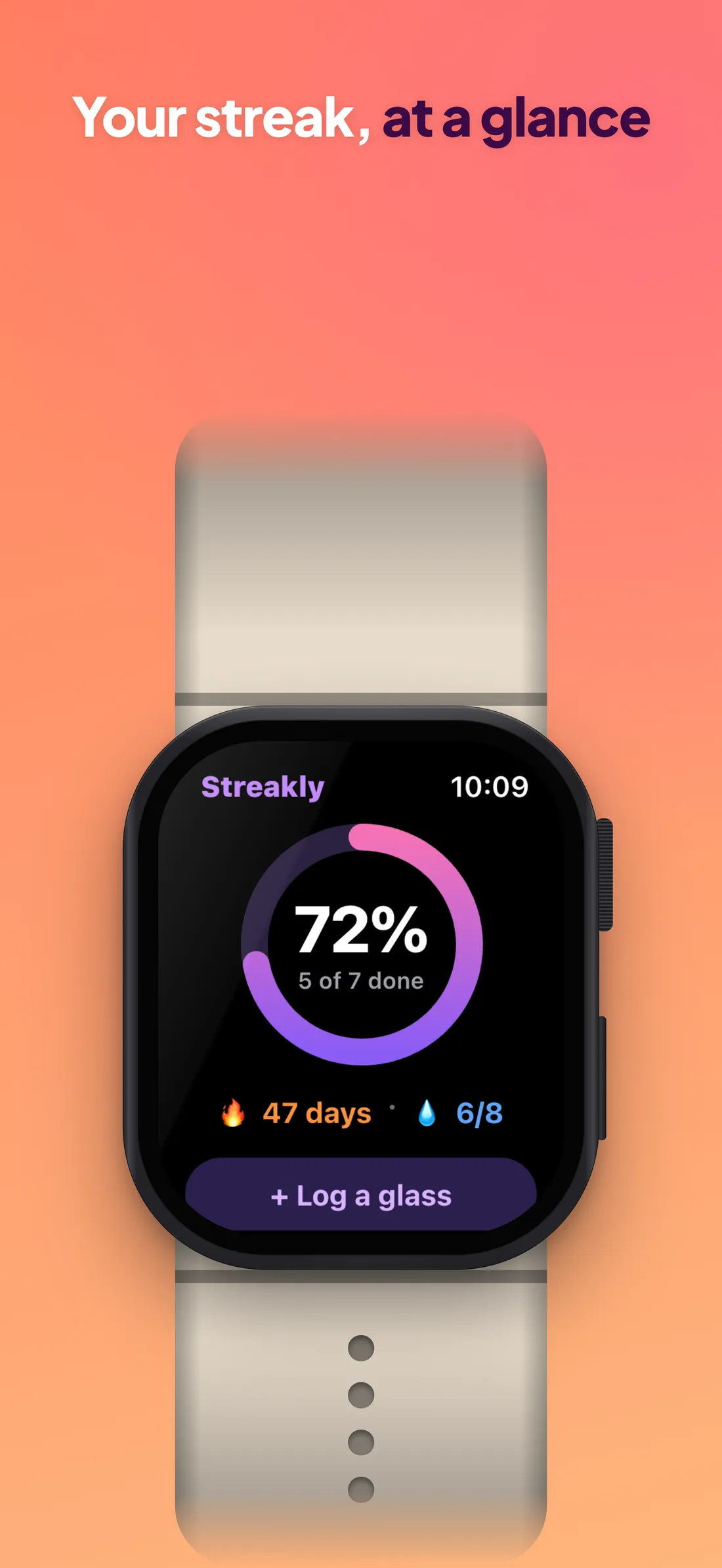
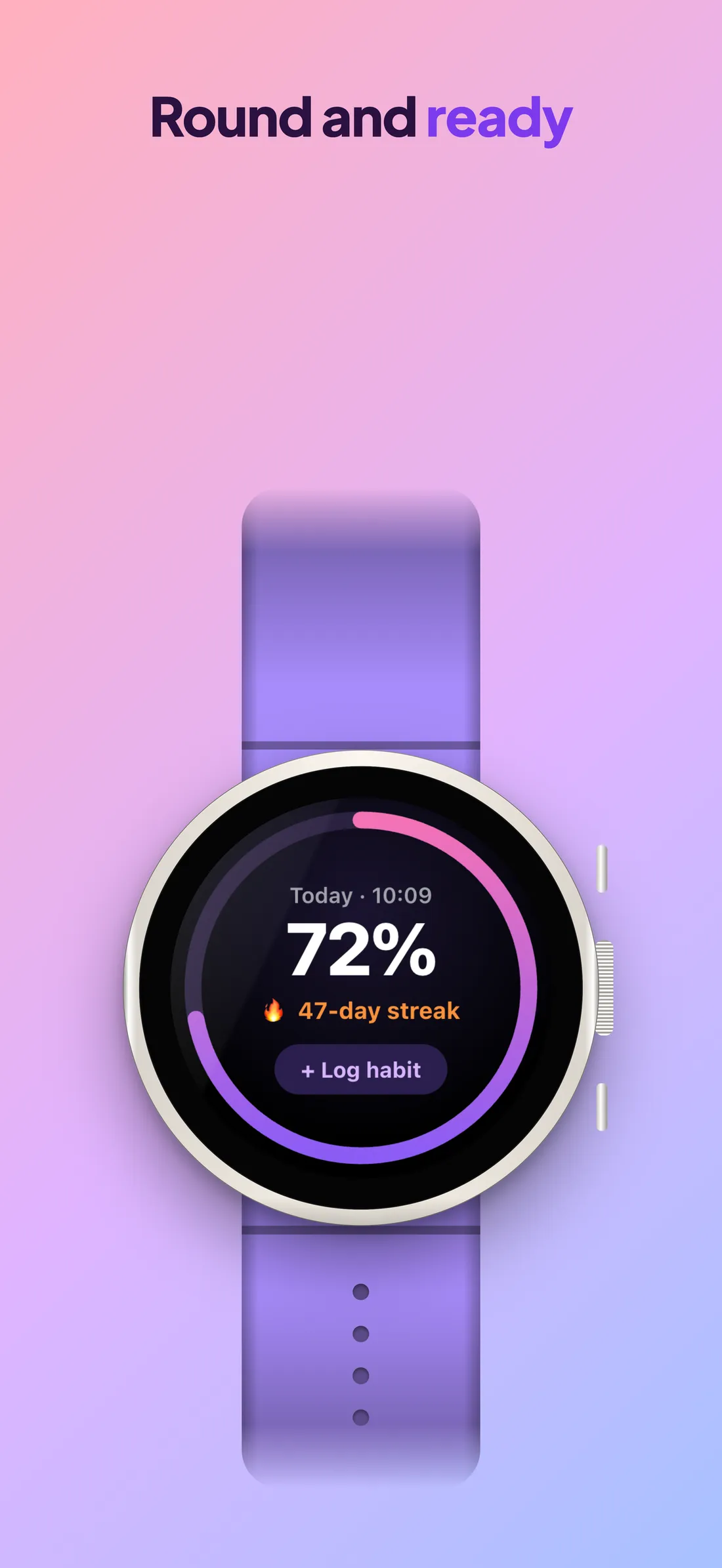
Mac App Store 2880 × 1800 px
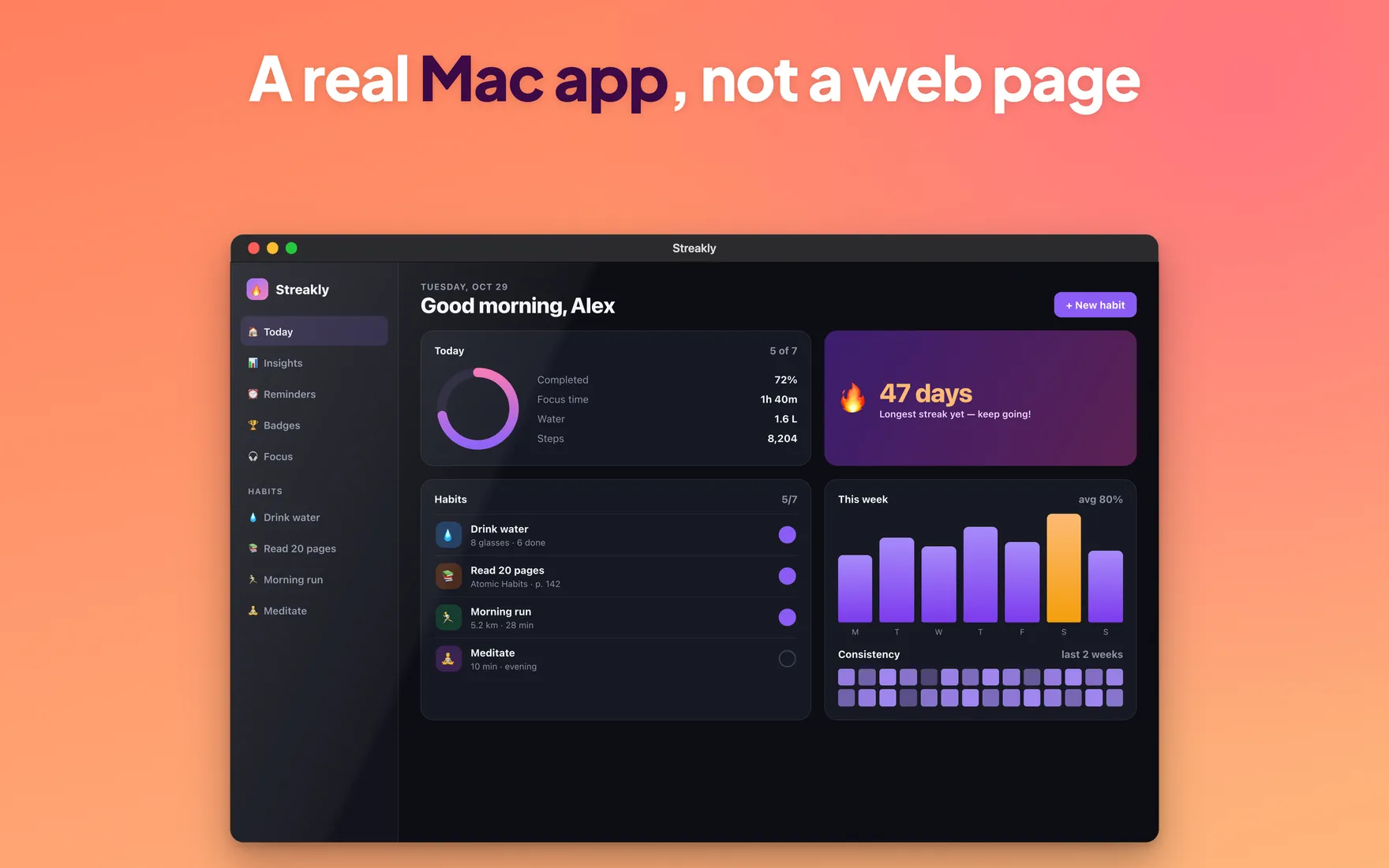
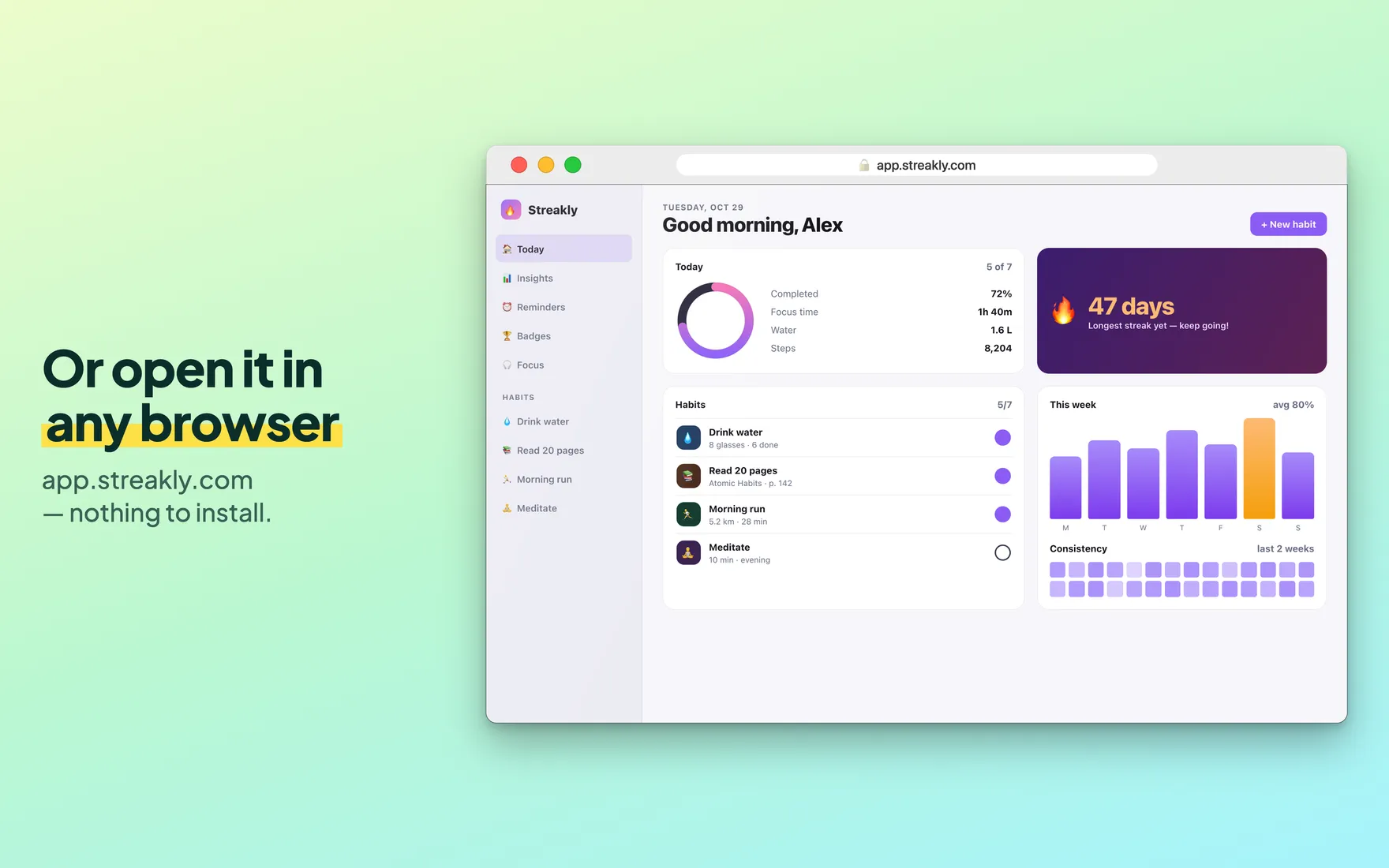
Microsoft Store 1920 × 1080 px
Android tablet 1600 × 2560 px
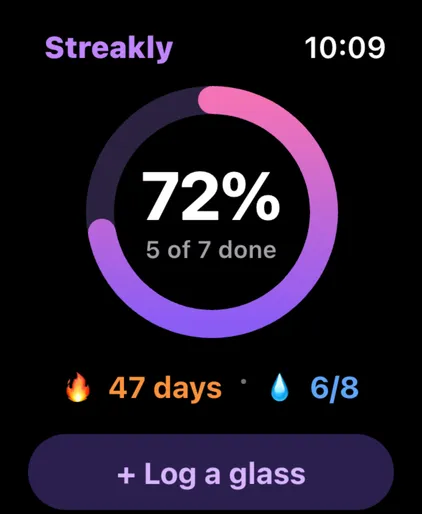
Apple Watch Ultra 422 × 514 px
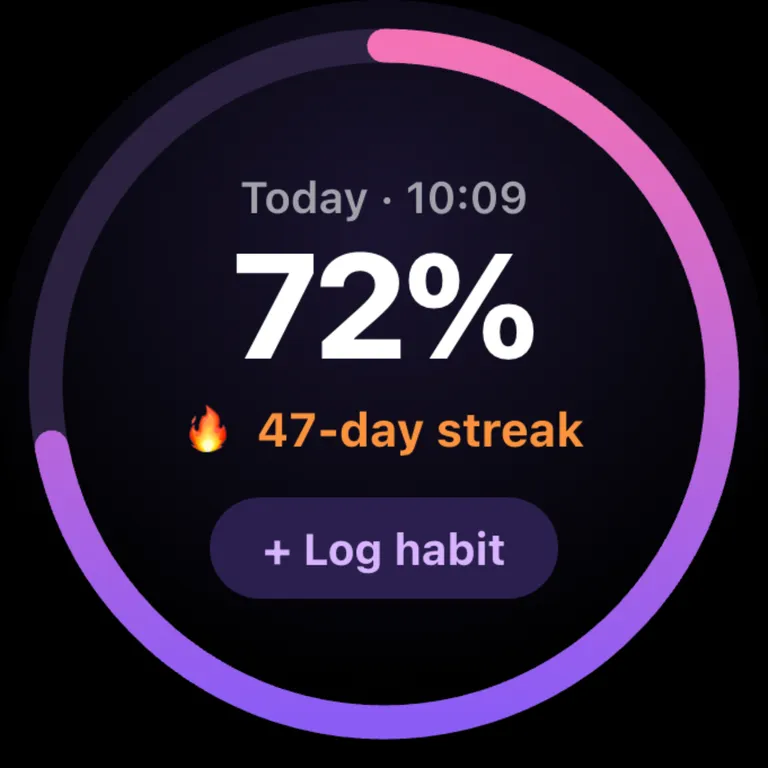
Wear OS 768 × 768 px
App previews and creative assets
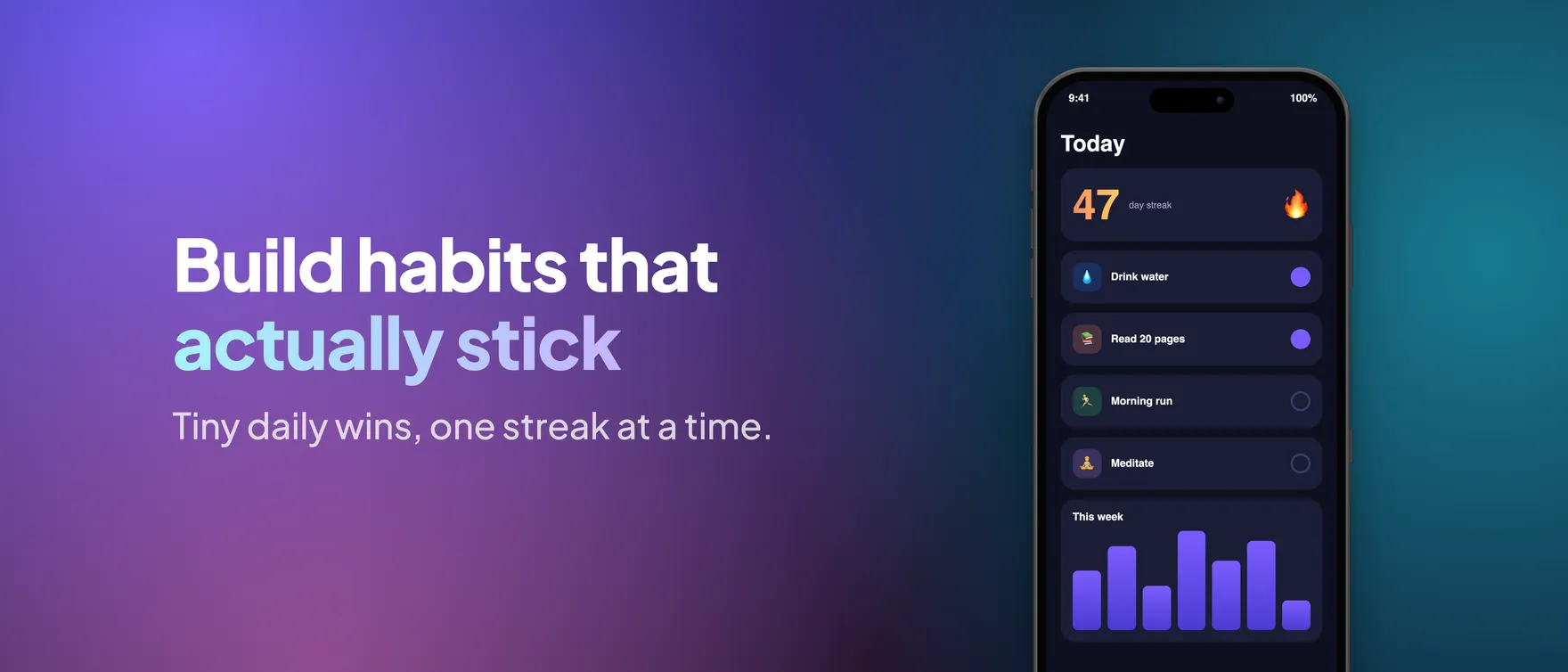
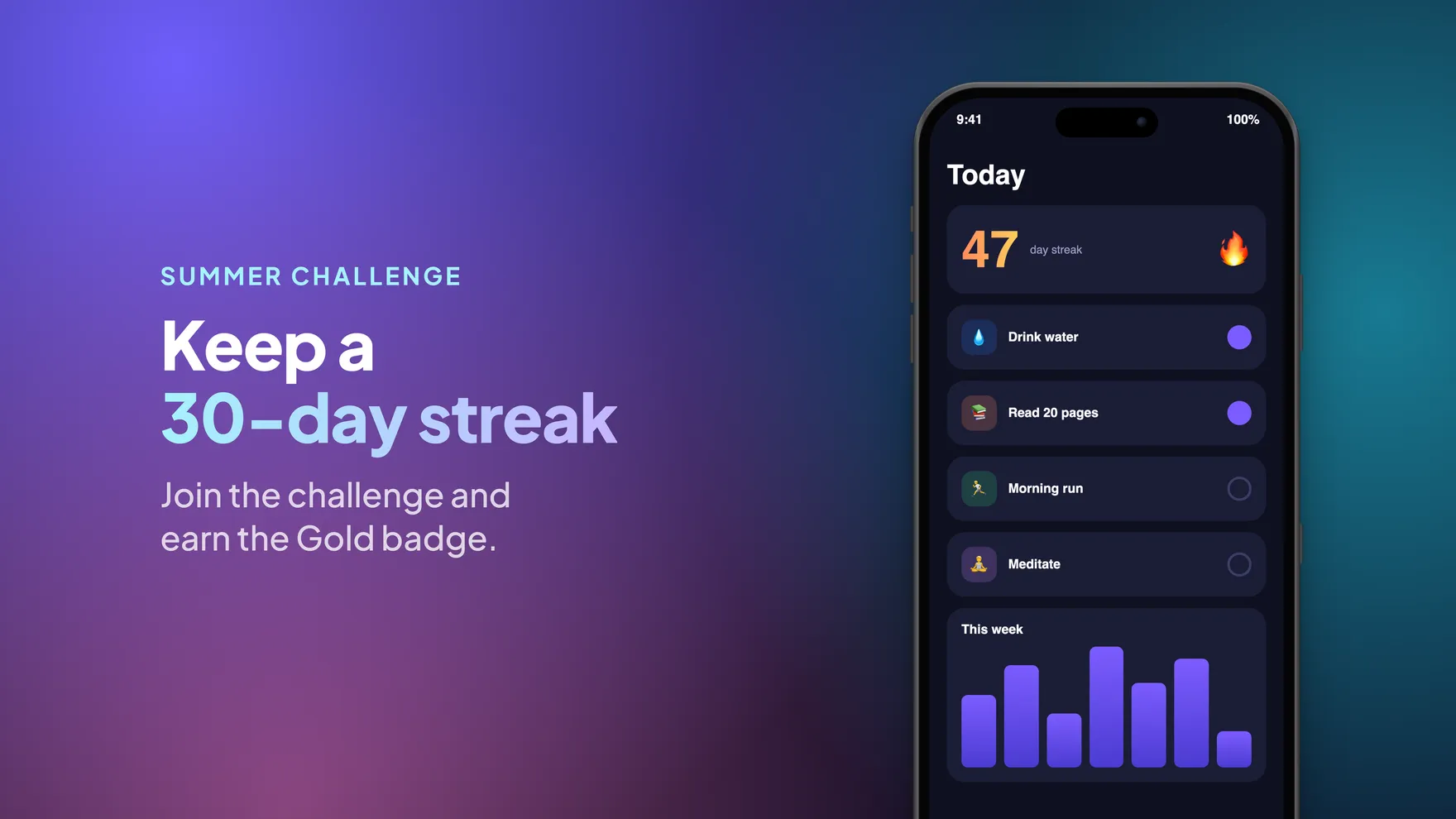
The skill turns one screen recording into the App Store app preview: captions and a device frame composited in, the right size and H.264 level per device, plus a poster frame. The same recording drives the product page header video and the Event card. The videos below are played from the example config.
App preview, iPhone 886 × 1920 px
Product page header video 3840 × 1646 px
Product page header 3840 × 1646 px
In-App Event card 3840 × 2160 px
Every store size from one config
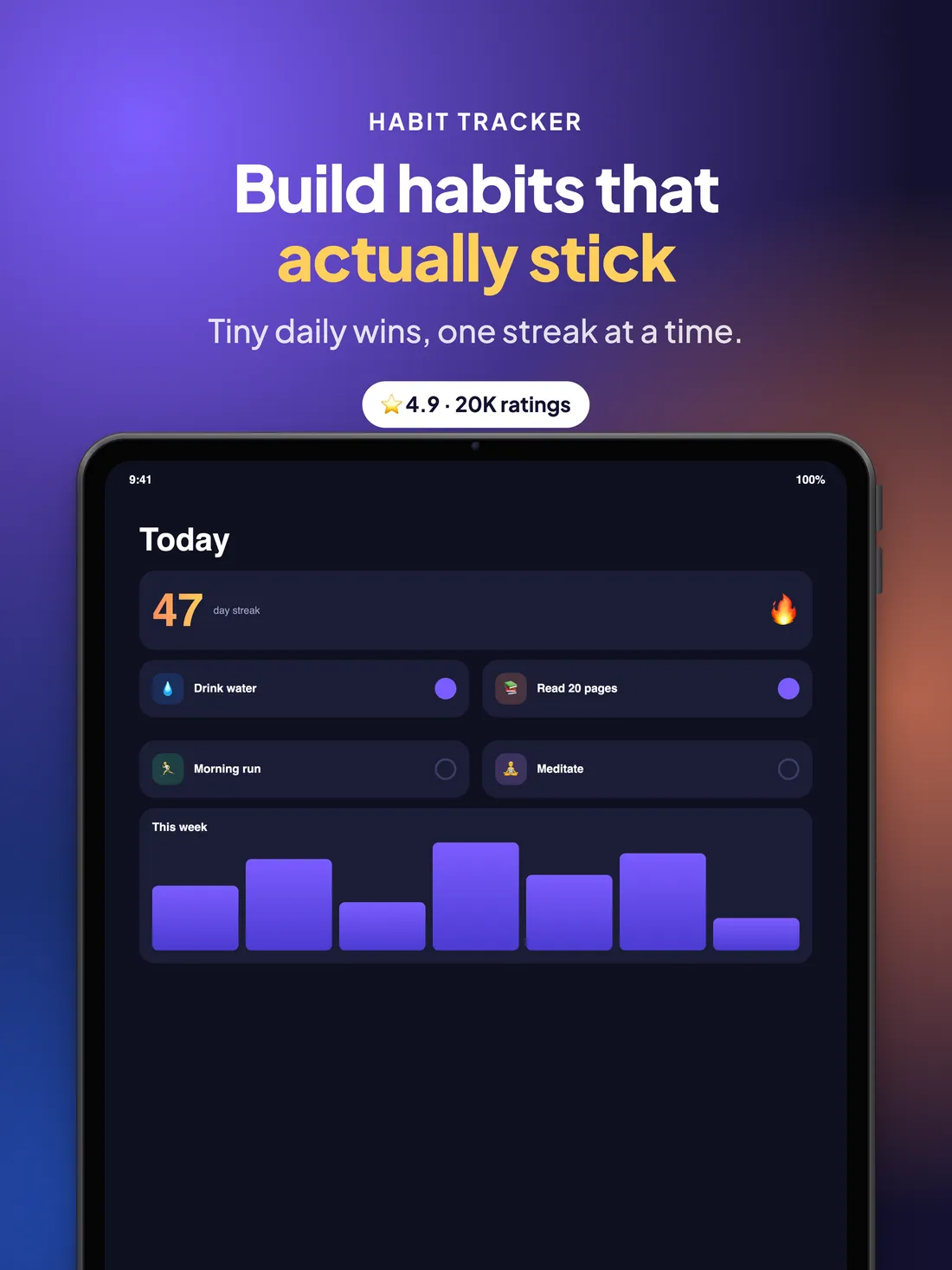
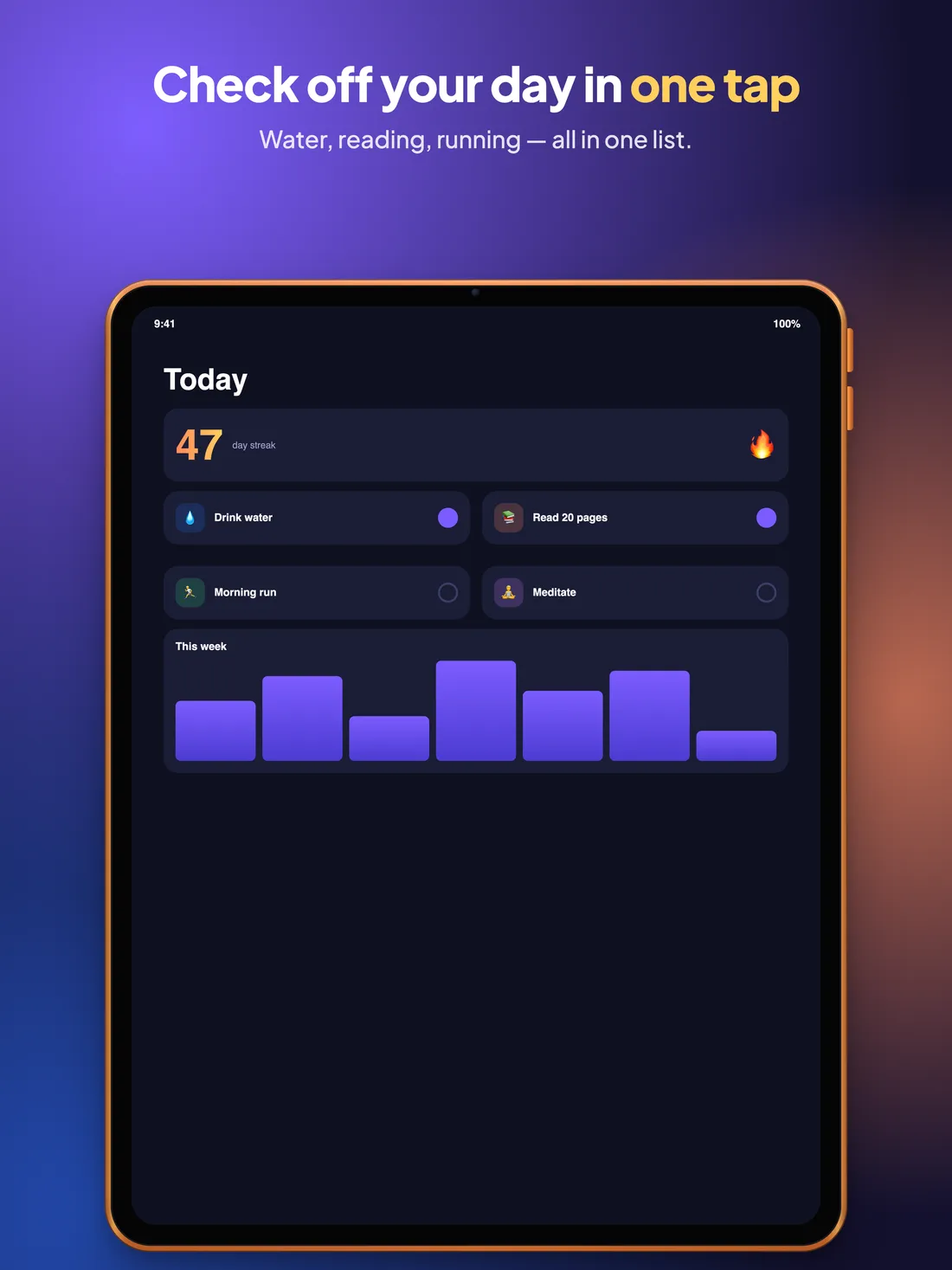
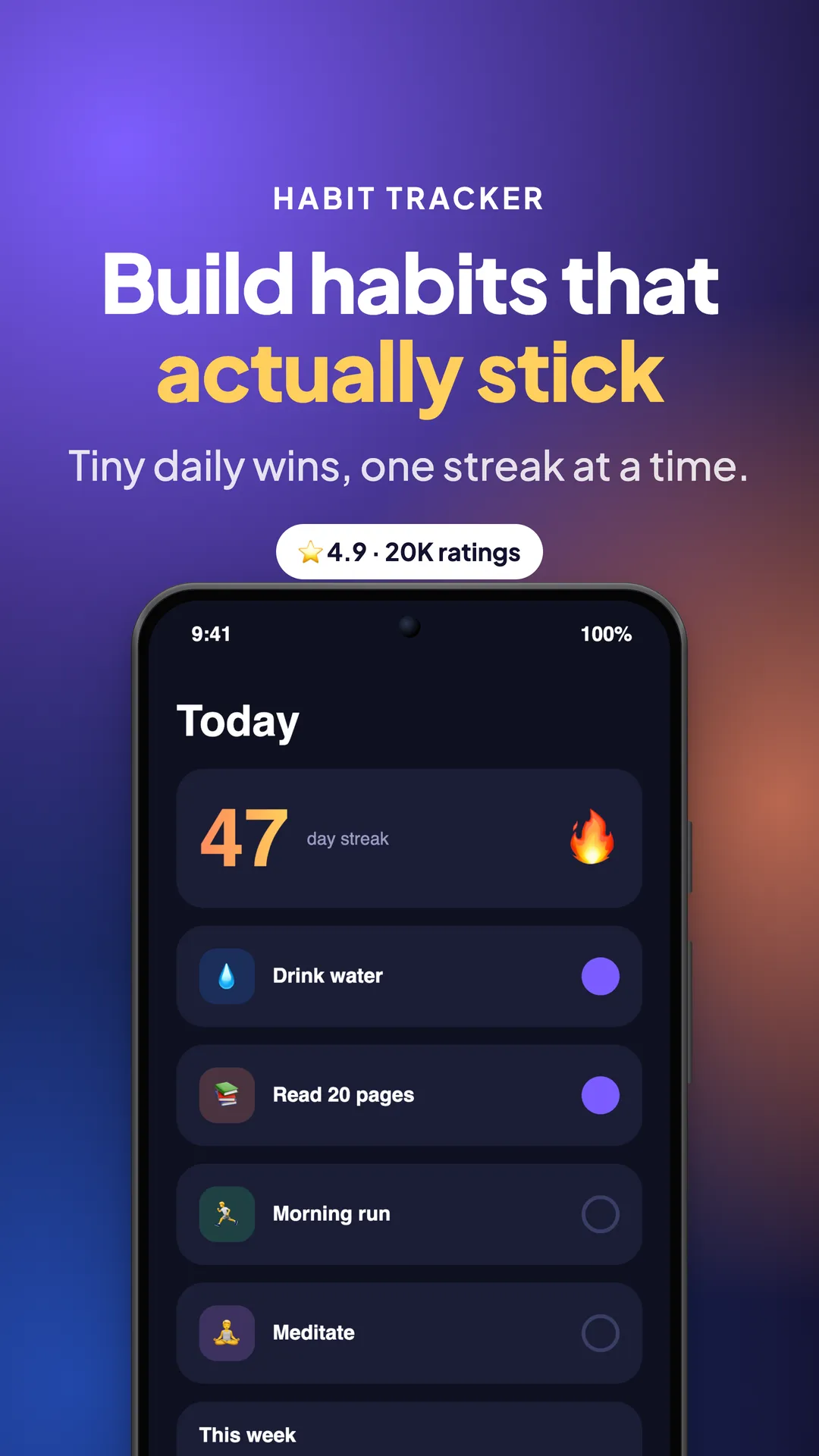
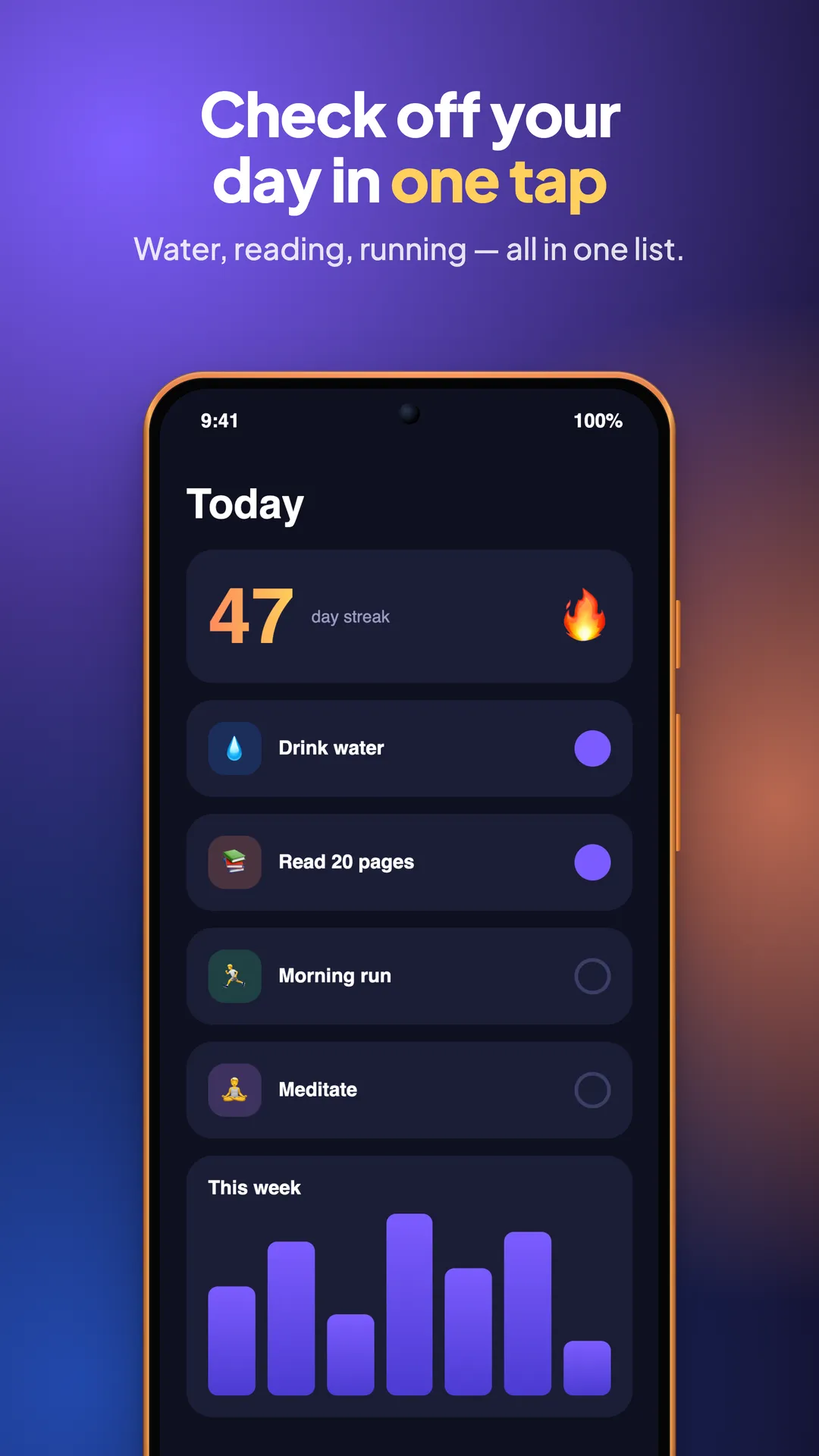
35 targets: all current App Store and Play sizes, Mac App Store, Microsoft Store, watches, the Play feature graphic and social formats. Output is checked for exact size, alpha and per-store limits.
iPad 13″ 2064 × 2752 px
Android phone 1080 × 1920 px
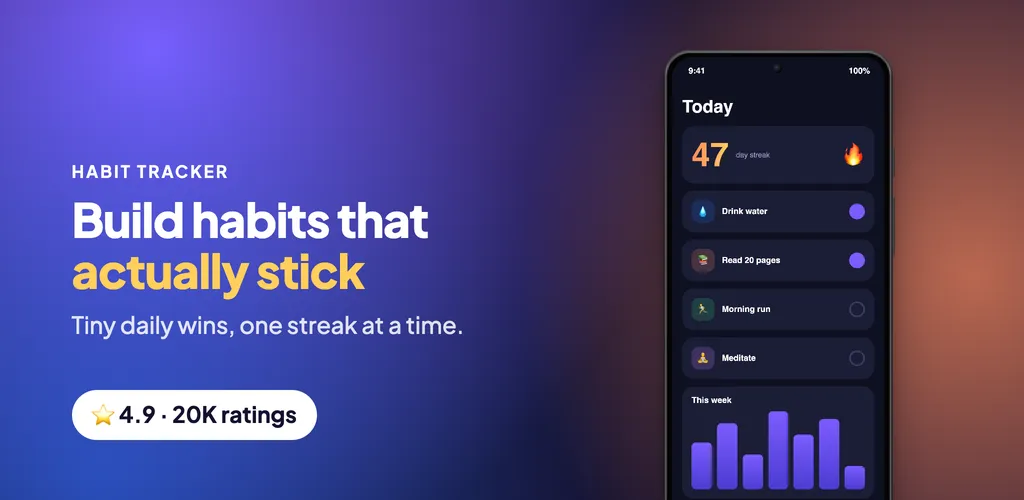
Play feature graphic 1024 × 500 px
Install
Claude Code plugin
/plugin marketplace add dtthaison/app-screenshots-pro-skill
/plugin install app-screenshots-pro-skill@app-screenshots-pro-skill
Then ask: “Make App Store and Play screenshots for this app in English and German.”
Run the renderer yourself
git clone https://github.com/dtthaison/app-screenshots-pro-skill.git
cd app-screenshots-pro-skill/skills/generating-app-screenshots
npm install
node scripts/render.mjs path/to/screenshots.config.json
Needs Node.js 18.17+ and Chrome or Edge. Full documentation